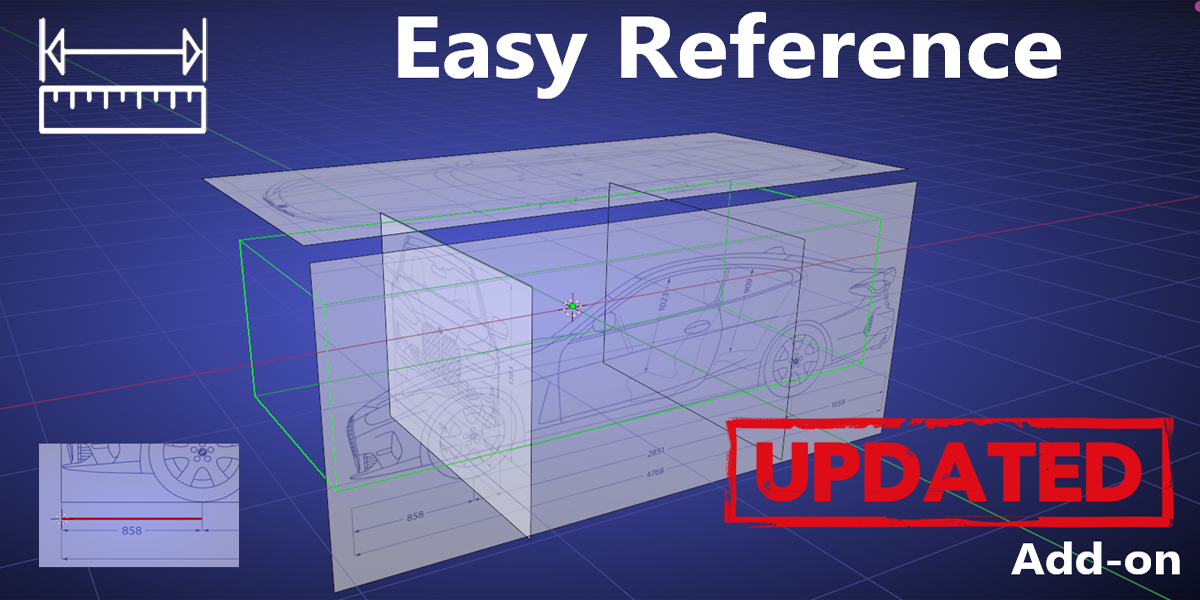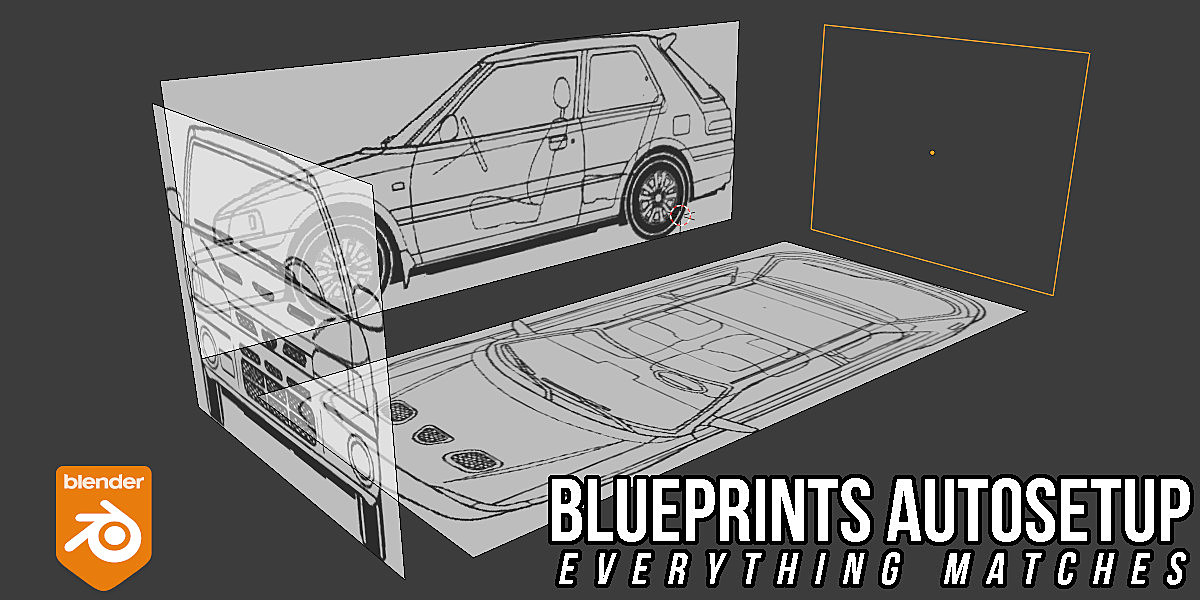
Blueprints Autosetup is a Blender add-on for importing vehicle blueprint views and positioning them before modeling. It is designed to reduce the manual placing and scaling of reference images that can lead to scale issues or misalignment. The Superhive product listing describes this workflow.
Install and import blueprint views
The installation documentation says to install the add-on through Blender’s Preferences, under Add-ons, using the Install option. It labels the latest ZIP as the Blender 4.2 package. For earlier Blender versions, it points users to a compressed legacy_files folder: download it, unzip it, and install the suitable package.
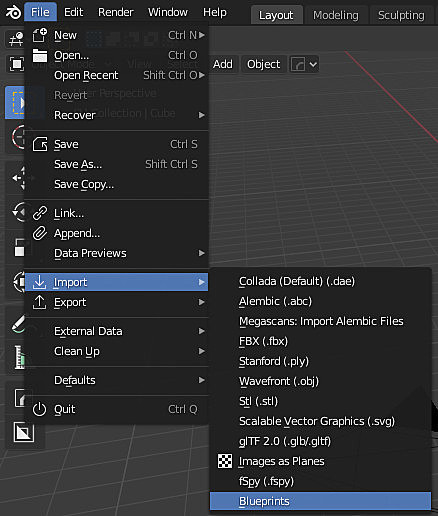
After installation, open File > Import > Blueprints and select the images you need. The add-on positions the imported views for the vehicle modeling scene.
Compatibility and license
The product listing names Blender versions 4.2, 3.3, 3.2, 3.1, 3.0, 2.93, 2.92, 2.91, 2.9, 2.83, 2.82, 2.81 and 2.8. Since the documentation distinguishes the Blender 4.2 ZIP from the legacy files, check that you have the package for your installation. The listing identifies the license as GPL.
Prepare the reference images
The product’s FAQ gives filename patterns with the view suffixes _front, _side, _top and _rear before the file extension. It also advises centering each drawing and removing empty space around it. Some images may need editing before import for the views to line up as expected.