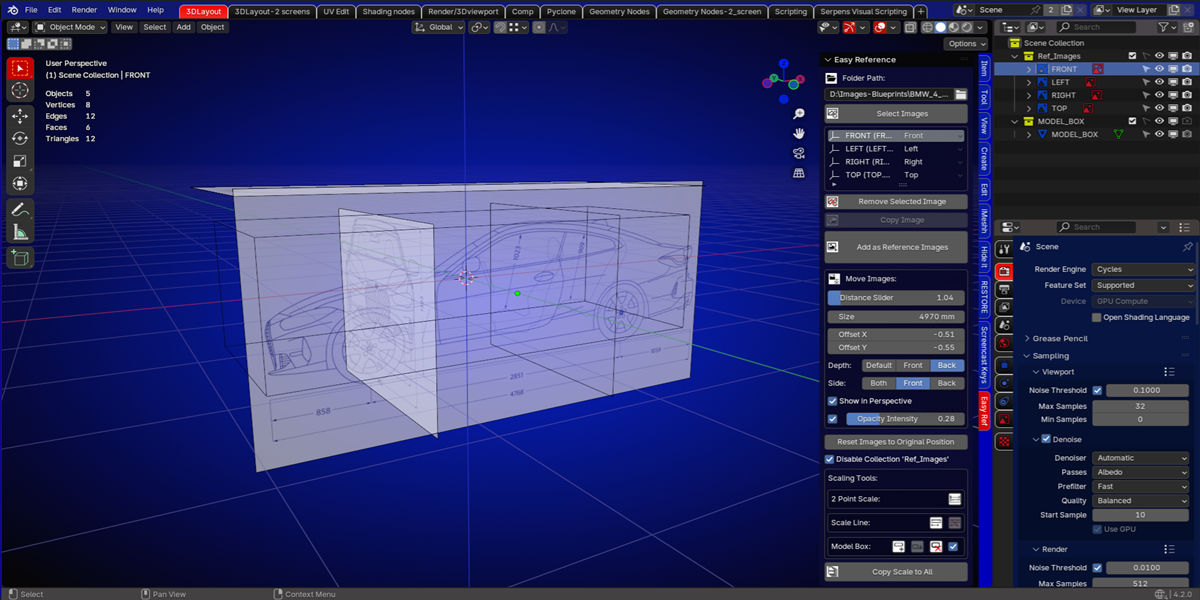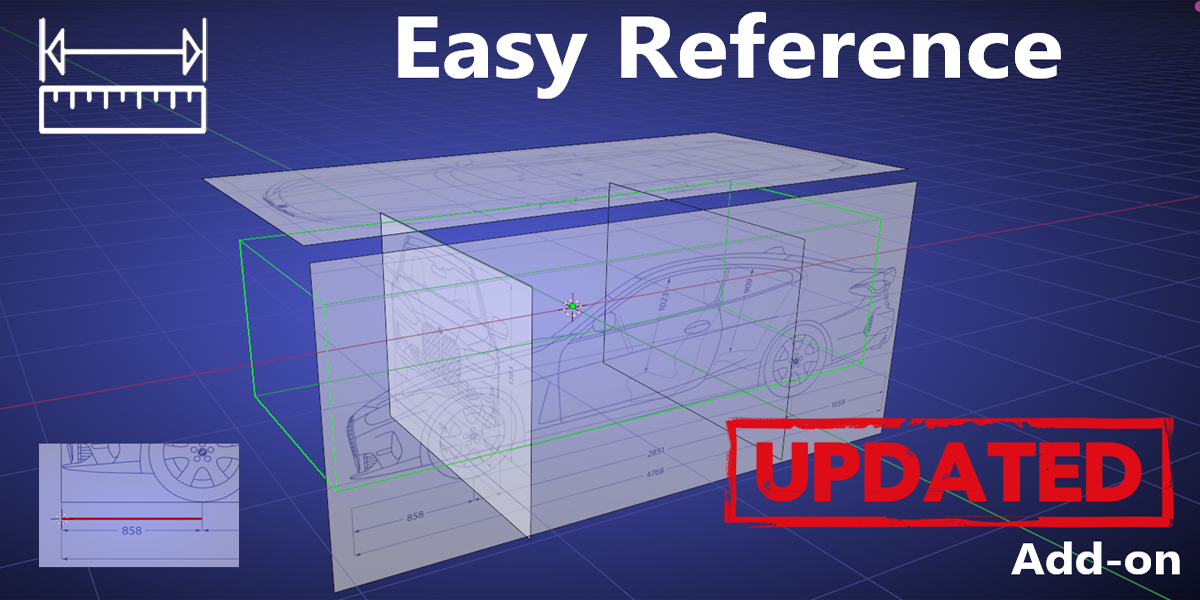
Easy Reference is a Blender add-on for placing reference images on scene views and scaling them to known dimensions. Choose images from a folder, assign each to a view, then add them to the scene. It suits modeling workflows that use separate views or a blueprint as a guide.
Assign images to six views
Set the folder path to your reference images and select the images you need in the panel. Assign each one to FRONT, BACK, LEFT, RIGHT, TOP, or BOTTOM, then choose “add as reference images.” Each image receives the selected view name as a prefix. Clicking a view name in the panel switches the viewport to that view and selects its image. A slider moves the images apart.
Align references with the Model Box
Enter your model’s length, height, and width to add a Model Box as an alignment guide. You can align the box with the ground when modeling from ground level. Position and lock the box, move the reference images into place, then lock the images before modeling. The panel also has side and depth buttons.
Scale images and blueprints
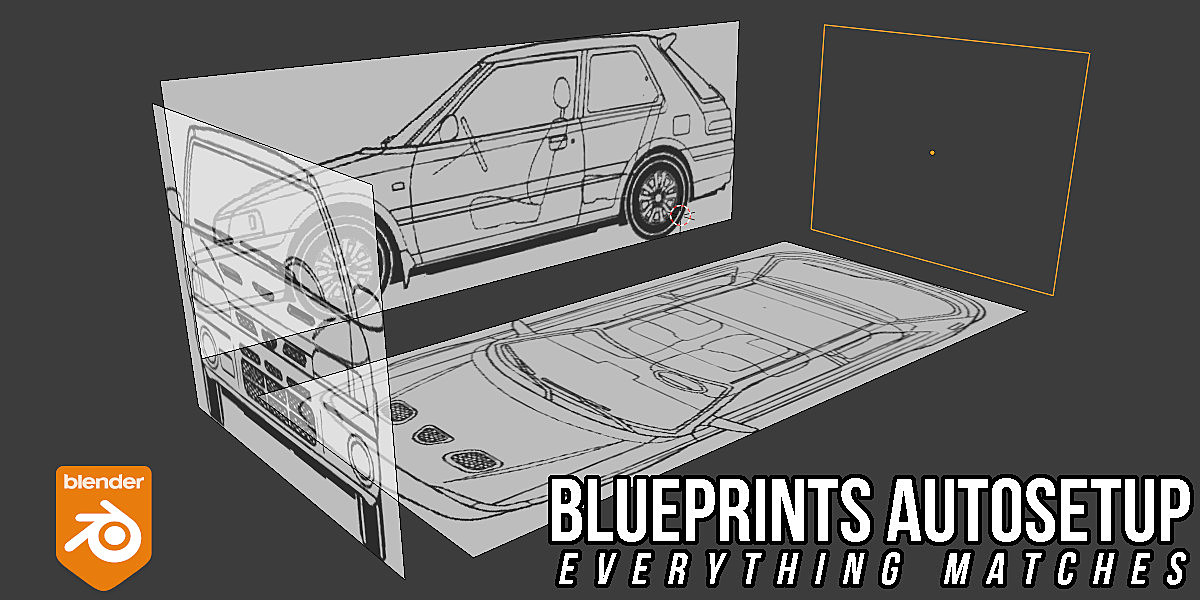
For a floorplan, select TOP view when adding the blueprint to the scene. To scale a known dimension in an image, use the 2-point scale tool: enter the dimension, then select its two endpoints. If one blueprint contains several views, use “copy Image” to duplicate it and assign each copy a view. Scale the first image, then use “copy scale to all” to match the other images.
The scale line tool uses a visual guide. Place the 3D cursor at the start of a known dimension, add a scale line, enter the dimension, and scale the blueprint along the line. The product listing’s v2 changelog says the scale line can be used across views and flipped or rotated.
Other image controls and compatibility
The v2 changelog also describes controls to hide all reference images, flip the selected image horizontally or vertically, switch it between a background image and a reference image, and set image opacity. The Superhive product listing identifies KVD as the developer, reports Blender 3.0–5.2 compatibility, and marks the add-on as Blender Extension Compatible. Check the listing for current compatibility details before installing.