BRef is a Blender add-on for keeping reference images close while modeling or sculpting. It supports two workflows: images that float over the 3D Viewport, and orthographic references placed in the scene with Blender Empties.
Use reference images in the viewport
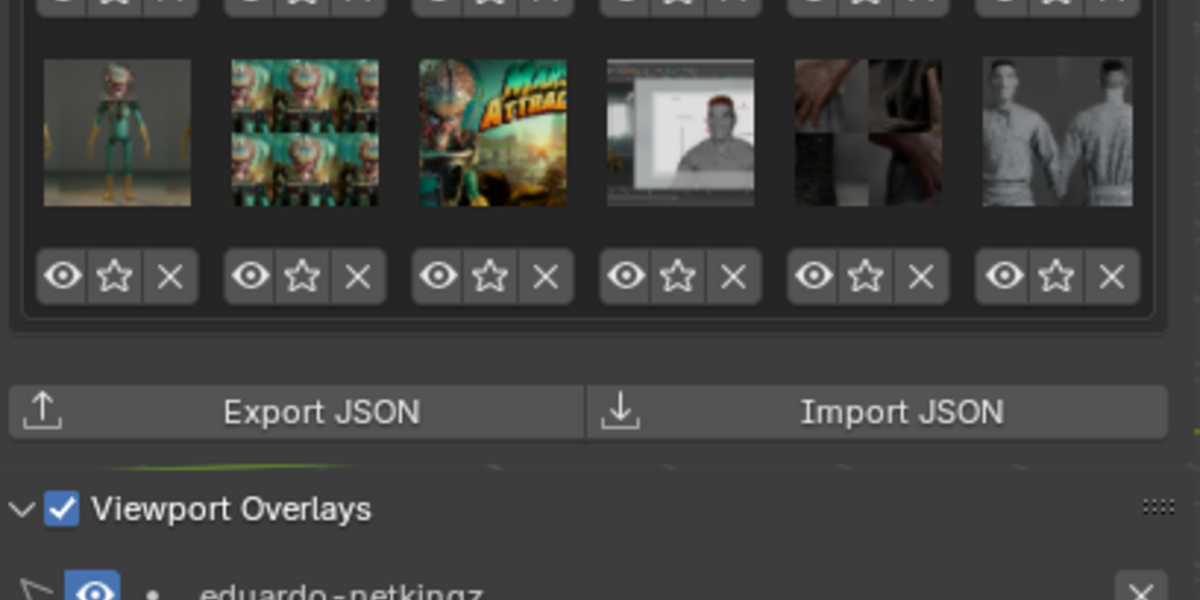
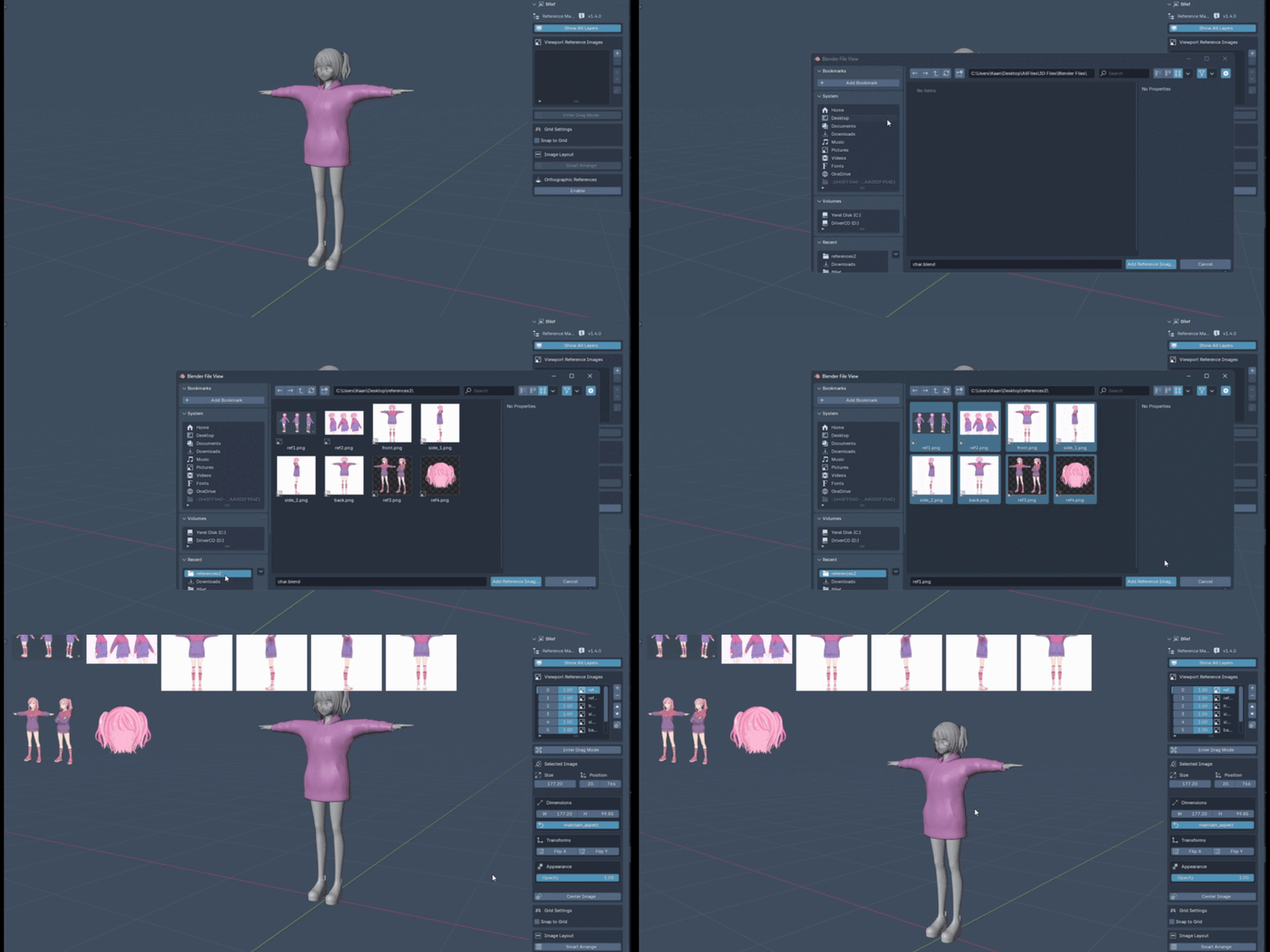
Add images as overlays, then position them with Drag Mode. You can resize from the green top-right corner or press K while dragging, lock an image's aspect ratio, and center it with one click. BRef also lets you adjust opacity, flip images horizontally or vertically, and manage them in a list in the Sidebar's BRef tab.
Organize images with layers
Assign images to layers and choose whether to show only the active layer or all layers. This helps keep several references available without displaying all of them at once.
Place orthographic scene references
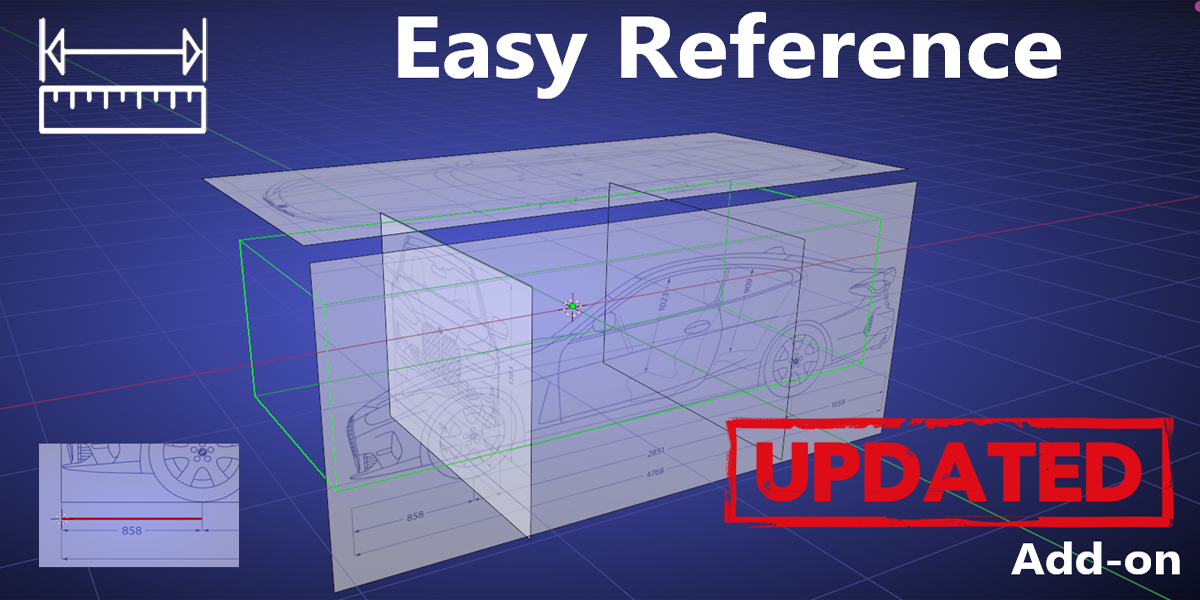
For front, back, left, right, top, and bottom views, BRef can create image references in the scene using Blender Empties. Set the size, distance from the origin, and transparency for each view. The add-on handles placement and rotation, and its controls can update or clear the orthographic references together.
Install and use BRef
- Download the add-on ZIP file.
- In Blender, open Edit > Preferences > Add-ons, choose Install, and select the ZIP file.
- Enable BRef, open the 3D Viewport Sidebar by pressing N, and select the BRef tab.
Press Right Click or Esc to exit Drag or Interactive Mode. The product listing says BRef works best with Image Editor-friendly formats such as PNG or JPEG. It says references are saved with the project file and describes viewport overlays as temporary workflow aids rather than final-render content.
Compatibility and experimental features
The product listing gives Blender 4.3–5.0 as its supported range; check the BRef product listing for current compatibility before installing. The listing also identifies a separate experimental build as unstable and in development. Its listed work includes viewport anchoring, image arrangement layouts, mouse-wheel resizing, and additional settings. The listing identifies the license as MIT.
See the BRef+ documentation for interface and workflow details.