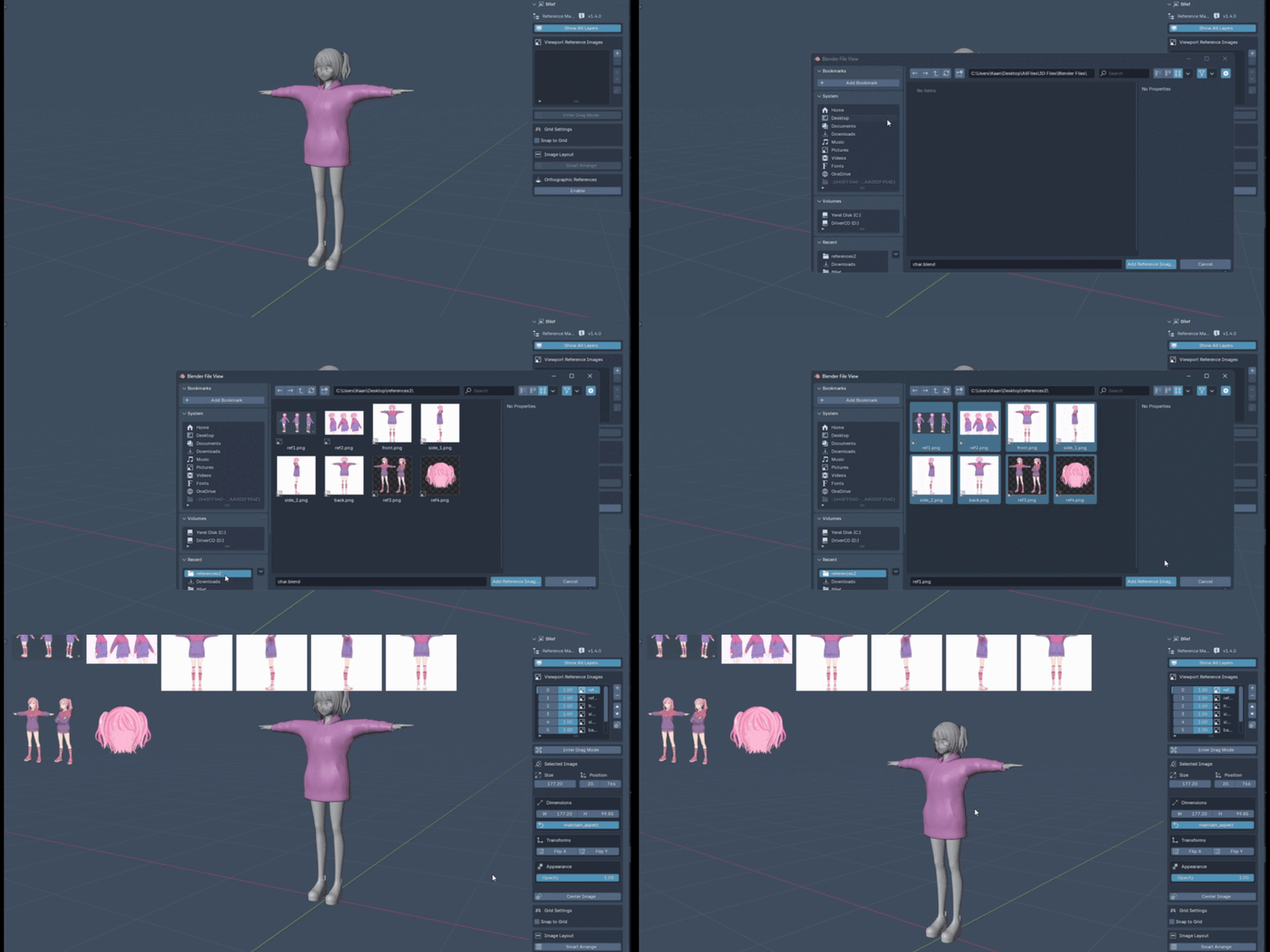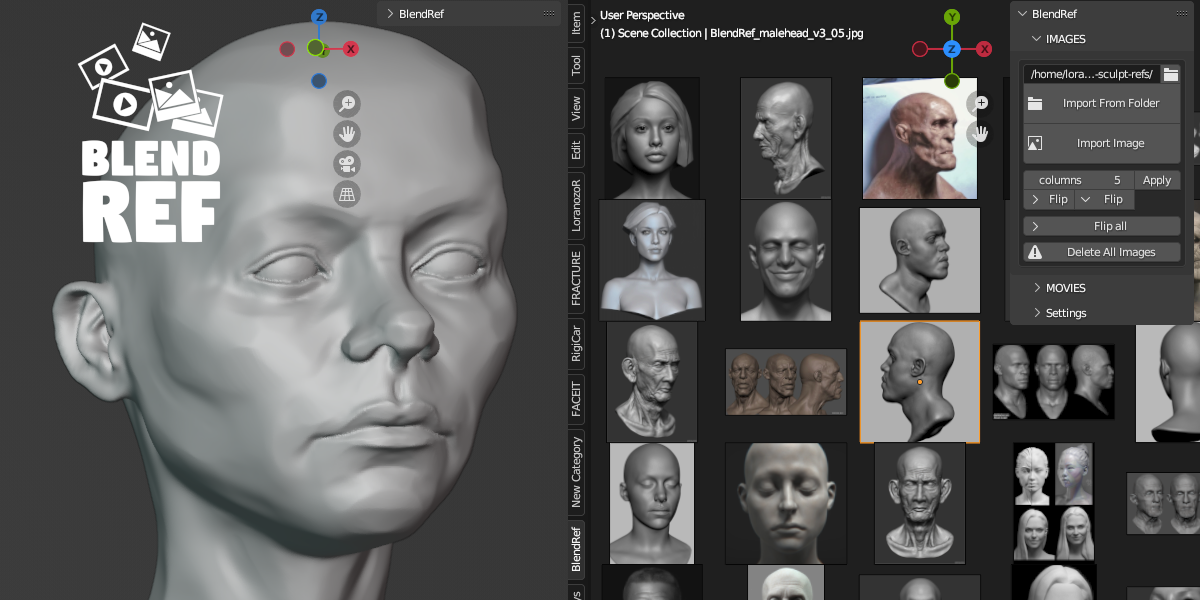
Refdeck - Viewport Reference Manager is a Blender add-on for artists who work from image references while modeling, sculpting, posing, or creating character art. It displays references as interactive overlays in the 3D Viewport, where you can adjust them without switching away from your scene.
Organize references in a searchable library
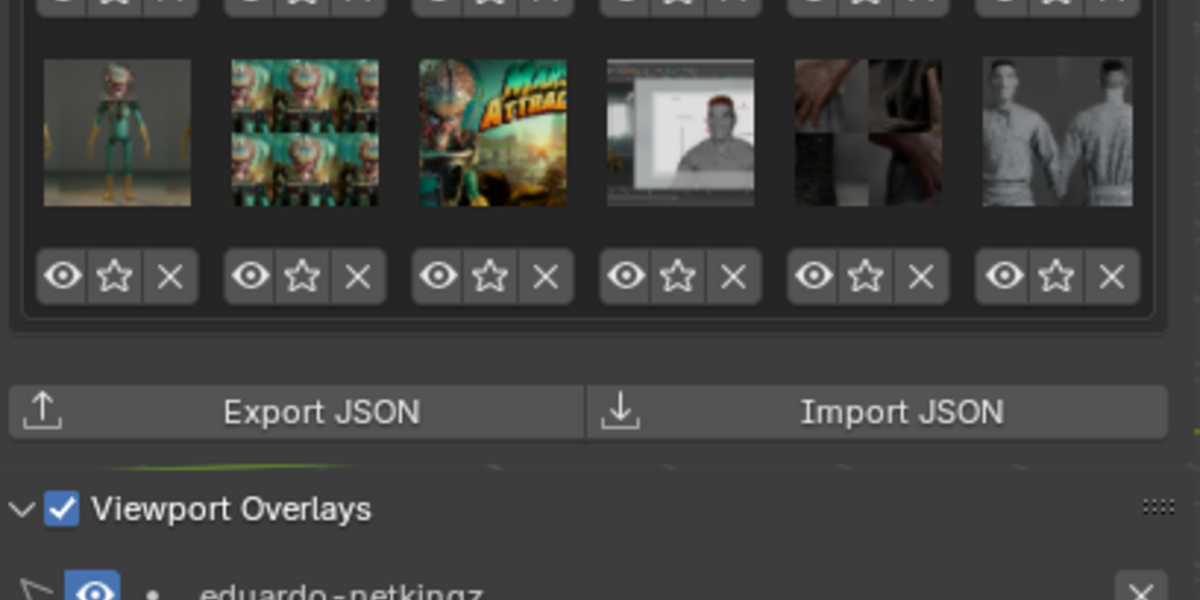
Refdeck groups images into collections, sub-categories, and images, with color coding for each group. Full-text search helps locate an image, while folder import brings in a set of references at once. You can also add images individually and mark favorites; starred images move to the top of each grid.
The grid zoom ranges from 1 to 12, from a compact six-column view to a single large preview. Large collections are paginated automatically, so you can browse them without showing every image on one grid.
Adjust multiple images in the viewport
You can place multiple references in the 3D Viewport at the same time. Each overlay is independent: click an image to select it, then use the floating HUD to move it by dragging, rotate it by dragging left or right, scale it, adjust opacity from 0% to 100%, mirror it horizontally or vertically, or remove it. Rotation changes by 0.5° per pixel, and a reset control returns it to 0°. Press Esc or right-click to cancel and revert a transformation.
Save and reload a reference setup
Named libraries save a complete setup, including overlay positions, transforms, and opacity. Reload a saved setup in one click, or export and import library files to move them between computers. This is useful when you want to return to an arranged set of references for a later session.
Start using Refdeck
- In Blender's 3D Viewport, press N and open the RefDeck tab.
- Import a folder or add individual images to a collection.
- Send an image to the viewport and adjust it with the HUD.
The product listing identifies Refdeck as a Blender extension for Blender 4.0 or later. It lists Windows, macOS, and Linux support, no external dependencies, and a GPL-3.0-or-later license. Check the listing for current package and compatibility details.