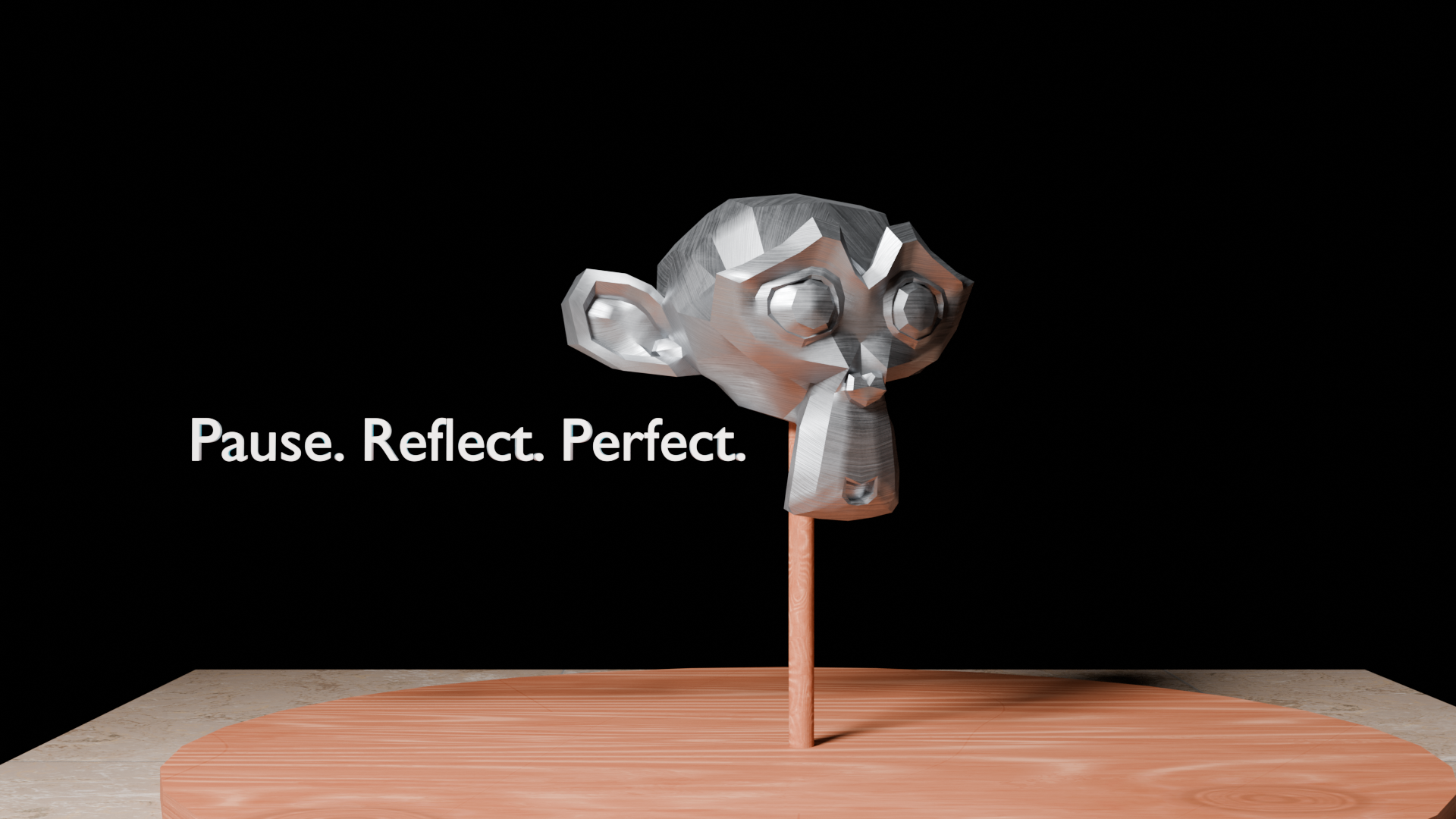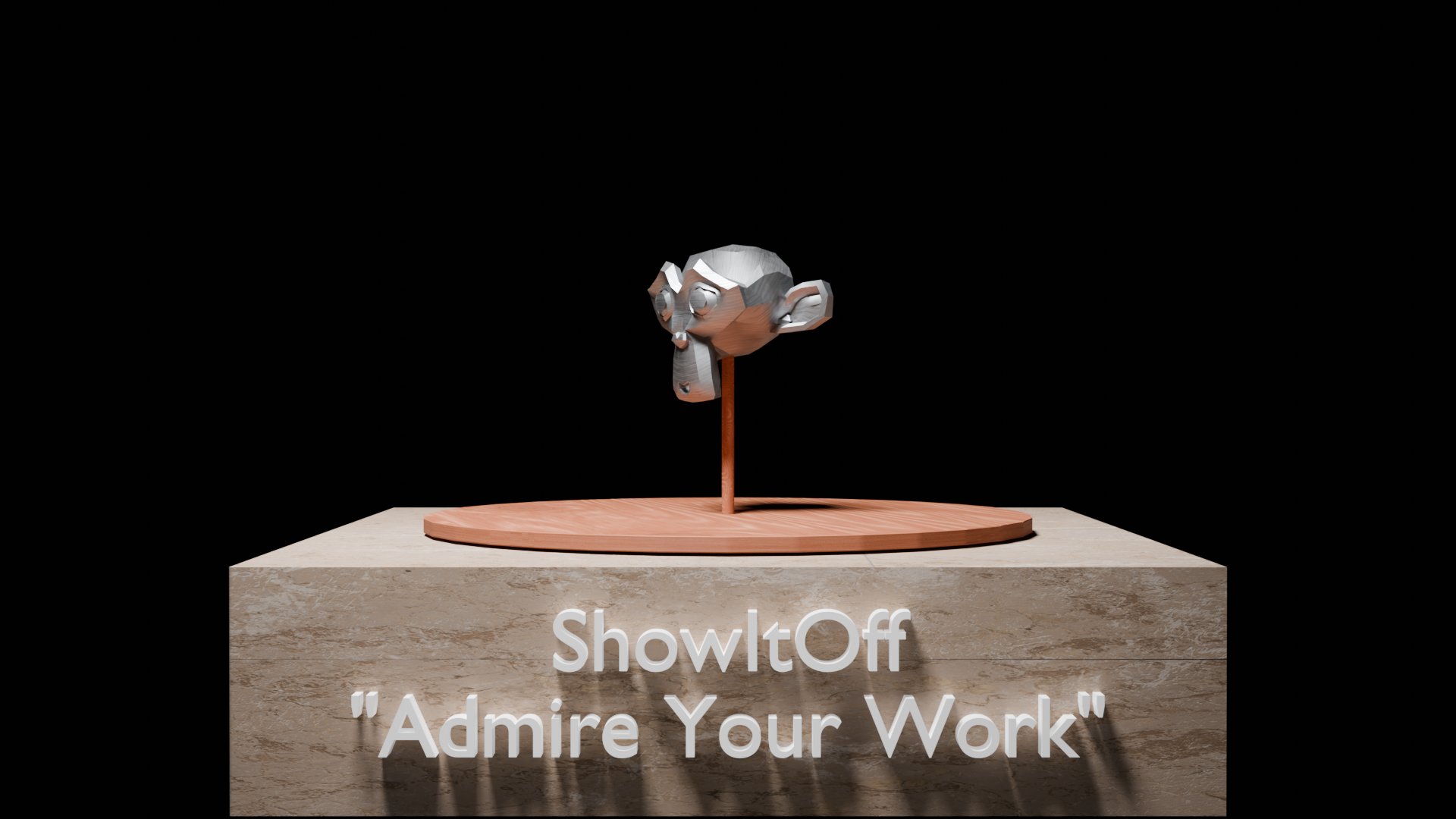
Show It Off is a Blender add-on by OffTheClock Studios that rotates objects in the viewport for turntable-style viewing. You can inspect a model from different angles, watch an animation from around the object, or keep working while it spins. When rotation ends, objects return to their starting transforms.
The developer's product page records a version 2.1 update dated October 31, 2024 and describes the add-on as an extension for Blender. Its listing names Blender 3.0 through 4.4, with 4.4 marked alpha in the availability copy. Check the developer’s product listing for current compatibility and download details.
View a model from every angle
Show It Off provides continuous rotation for a turntable-style view without requiring changes to the animation, viewport, or cameras. You can adjust rotation speed on the X, Y, and Z axes, then preview those adjustments while the object turns. This makes it useful for inspecting a model’s silhouette or watching an animation from different viewpoints.
Keep working during rotation
Version 2.0 removed restrictions on passthrough interactions. The developer says you can sculpt, model, change materials, and adjust the timeline while the rotation continues. For sculpting, an event interval timer lets you tune how often the rotation updates to match the rate of your brush. The 2.0 update also removed the earlier 300-unit-per-axis rotation cap and reworked the modal operator for smoother motion at high speeds.
Choose a control and adjust settings
You can start and stop rotation from the Tool panel or viewport header, or assign a shortcut through Blender’s keymap. The header button provides access to settings while you work. In version 2.1, the developer removed keymap and rotation properties from the add-on preferences: Blender’s default keymap system handles the shortcut, and rotation settings are kept in the window manager. The developer documentation describes the 2.0 controls and changes.
Who it suits
Show It Off fits Blender users who want to inspect or present a model with viewport rotation while keeping access to their modeling workflow. It can also provide a pottery-wheel-style rotation during sculpting. The developer recommends looking at the separate add-on SpinCraft for sculpting-focused workflows, describing it as the next evolution of Show It Off and a tool designed specifically for that use.