Dogtools is a Blender add-on for placing and arranging selected objects with mouse-driven snapping. The Superhive listing identifies version 0.1.4, describes it as a Blender 2.8 add-on, lists compatibility with Blender 2.81, and gives its license as GPL. Its controls cover surface placement, duplication, distribution, alignment and incremental rotation. The listing does not state compatibility with later Blender versions.
Place and duplicate objects
Dog2 moves one selected object at a time to a point under the mouse. By default, it places the object at the center of the clicked face. Options can align the object's Z axis with the face normal or offset it upward by half its height. If the click misses geometry, Dogtools can place the object at the relative view depth. Use Ctrl+F to move an object, Shift+F to duplicate it, and Alt+F to make a linked duplicate.
The mouse controls also set an object's origin. Alt+Shift+F places the active object's origin at the clicked point. Ctrl+Shift+F moves the 3D cursor there, while Alt+Ctrl+F sets the origin to the object's geometric center.
Distribute and align selections
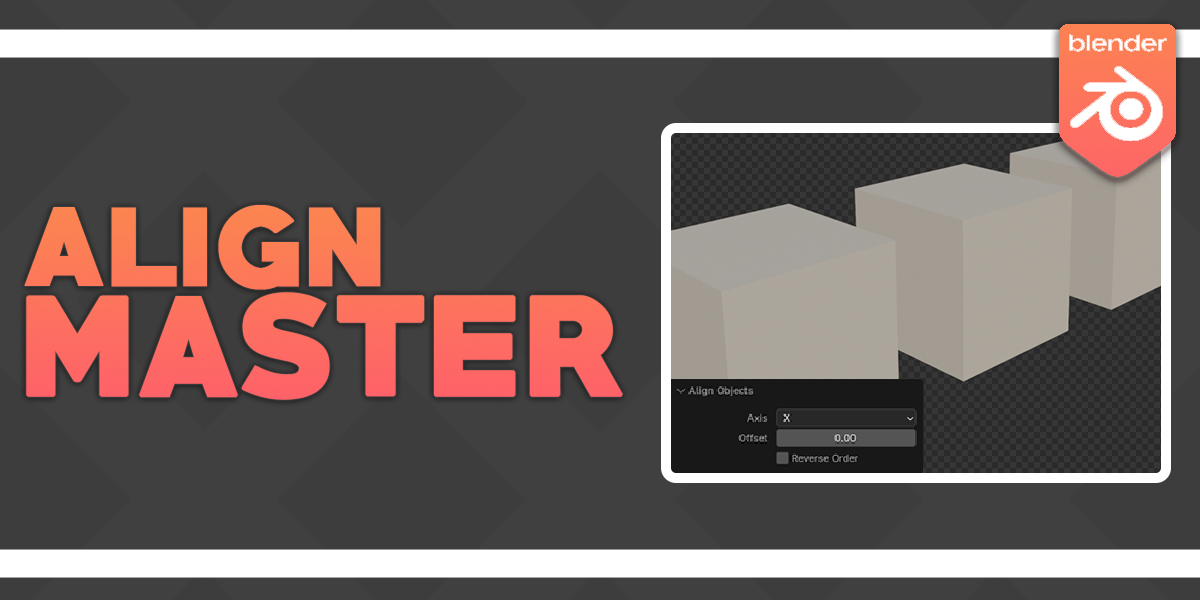
Dog0 can distribute selected objects randomly inside an adjustable box or, with a spherical mask enabled, within a spherical area. Shuffle changes the objects' positions without changing their size or rotation. Swap moves each selected object to the next index position. The alignment tool uses the active object as its reference, arranges objects along an axis, preserves their existing spatial order and lets you adjust the spacing.
Rotate in steps
Dog1 rotates objects by increments set with a slider, with presets for common angles. Rotation can use local or world coordinates. Ctrl+mouse wheel rotates around the Z axis. The documentation also describes arbitrary face alignment using an empty object as a parent: with a mesh selected, press F and left-click to create the parent; select the empty and repeat to move the empty to the mouse position, then delete it.
DogPie and installation
The listing also describes DogPie, a small pie-menu add-on for toggling built-in features such as auto-smooth or changing the editor type. The installation instructions say to place the DogTools folder containing only the Python scripts in Blender's add-on folder. Read the included readme.txt before installing; the product page says it contains a shortcut and some instructions. The listing also mentions introductions and a developer-made chess asset available to download.