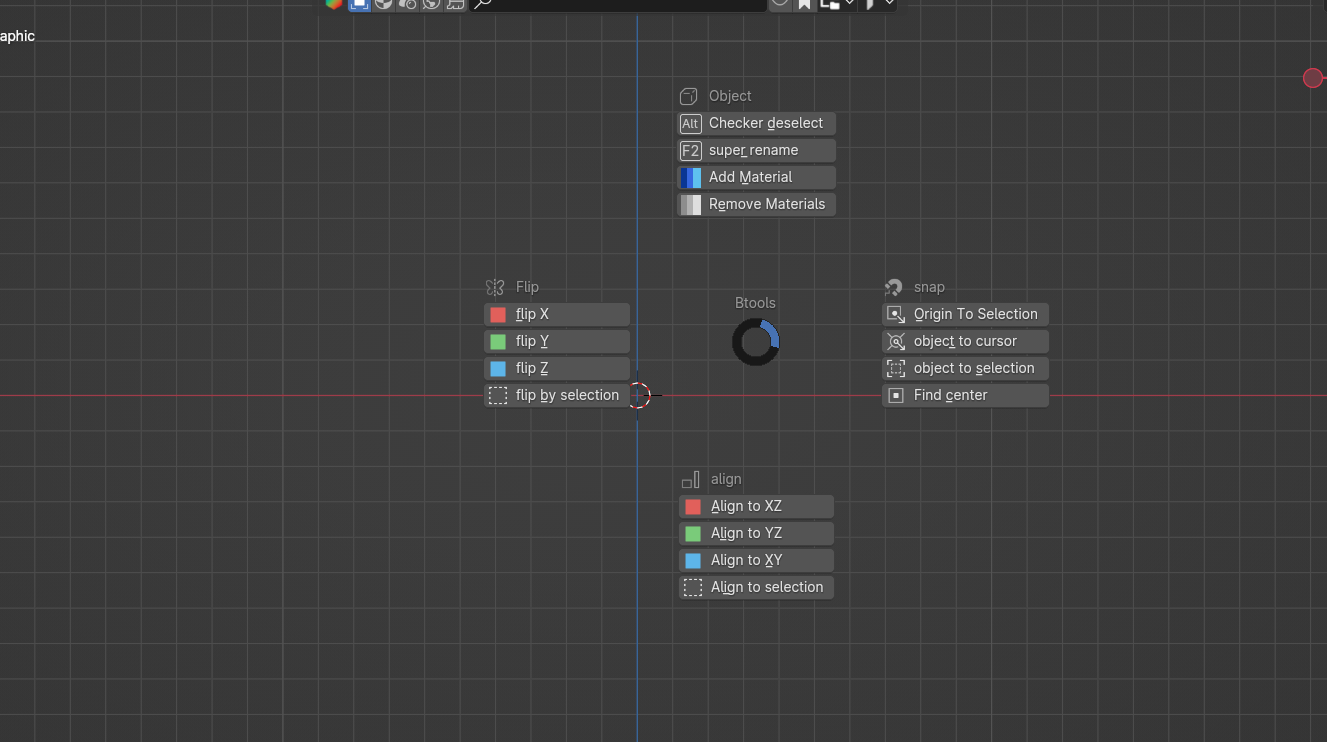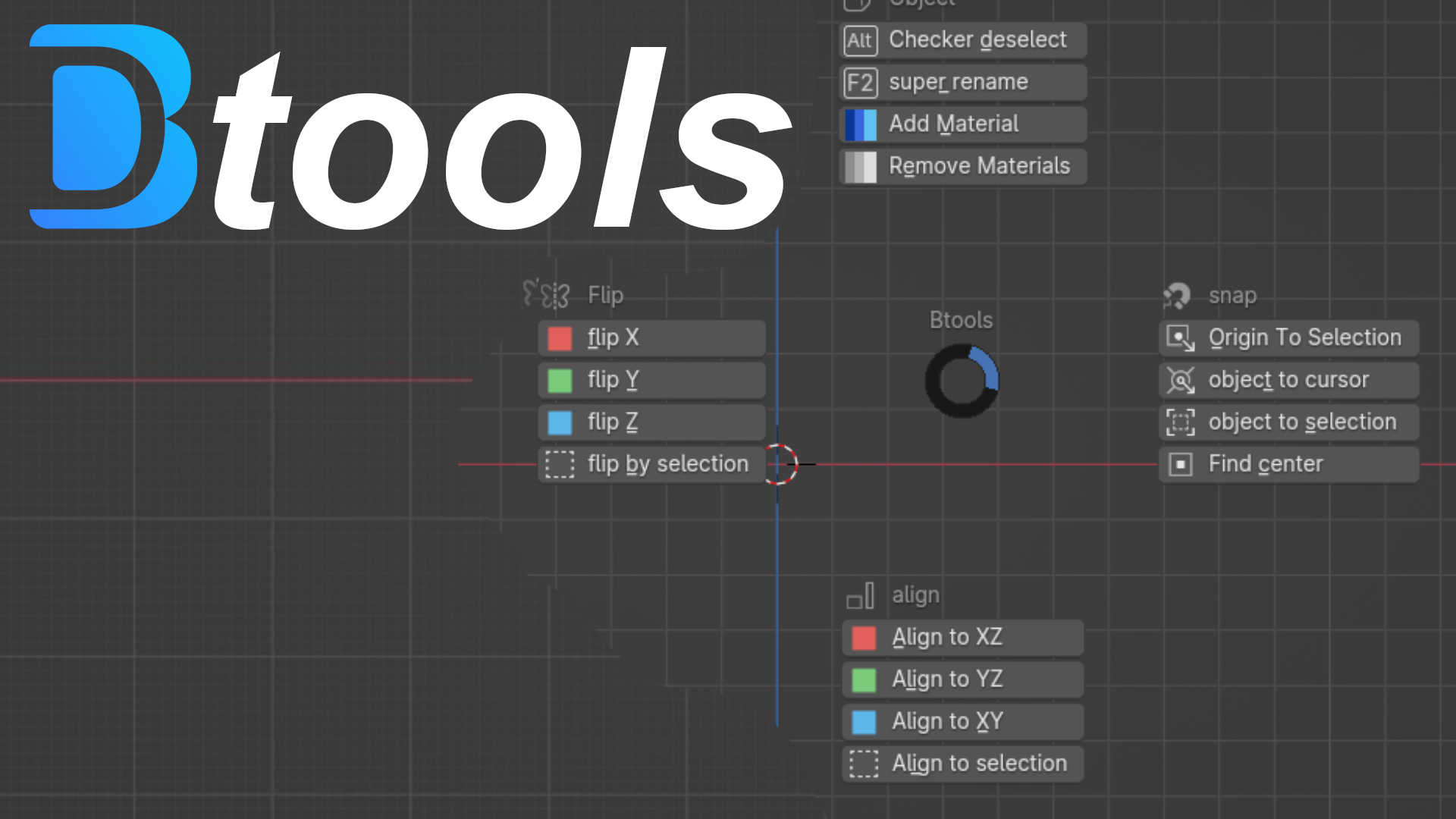
Btools by Bill_3D is a Blender add-on that groups object selection, naming, material and positioning tools in a pie menu. Open it with Ctrl + W to reach the tools while working on models or scenes.
Manage selections, names and materials
Objects Checker Deselect applies an alternating selected and deselected pattern across objects, similar to Blender's Checker Deselect. Super Rename can rename multiple objects, meshes, materials or collections at once, with an optional suffix to help organize names.
Add Materials applies a material to any number of selected objects. The tool sets the viewport display color to a random color by default; you can choose another color from its popup menu. Remove Materials lists the materials assigned to selected objects, with the object name shown as a suffix. Click a listed material to remove it from the object.
Position and align objects
Snap Origin to Selection moves an object's origin to selected vertices, edges or faces. Snap Objects to 3D Cursor uses selected geometry as the snap point, then moves objects to the 3D cursor. Object to Selection moves selected objects to a selection on a destination object.
Align Objects can align selected objects to the X, Y or Z axis, or to another object. Selected faces can define the direction. Flip Tools flips objects along an axis or the normal of a selected vertex, edge or face; its dialog also lets you copy objects. Another operator finds the center of an arc or circle: select at least three vertices, and the cursor is placed at the center.
Compatibility and updates
The Superhive product listing identifies Blender versions 3.0–5.0 and a GPL license. For an update, the listing instructs users to uninstall the existing add-on before installing the new one, then restart Blender. Check the Btools documentation page and product listing for the developer's details.