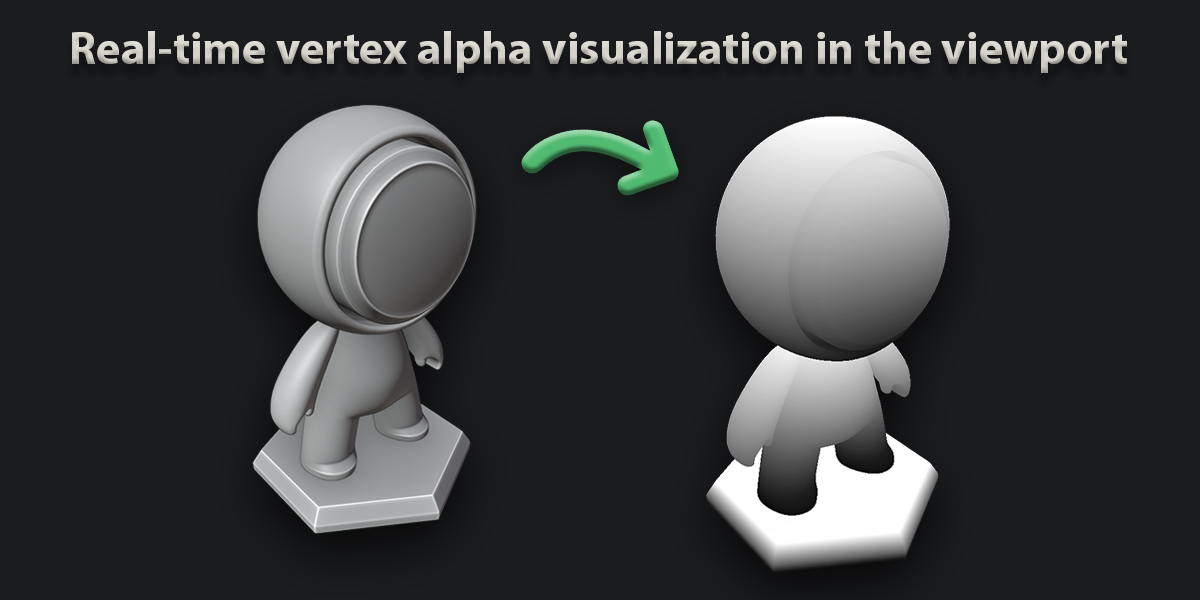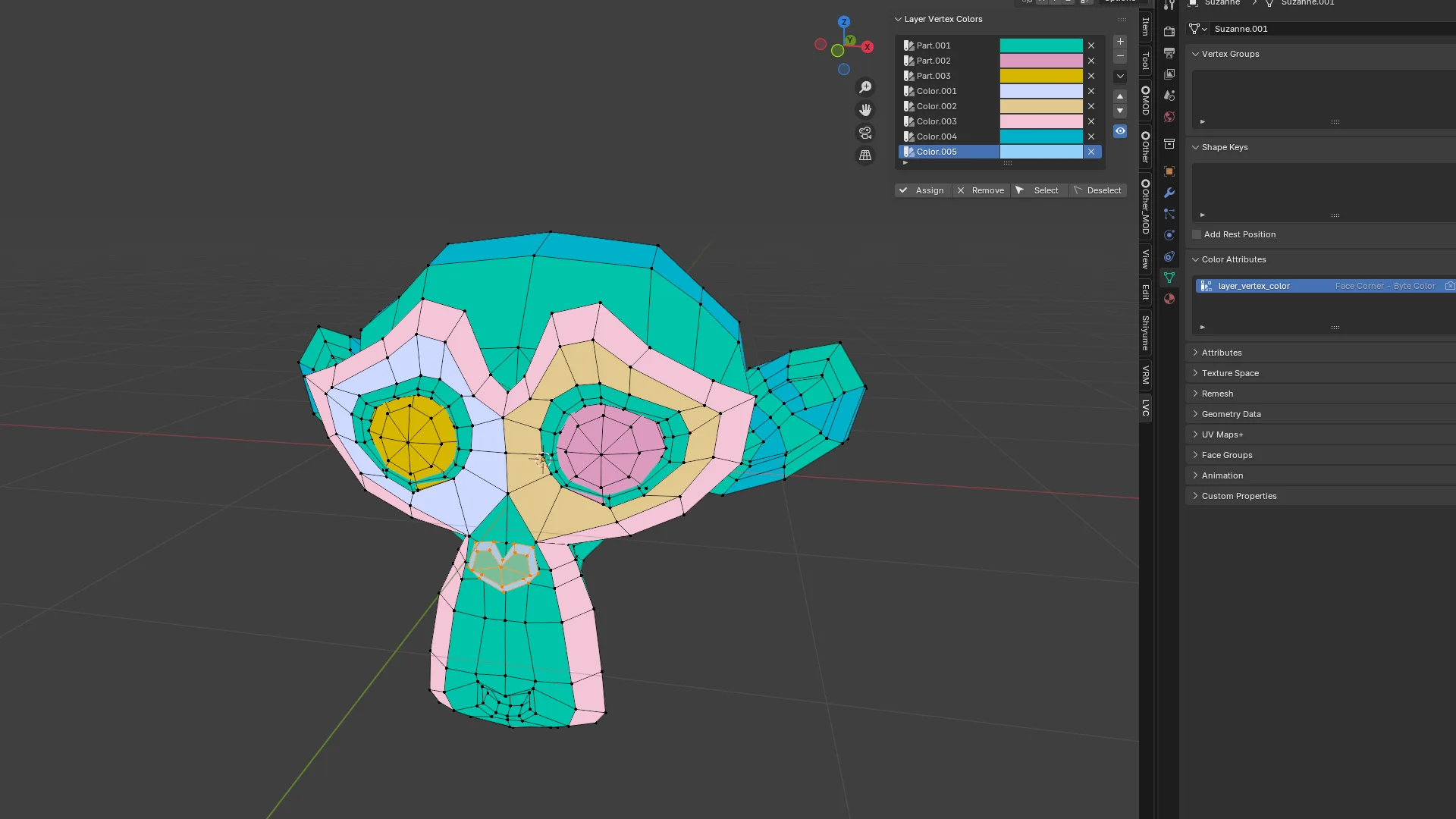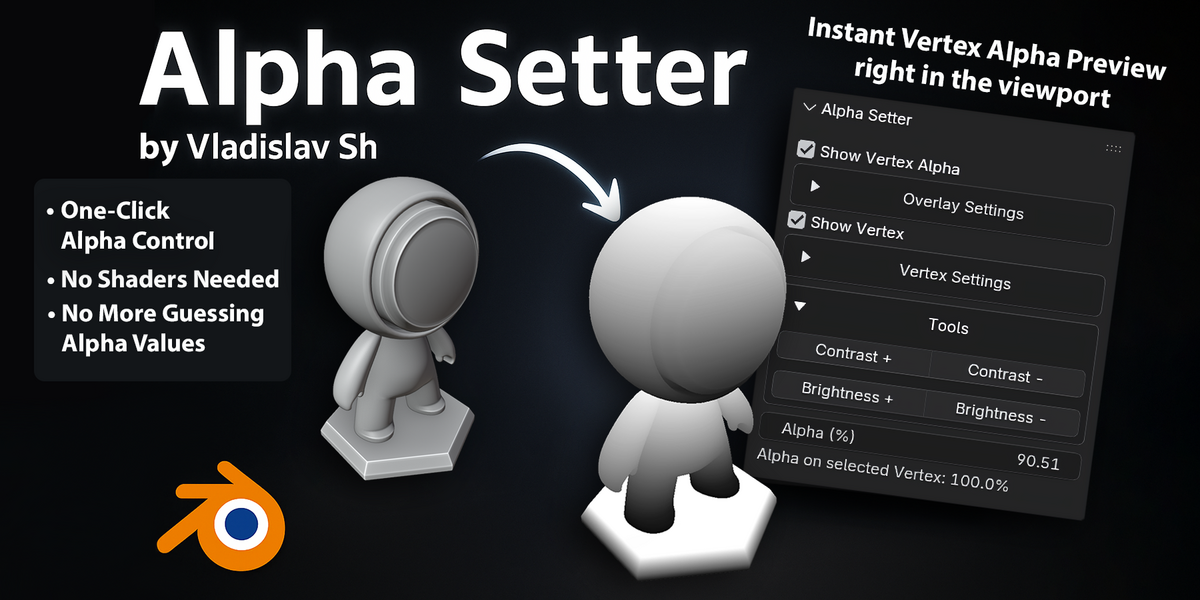
Alpha Setter is a Blender add-on for viewing and editing vertex alpha on a mesh. It displays alpha in the viewport, lets you inspect per-vertex values, and provides direct editing in Edit Mode. It is aimed at environment and props artists who need precise control of vertex alpha.
Visualize and edit vertex alpha
Alpha Setter works in Object, Edit, and Vertex Paint modes. In Edit Mode, you can change alpha values directly or use the one-click Brightness/Contrast adjustment for vertex alpha. It supports both Vulkan and OpenGL backends.
Open the Alpha Setter panel
In Object Mode or Edit Mode, open Blender's N-Panel and select the Alpha Setter tab to access its visualization, inspection, and editing controls.
Install the add-on
First review the two Blender version ranges in the compatibility section below. If the ranges do not both include your Blender version, confirm support with the developer before installing. Then download the add-on ZIP file and drag it into the Blender window. To install it manually, go to Edit > Preferences > Add-ons > Install, choose the downloaded file, and activate the add-on.
Check Blender compatibility
The seller's listing gives two Blender ranges: its description says Blender 4.5.1 and higher, while Details lists Blender 3.6 to 5.2. Both ranges include Blender 5.0, which the page separately marks as supported. For any Blender version outside their shared range of 4.5.1 through 5.2, confirm support with the developer before installing.