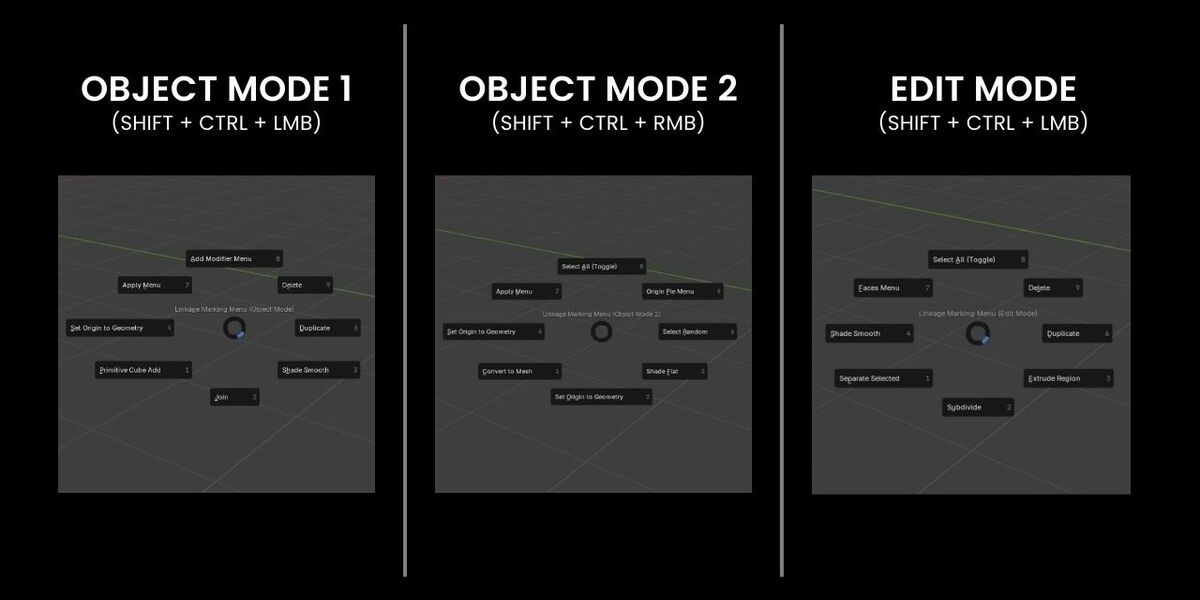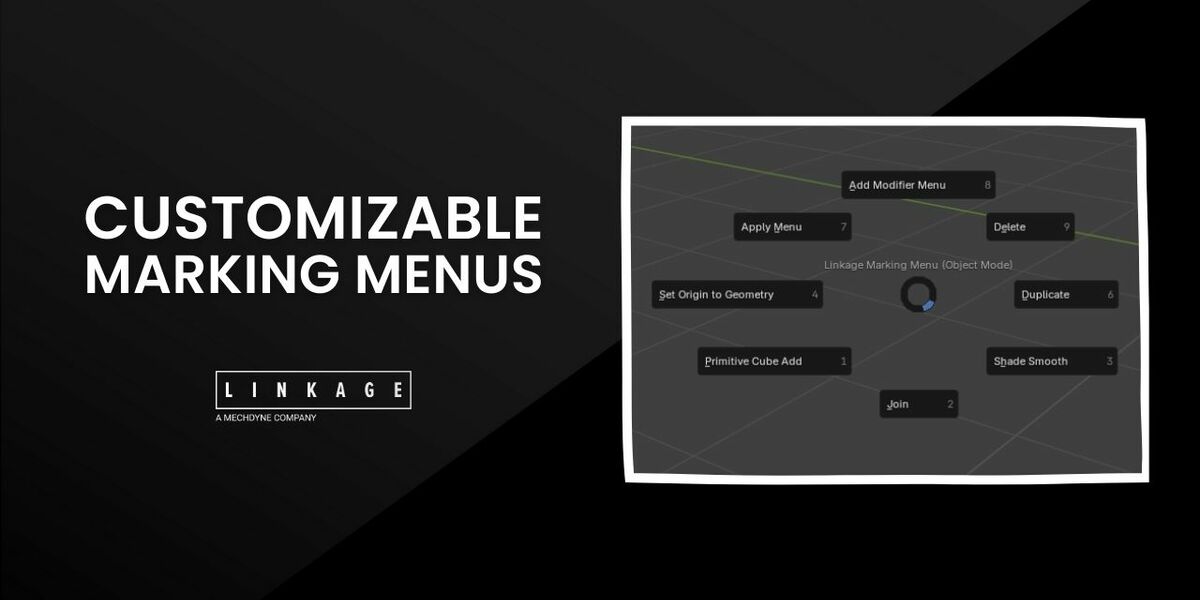
Linkage Customizable Marking Menus is a Blender add-on for opening frequently used tools from marking menus in the viewport. It includes three menus: Object Mode 1, Object Mode 2, and Edit Mode. You can customize each menu with preset tools or custom operators.
Menus and shortcuts
The product listing assigns Shift + Ctrl + Left mouse button to Object Mode 1 and Edit Mode. Object Mode 2 uses Shift + Ctrl + Right mouse button.
Choose tools for each menu
Customize the menus in the add-on's preferences. Open the items drop-down and choose a preset tool, or select Custom Operator and search for a tool by name. This gives you a way to put different tools within reach in Object Mode and Edit Mode.
Installation and compatibility
The installation instructions use Blender's Edit > Preferences > Add-ons screen. Choose Install from Disk, select the add-on ZIP file, and install it. Enable the add-on by checking the box beside its name. The Superhive product listing marks it as Blender Extension compatible, identifies its type as an add-on, and lists Blender 4.2, 4.3, and 4.4. Check the listing for compatibility with other Blender versions.
Superhive lists the license as GPL. The AnyPlugins listing describes the add-on as free. Check the product listing for current availability and license details.