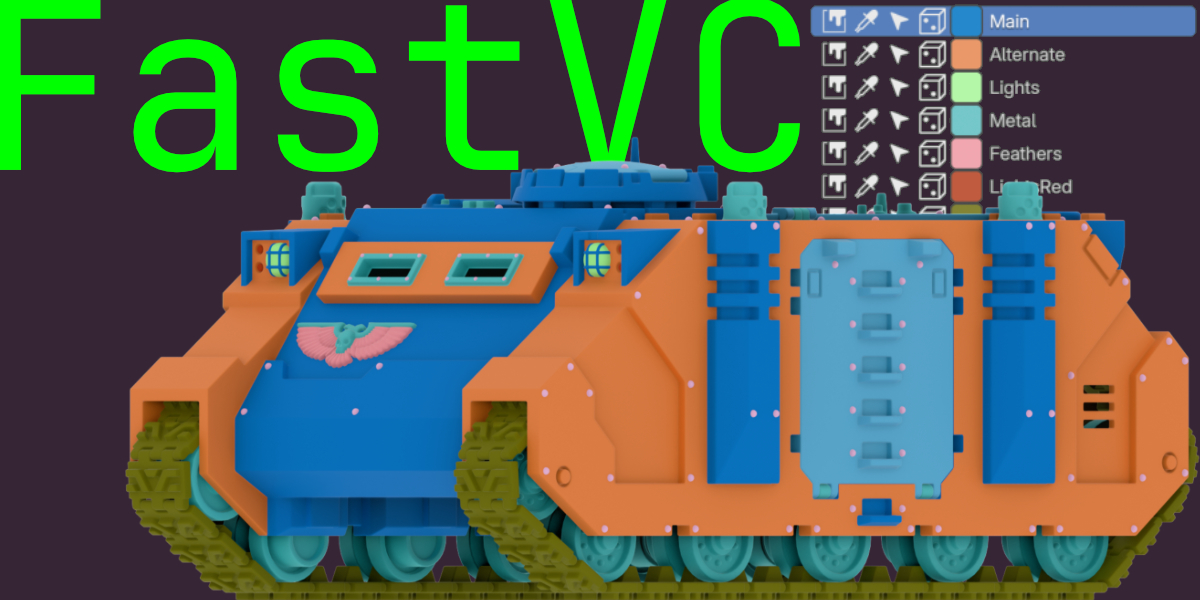
Fast Vertex Color (FastVC) is a Blender add-on for assigning vertex colors and baking per-material ID textures. Its palette and selection tools work in Object and Edit mode, so you can manage color assignments without switching to Vertex Paint mode. The product listing describes its features, and the documentation explains the controls and bake setup.
Assign colors with swatches
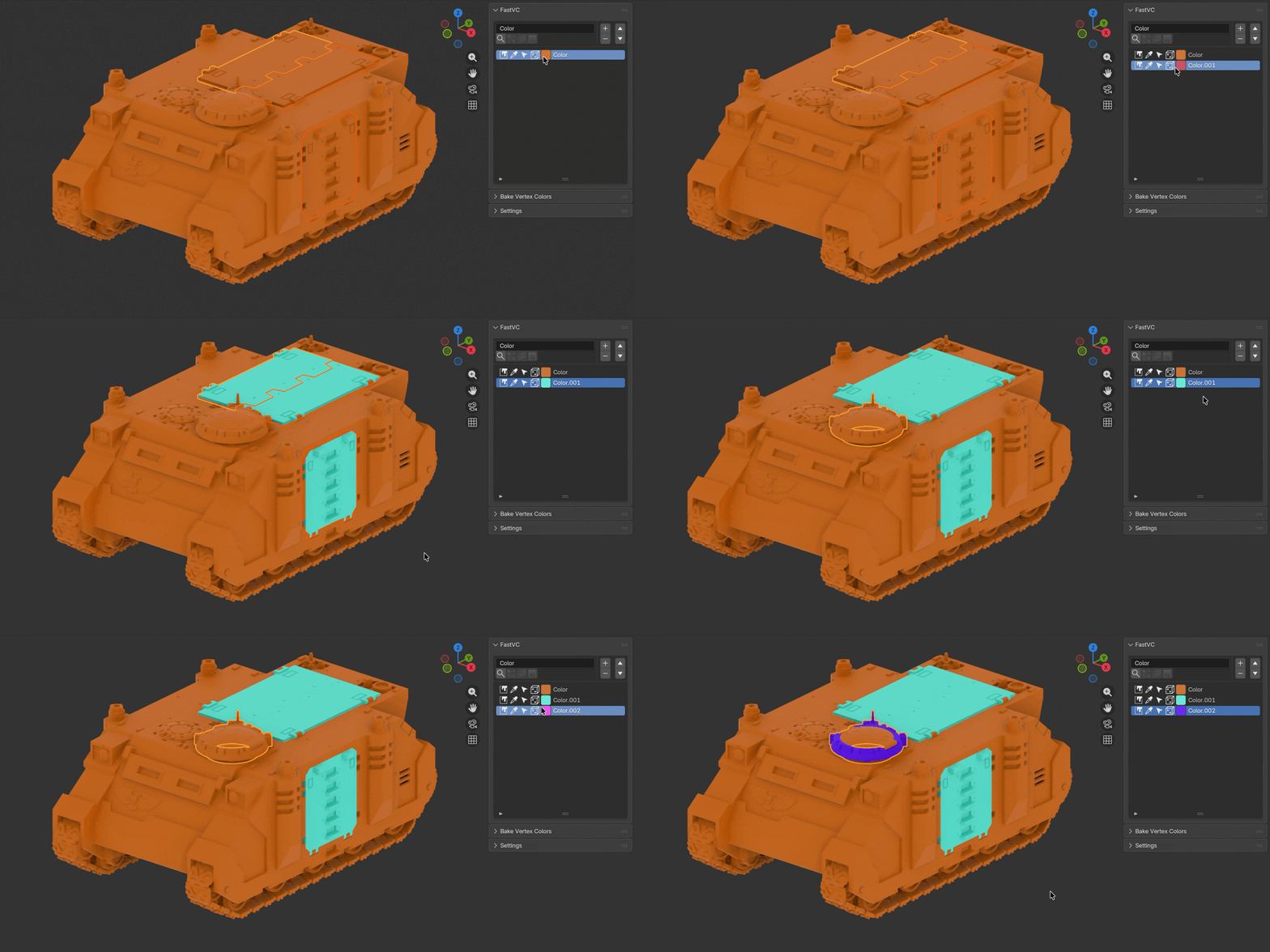
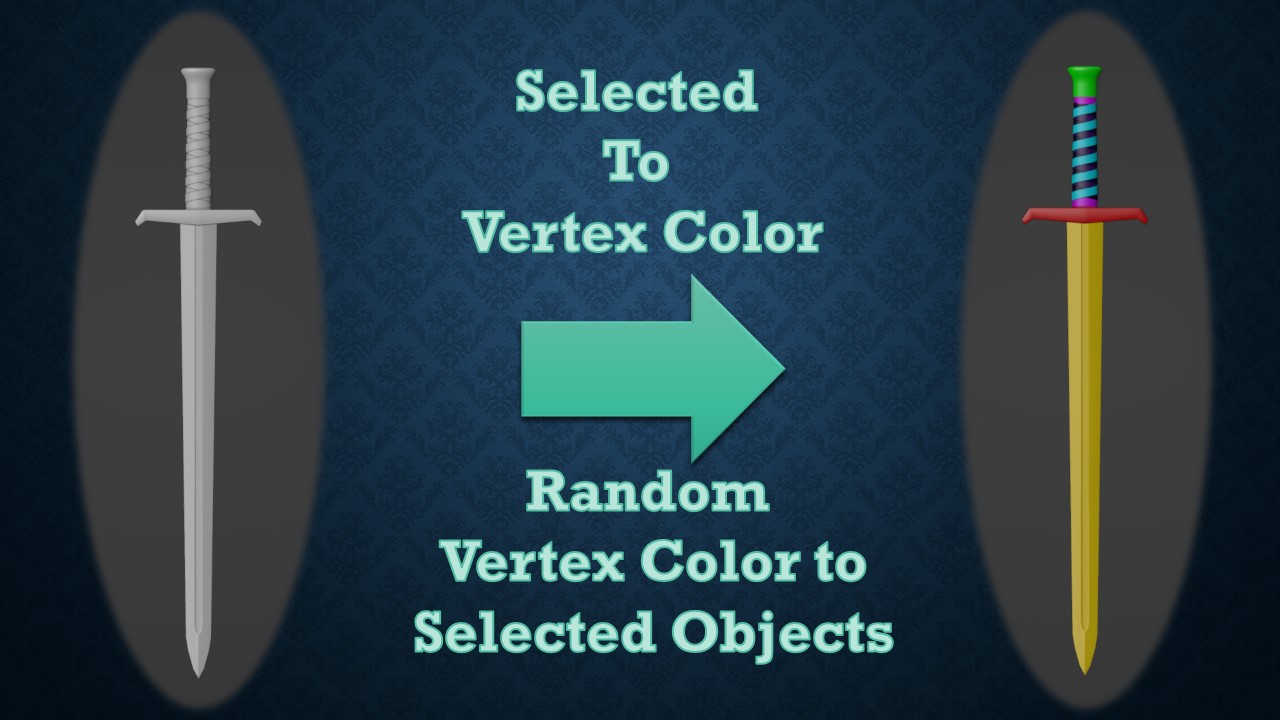
Create, remove, reorder, and edit swatches, then use each swatch to fill, pick, select by color, or randomize. Fills follow the current selection mode and can apply to vertices, edges, faces, face corners, or whole objects. FastVC also supports editing multiple objects at once.
In Edit Mode, you can fill selected faces with the active face color or use the swatch fill tools. When edge selection is active, the Edge Paint setting determines whether a fill colors face corners that use the selected vertices or only the face corners where two selected edges meet.
Find and inspect color assignments
Find Color lets you sample a mesh face in the viewport and select a matching swatch if one exists. Select by color works in both modes: in Object Mode it finds visible objects containing that color, while in Edit Mode it selects matching mesh elements. Other tools select faces matching the active face color or faces with non-uniform corner colors, which can help locate accidental gradients.
The add-on also includes selection by material for visible objects. Its buttons have descriptive names and tooltips.
Bake vertex colors into ID maps
FastVC bakes vertex colors to PNG ID textures by material, producing a texture for each material. The bake uses direct UV rasterization, with no cages, rays, or separate bake setup, and is Numba-accelerated. These maps can be used in texturing tools such as Substance Painter and InstaMAT.
Before baking, make the mesh objects visible and ensure they have materials, a UV map, and a vertex color attribute. Choose an existing output folder, select a material and resolution, then run Bake Vertex Colors. The panel lets you choose the UV map and add a suffix to the output name; the documented example is a material name followed by “_id.png”.
Compatibility and license
The listing identifies FastVC as a Blender add-on, marks it as Blender Extension compatible, and lists Blender 5.0 and the GPL license. Check the current product listing for the latest compatibility and license details.