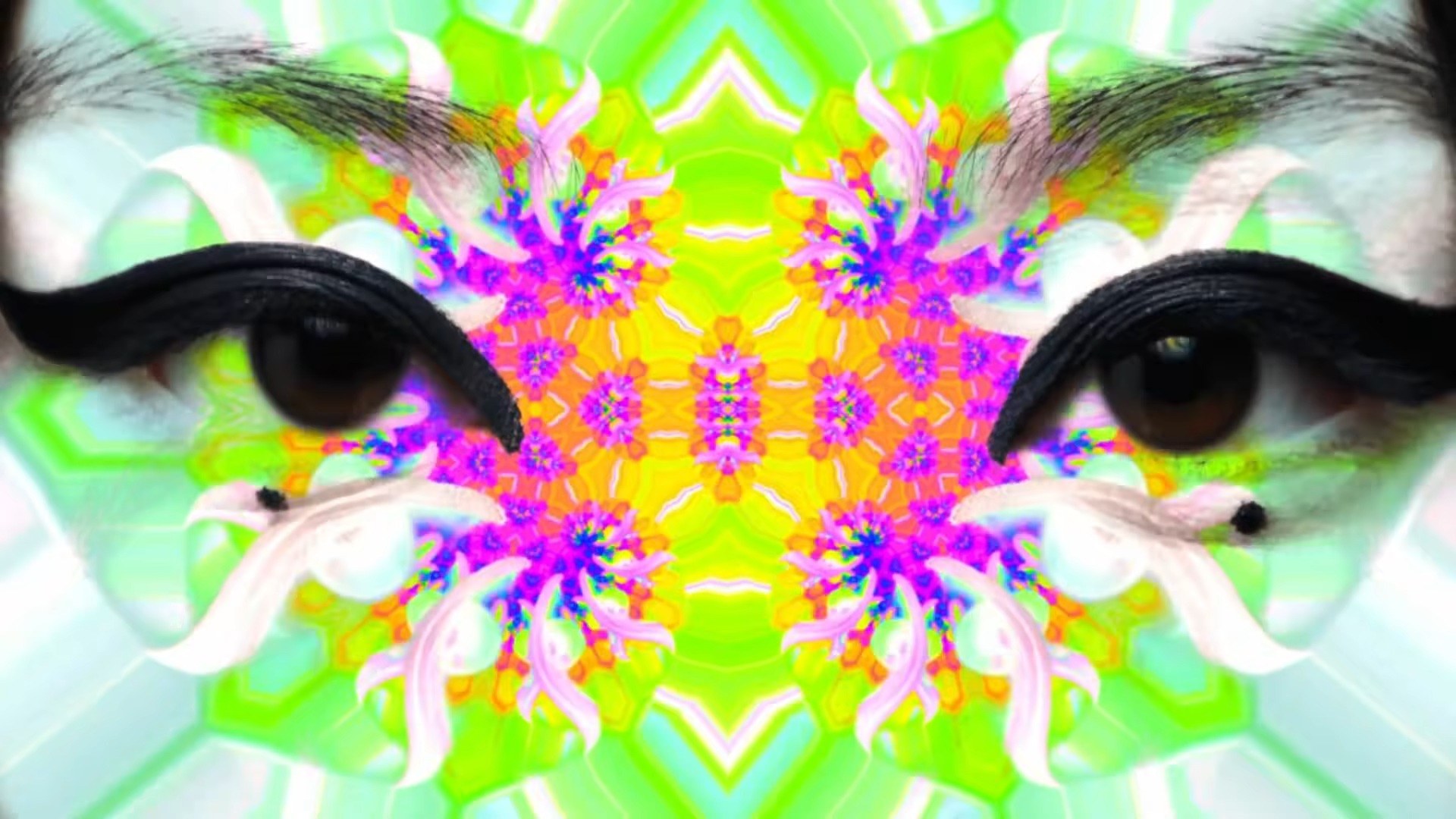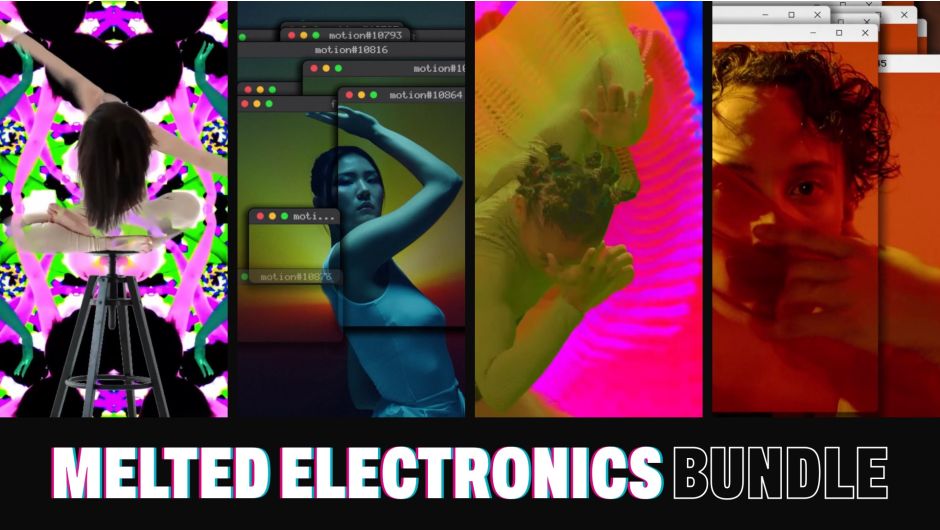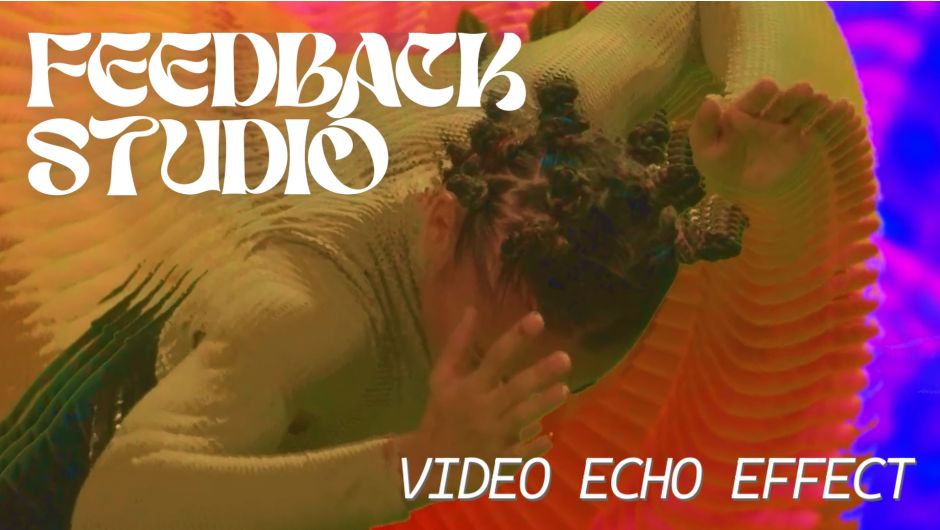
Feedback Studio creates video feedback in After Effects by recursively repeating previous frames. The result can be trails, tunnels, fractal patterns or kaleidoscopic imagery, with controls to change each repetition.
Shape the feedback loop
Adjust X and Y translation, rotation, zoom, hue, saturation and brightness. Three mirror modes create different patterns, while a recursive negative filter, blur and sharpen controls change the look. Every loop parameter can be keyframed, so the effect can change over time.
Use keyed footage and transparent layers
Feedback Studio includes luma and chroma keying for footage that needs a key. Alpha mode uses a layer's transparency to control where feedback appears: opaque areas stay on top, and trails show through transparent areas. The documented workflow is to key footage with Keylight, Roto Brush or another keyer, then apply Feedback Studio. The listing also names rotoscoped footage, PNG sequences, ProRes 4444, 3D renders, text, shape layers and precomps as possible sources.
Playback and compatibility
The effect uses GPU acceleration for real-time playback on capable workstations. Version 1.3.0 added a fallback for systems without OpenGL support; the listing does not specify GPU models or operating system requirements. It lists compatibility with After Effects 2020 through 2026. The tutorial includes a chapter on disabling Multi-Frame Rendering at 00:56.
License terms
The listing's EULA grants a license to install and use one copy, and permits one archival copy on storage media other than a hard drive. It does not permit multiple copies or installation on more than one computer at any given time, use on a system that allows shared applications, a multi-user network or another configuration that allows multiple users. Multiple-copy use or installation requires an appropriate license for each user and copy.