FilmImpact Transition Packs is Film Impact's collection of transitions, effects, and animations integrated into Adobe Premiere Pro 25.5 and later. Premiere Pro 25.5 added more than 90 new effects, transitions, and animations from the library, included with a Premiere plan and requiring no separate Film Impact plug-in or subscription. Read Adobe's Premiere Pro 25.5 announcement.
Editors can transition between clips, apply visual effects, and animate text or graphics within Premiere Pro.
Transitions, effects, and text animation
Adobe groups Premiere's current transitions into categories. Examples include:
- Motion transitions such as Flip Motion, Spin Motion, and Spring Motion.
- Dissolves such as Blur Dissolve and Film Dissolve.
- Distortion effects such as Glitch, Chaos, and VHS Damage.
- Wipes including Split and Plateau Wipe. Plateau Wipe turns clips into 3D planes that tilt and move toward the viewer.
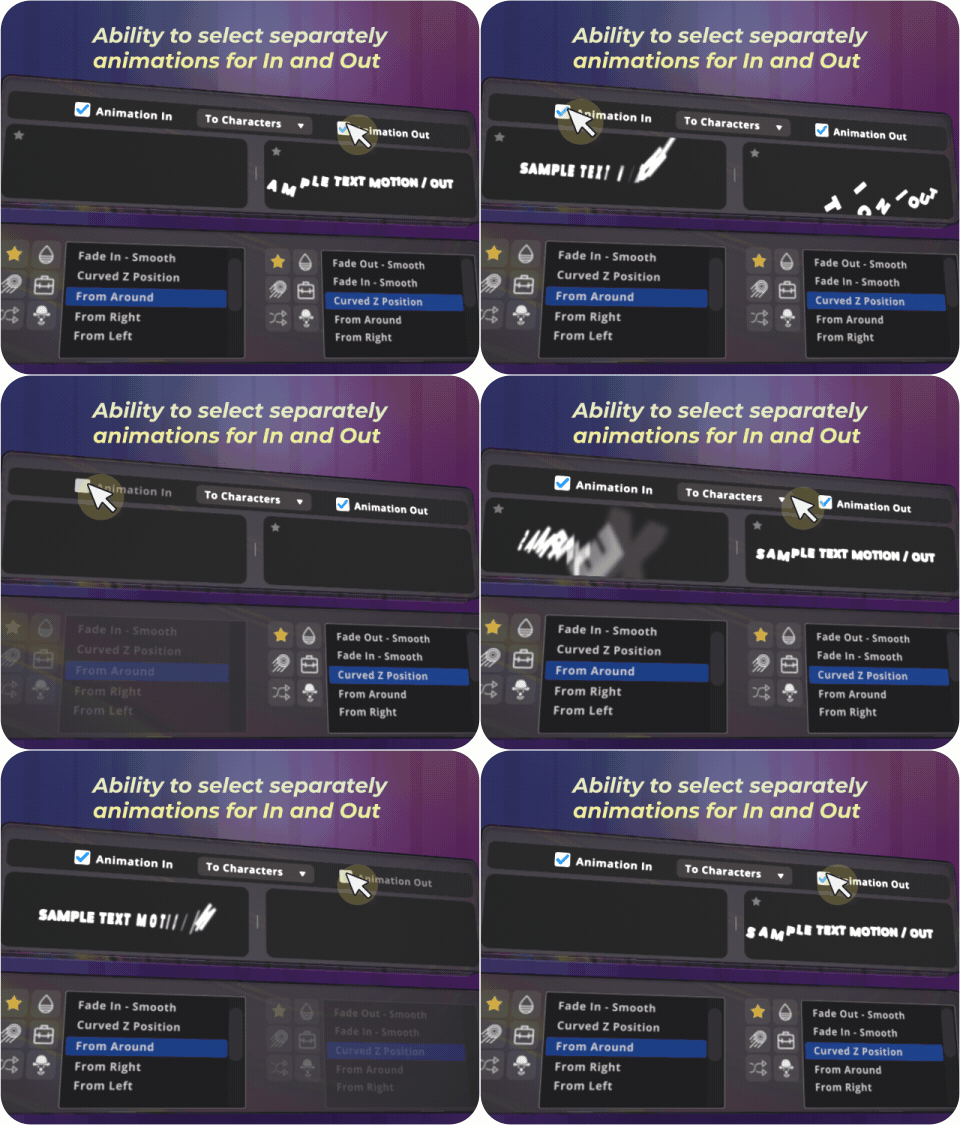
For animated titles and graphics, Text Animator applies motion presets with character-level control. Typewriter reveals text one character at a time. See Adobe's current transition guide and animation guide for the current names and descriptions.
Finding the tools in Premiere Pro
Look for the transitions and effects in Premiere Pro's Effects panel. Adobe reorganized the panel in version 26.0, so older tutorials may show different categories or names. Adobe's guide to the reorganization explains how newer effects relate to earlier versions.
Premiere Pro compatibility
Film Impact's library is integrated into Premiere Pro from version 25.5; support for earlier releases is unconfirmed.