broadcastGEMS Adaptive Text Tool is an After Effects motion graphics template (MoGRT) for creating animated text in Premiere Pro. Its adaptive controls recalculate text attributes and animation for eight built-in frame sizes, so editors can switch output dimensions without rebuilding the layout for each supported format.
How frame switching works
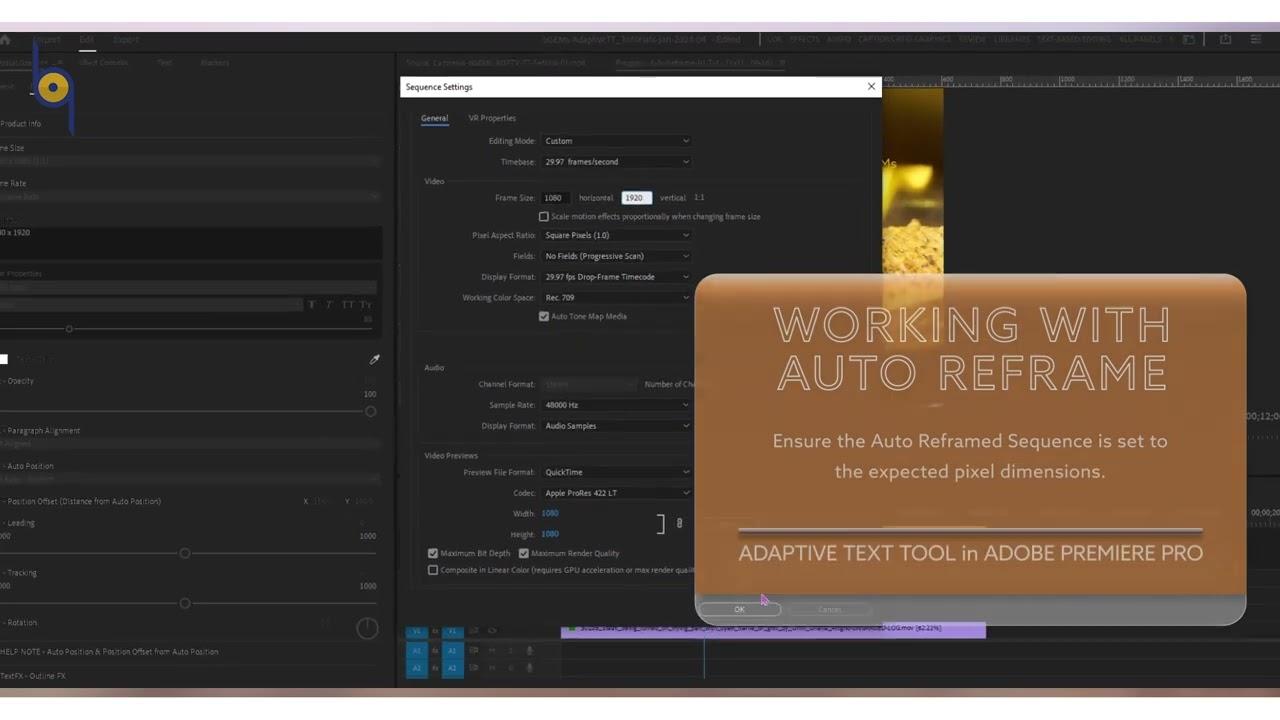
All supported resolutions are packaged in a single AeMoGRT. In Premiere Pro, choose a frame size from the Frame Size Drop Menu in the Essential Graphics Panel. The template recalculates text attributes and animations for that selection. It also works with Premiere Pro’s Auto Reframe tool.
The same title treatment can move among vertical, square, and landscape sequences.
Animation controls
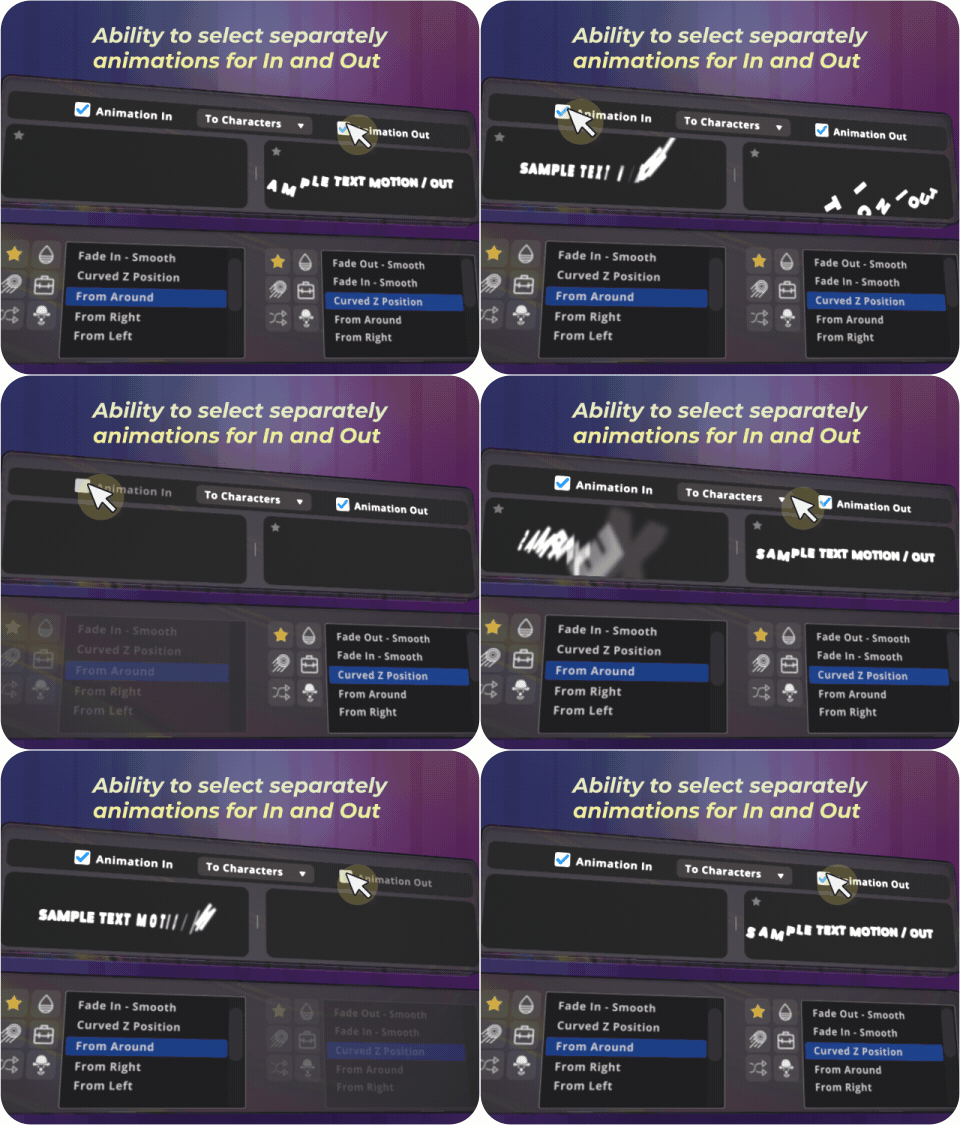
The template includes 65 pre-built setups and 70 adjustable properties. Its modular effects include OutlineFX, Animated Tracking & Scaling, Initial Raised CapFX, and Fit-to-Width/Height, alongside Transition In and Transition Out effects. You can adjust speed or duration, position, scale, tracking, and blur.
Start with an included setup, then tune its timing, placement, and text treatment. The controls are designed for editing within Premiere Pro, without moving the text animation workflow into After Effects.
Supported frame sizes and limits
- 4K and HD1080
- 1080 × 1080 and 1920 × 1920
- 1080 × 1350 and 1350 × 1080
- 1080 × 1920 and 1280 × 720
Sequences with other frame sizes need manual size-related adjustments. A very different aspect ratio may crop part of the text, so inspect the layout at your intended output dimensions. The listed compatibility is Adobe Premiere Pro V23.5 and newer.
Who it suits
The tool is most relevant to Premiere Pro editors who reuse animated text across several supported formats. If your work stays at one frame size, its adaptive switching may be less useful. Before downloading, confirm that your Premiere Pro version and intended frame sizes are covered in the Toolfarm product listing.