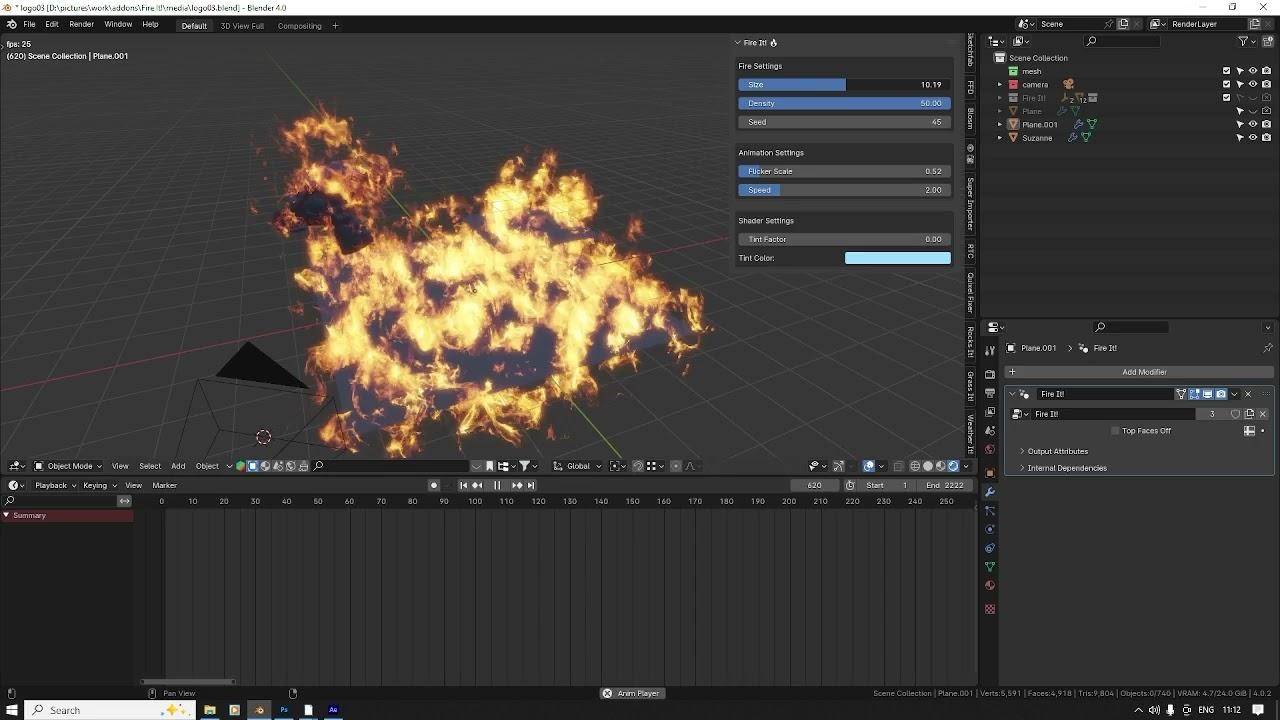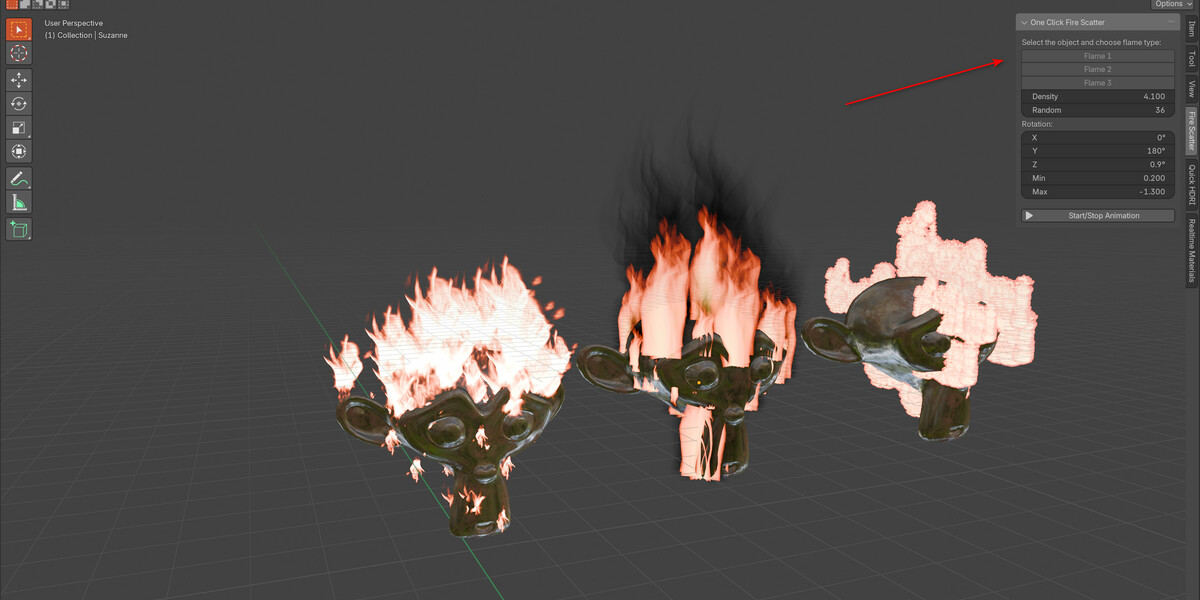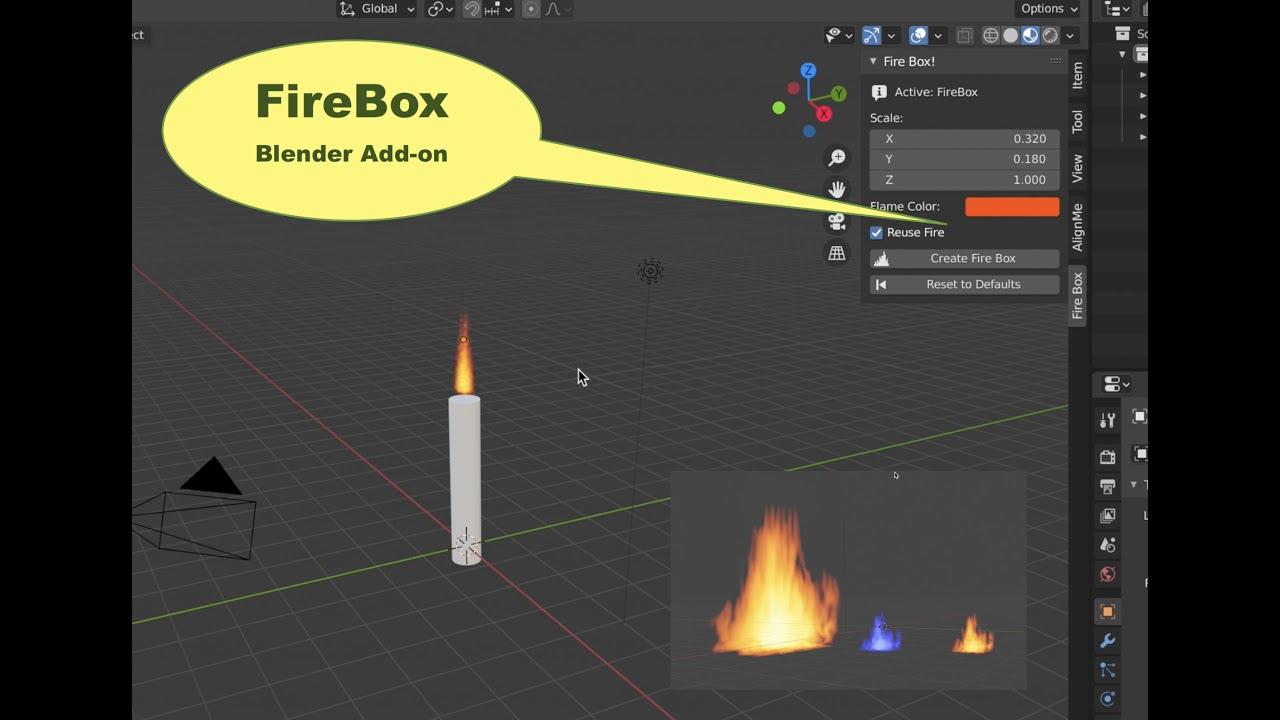
Fire Box is a Blender add-on from Velvum Inc for creating fire instances in a scene. The product listing gives candles, fireplaces, and wooden logs as examples. You can change the flame color and adjust the size of a selected Fire Box along the X, Y, and Z axes. The add-on is intended for straightforward fire setups; its listing says it is not for more sophisticated use with Physics and Effectors. See the Fire Box product details.
Create and adjust a fire instance
Install the add-on from its ZIP file through Blender's Edit > Preferences > Add-ons > Install option. In the 3D View, press N to open the sidebar and select the Fire Box tab. Change the view mode to Shading or Render to see the fire, then click Create Fire Box. The product documentation describes these steps and controls.
With a Fire Box selected, adjust its scale or choose a flame color. The Reuse Fire option makes newly created Fire Boxes use the same fire as the active one, so color changes affect instances sharing it. Turn Reuse Fire off before creating another instance if you want it to have a separate flame color. Reset to default restores the active Fire Box's default size and color.
Rendering and listed Blender versions
The documentation says Fire Box works best with Eevee and takes longer to render in Cycles. The product page lists Blender 2.8, 2.81, 2.82, 2.83, 2.9, 2.91, 2.92, and 2.93. It identifies the license as Royalty Free. Check the product listing for current compatibility and license details, especially if you use a newer Blender release.
Names and visibility
If Fire Box no longer identifies an instance, keep the first part of its object name and add a custom name after the dot, such as FireBox.Candle. If the fire is not visible, switch the 3D View to Shading or Render, zoom closer, and try moving or rotating the Fire Box. The product FAQ covers these troubleshooting steps.