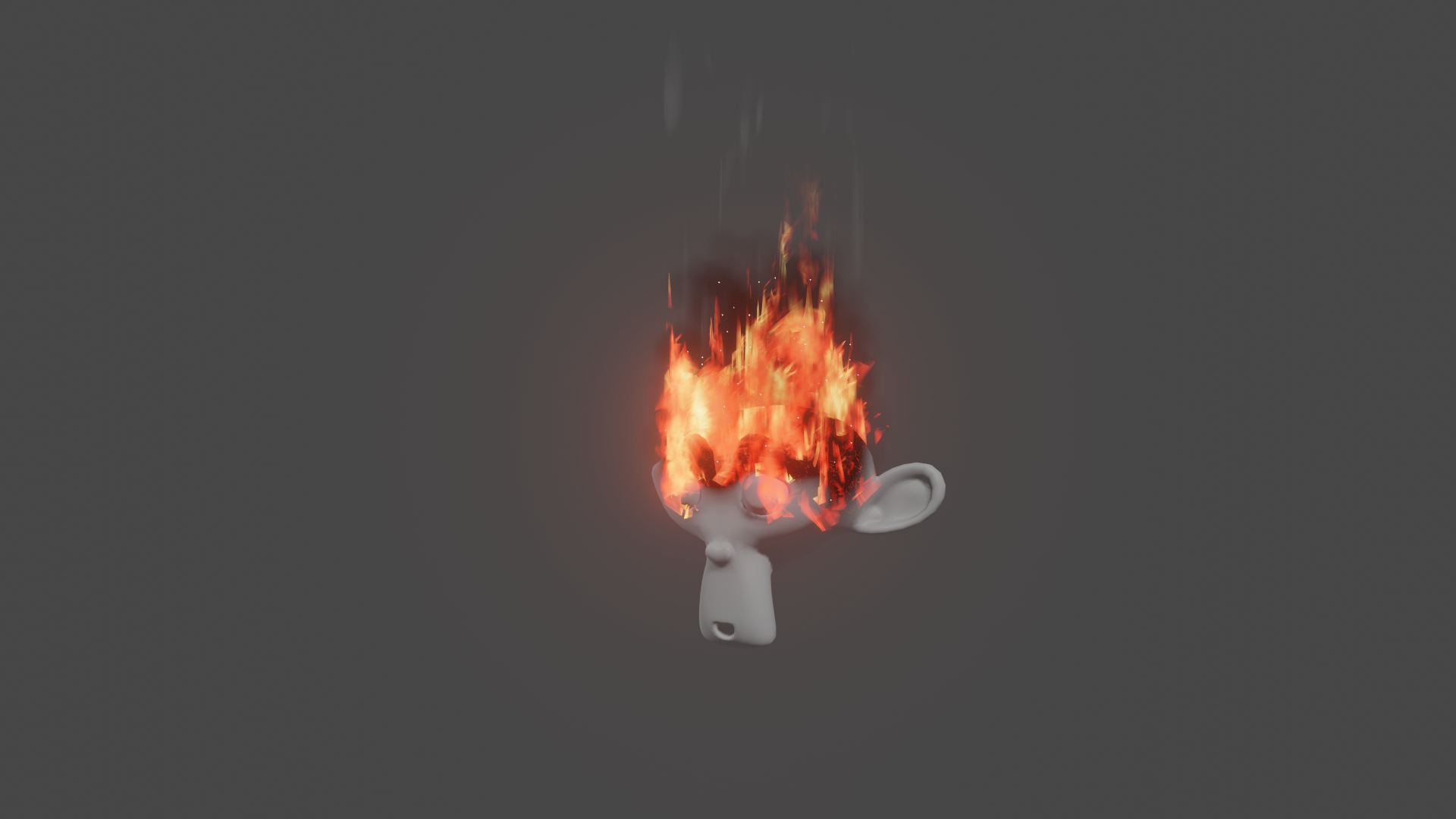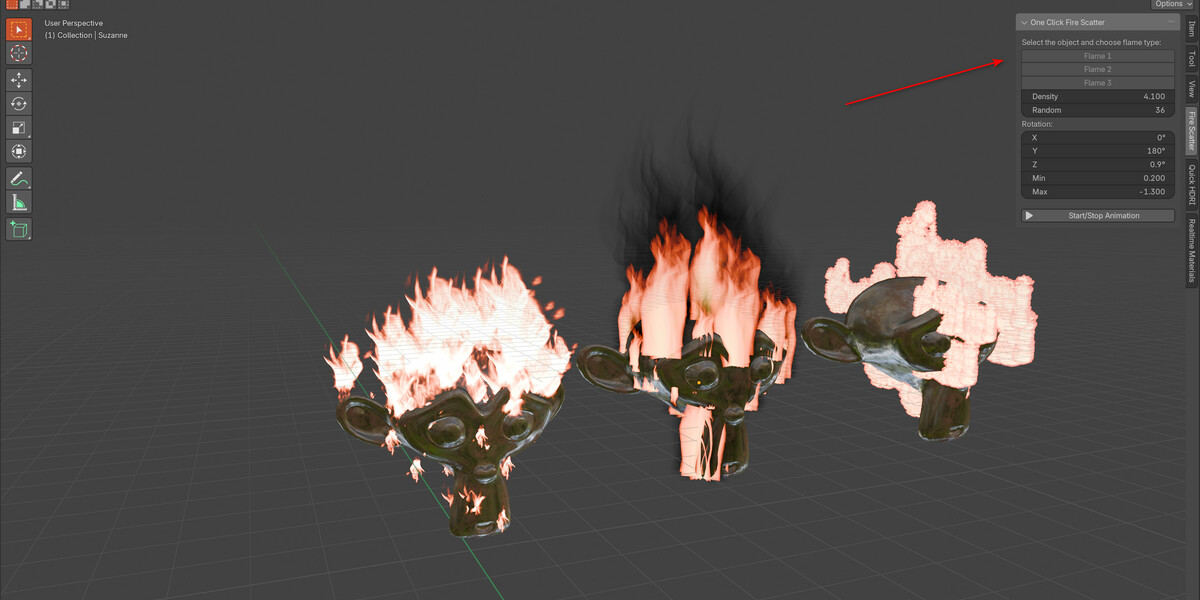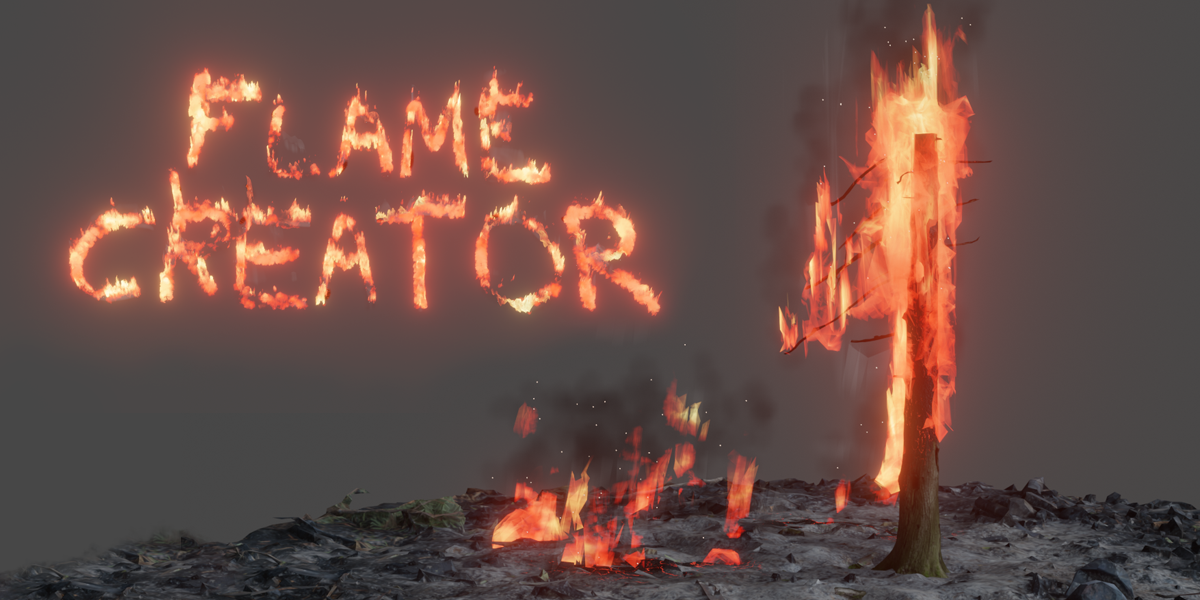
Flame Creator is a Blender add-on built with Geometry Nodes for adding procedural flames to a mesh or drawing flame curves. It also includes controls for sparks, smoke and surface burn marks. You can adjust flame size and height, and use vertex groups to control where flames appear.
Place and shape flames
After installing the add-on through Blender Preferences, open its tab in the 3D Viewport N panel. Choose Add Flames to place flames on a selected mesh, or Draw Flames to draw flame curves. For mesh flames, the Flame Coverage setting changes how much of the surface is selected; upward-facing faces are used by default.
Flame Height sets the flame height, and Subdivision Level controls how many subdivisions the flame receives. Flame Scale adjusts the displacement pattern's scale, while Texture Scale adjusts the texture-noise pattern's scale; both are affected by object scale. To control placement with a vertex group, enable Use Vertex Weight Mask and paint the group assigned to the object. Grow Selection expands the painted area.
Add smoke, sparks and burn marks
The add-on can add particle sparks, volumetric smoke, a 2D smoke effect or both, along with burn marks on the surface. Both particle sparks and volumetric smoke have density, lifetime and speed settings. Volumetric smoke has separate viewport and render density controls, while the 2D effect has height and width settings.
Flame elements are separated into three parts, each with color ramp and emission strength controls. The panels also include controls for spark color, volumetric smoke color and density, and burn patch color, bump and emission.
Render engines and compatibility
The product listing identifies support for Blender 3.6 through 5.0 and the Cycles and EEVEE render engines. For EEVEE Next in Blender 4.2 and later, the listing notes that some adjustment may be needed to match colors and brightness.
The documentation gives setup details for object scale, render settings and the individual controls. The listing specifies a GPL license.