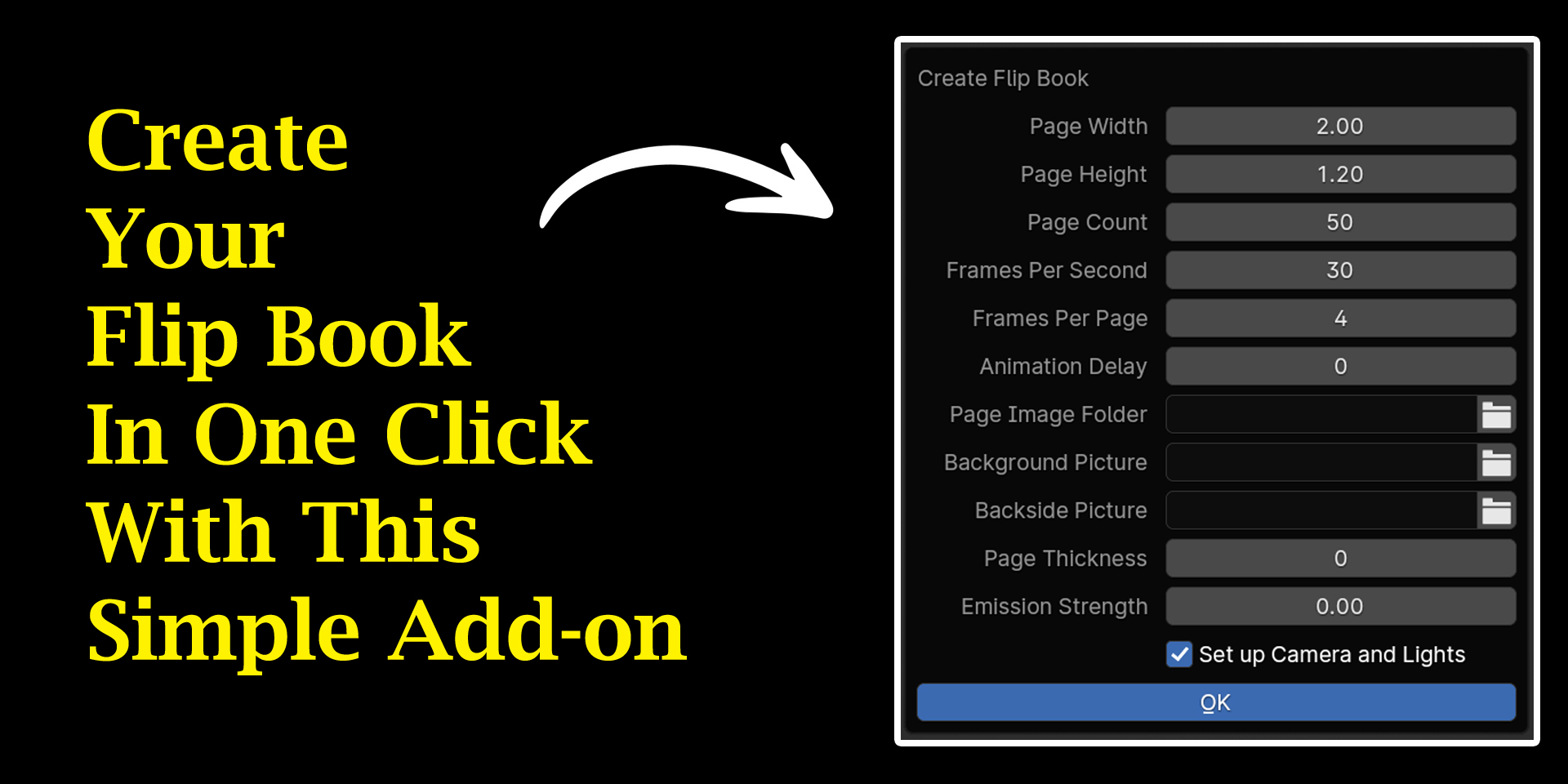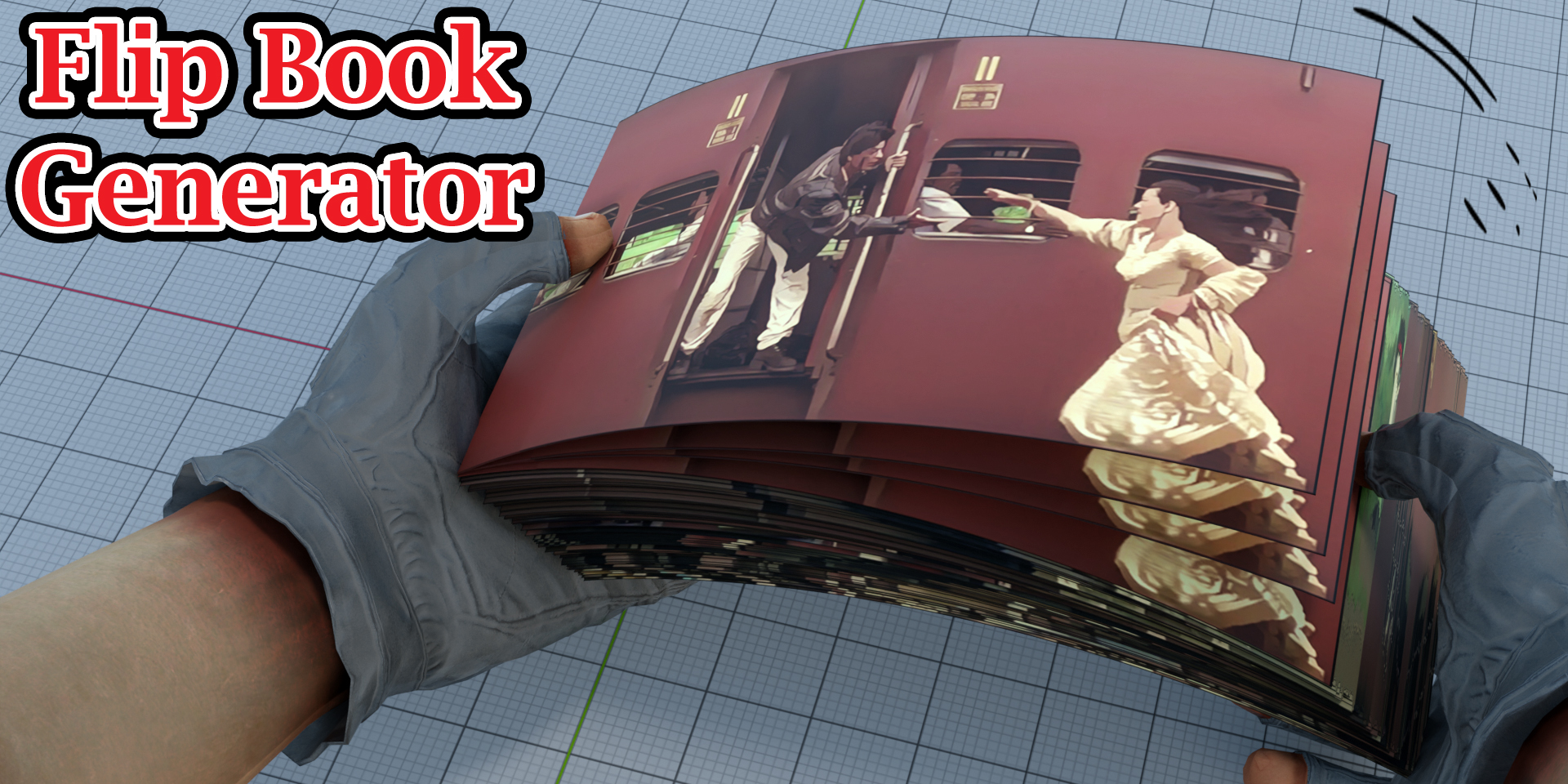
Flip Book Generator is a Blender add-on by 5 Minutes Blender that turns still pictures into a page-flip animation. After installation, open Create Flip Book from Blender’s Object menu, then set the flip book’s size and position, add your images, and hit OK. The add-on creates the animated pages and camera motion. The product listing shows Blender versions 3.3 to 5.0, marks Blender Extension Compatibility as Yes, and identifies the license as GPL.
Prepare the image sequence
Use numbered filenames in order, such as 1.jpg, 2.jpg, and 3.jpg. The product FAQ lists JPG, JPEG, and PNG as supported extensions. After installation, add the images and adjust the available options before creating the flip book.
Add page backgrounds and back-face art
You can assign a background picture to each page. The page’s original image sits over that background, so it needs transparency for the background to show through. A separate image can be used for the back face of a page. The product FAQ describes this as a current limitation: the back-face image appears only when page thickness is set to zero.
Set the animation pace
Frames Per Second sets the overall animation rate, with a listed default of 30 FPS. Frames Per Page controls how many frames a page takes to flip. A higher value slows the turn; a lower value speeds it up.
If pages look washed out in Eevee, the product FAQ recommends Cycles for the page appearance. When using Eevee, increasing the add-on’s emission strength may improve the pages, though it can affect shadows.
Installation and options guide
The download package includes a PDF guide with installation steps, screenshots, and explanations of the input fields. See the product listing, documentation, and product FAQ for the published details.