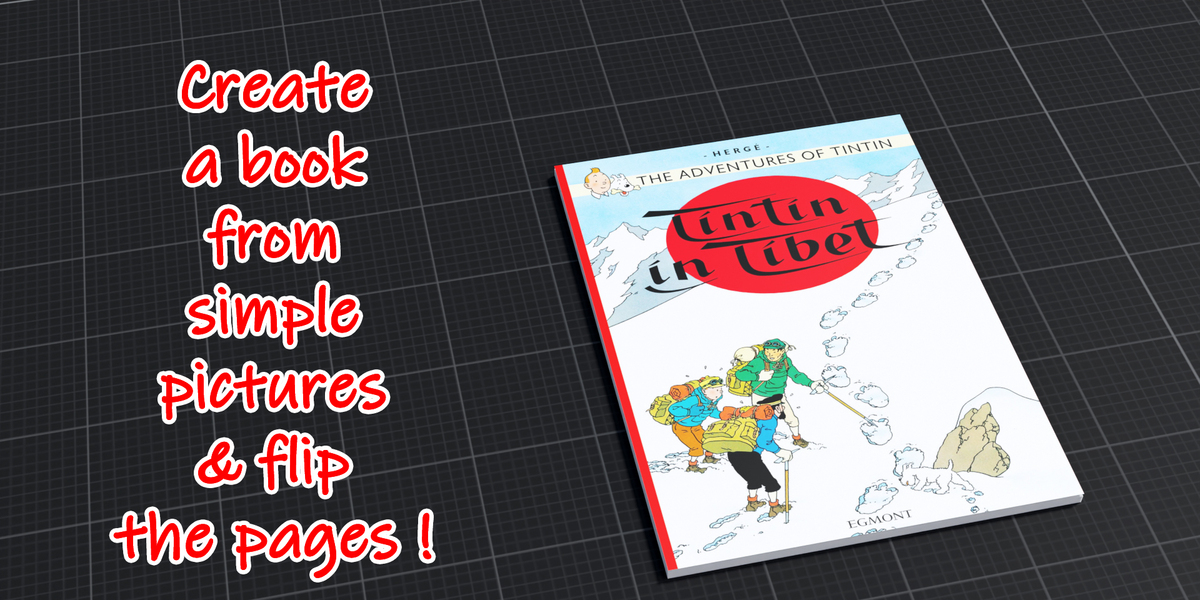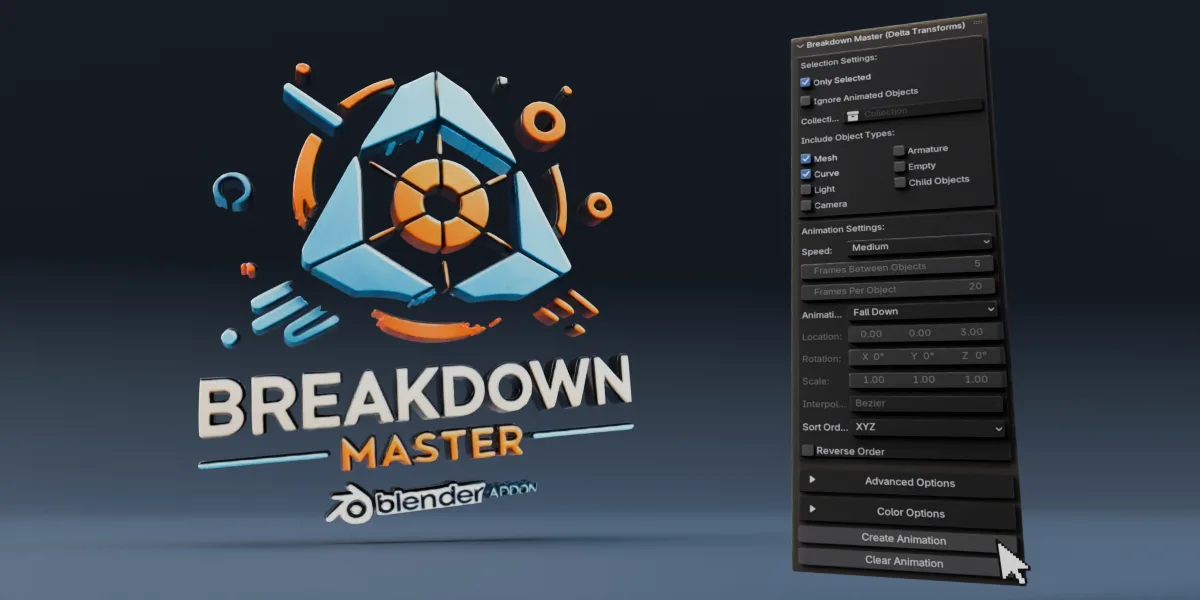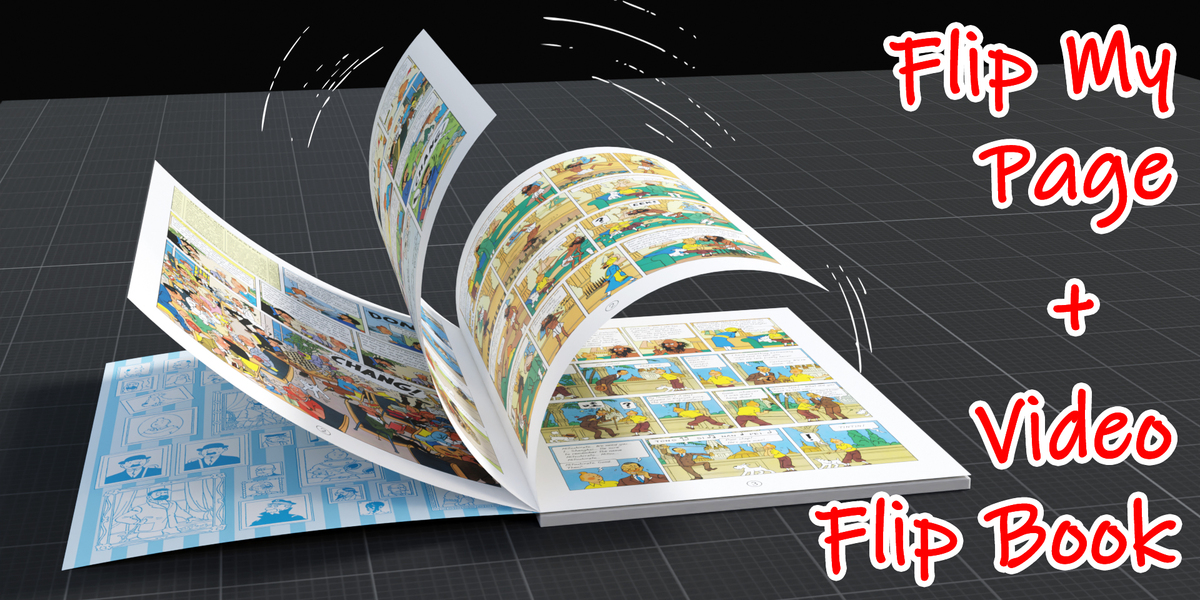
Flip My Page is a Blender add-on by 5 Minutes Blender for creating page-turn and flipbook animations. It builds pages from sequentially named image files; Video Flip Book mode can use video clips as page content. You set the page dimensions, count, timing and start frame through the add-on's controls.
Build a flipbook from images
Choose a folder of JPG or PNG images numbered in order, starting with 1, such as 1.jpg, 2.jpg and 3.jpg. Set the page count and the number of frames each page takes to turn. The add-on also has a start frame control and an Additional Stop setting for pausing between page turns.
Images go on the front of each page by default. Enable both-side pages to use two images per page, or assign a separate backside image or numbered folder. Without a backside image, the add-on displays a blank off-white page. If the folder does not contain enough images for the selected page count, extra pages appear blank; each double-sided page needs two images.
Use video clips on pages
In Video Flip Book mode, select a folder of sequentially numbered MP4 clips. You can mix stills and clips: for each page number, the add-on looks for a video first and uses an image if no clip is found. The product FAQ also notes that clips play at the frame rate set for the animation, which you can adjust in Blender's output settings.
Match Animation to Video Length makes each page wait until its clip finishes before turning. With this setting enabled, the add-on ignores Additional Stop and the loop option. Delayed Start can hold a clip until the preceding page has flipped past the vertical line and the page is visible to the camera.
Set the book's appearance and lighting
Optional controls add page thickness, cover pages and a Burn-out effect. The first and last pages receive a different cover treatment and bend less than the inner pages. The Burn-out effect does not apply to covers and is disabled when both-side pages are enabled.
Dark Mode keeps ambient light at a minimum. Dark Mode keeps ambient light at a minimum and works only when Set up Camera and Lights is enabled; use emission in this mode, preferably with an emission strength of 1.0. The setup option also adds a camera angle and lighting for rendering.
Free version and documentation
The Superhive product listing describes a limited free version available by email, capped at 10 pages, and says the full version allows unlimited pages. The listing does not state a price for the full version. It reports Blender compatibility from version 3.4 to 5.2.
The documentation page says the download package includes a PDF with installation steps, usage instructions and details about the input fields. For help moving the finished book or finding missing images, see the product's FAQ.