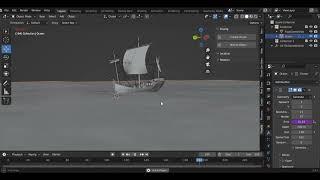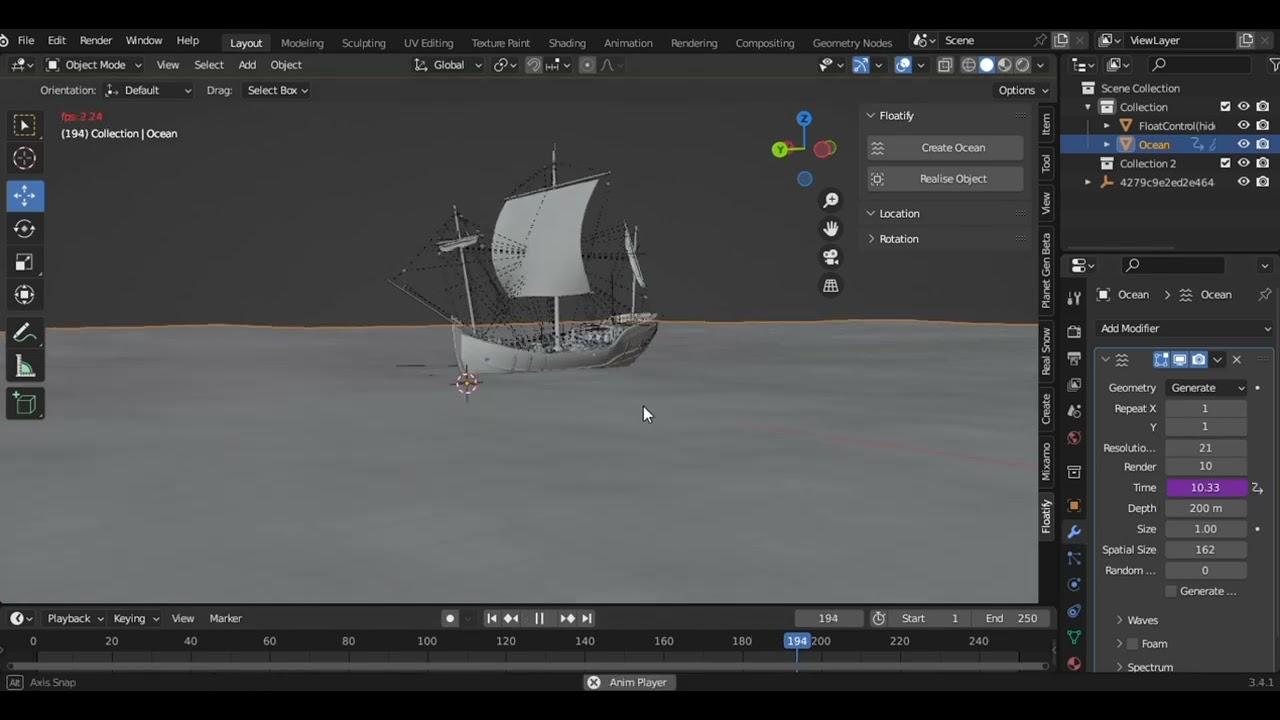
Floatify is a Blender add-on for making a selected object float on water. To use it, select the object, click Realise Object, then keyframe the ocean.
Install and use Floatify
- In Blender, open Edit > Preferences > Install and install the add-on.
- Find Floatify in the viewport's N panel, then select the object you want to float.
- Click Realise Object and keyframe the ocean.
The Superhive listing documents no controls or setup steps beyond this sequence. For the current instructions and product details, see the Floatify listing on Superhive.
Listed Blender versions and license
The listing names Blender 3.0, 3.1, 3.2, 3.3, 3.4, and 3.5, and identifies the license as GPL. It does not confirm compatibility with later Blender versions.