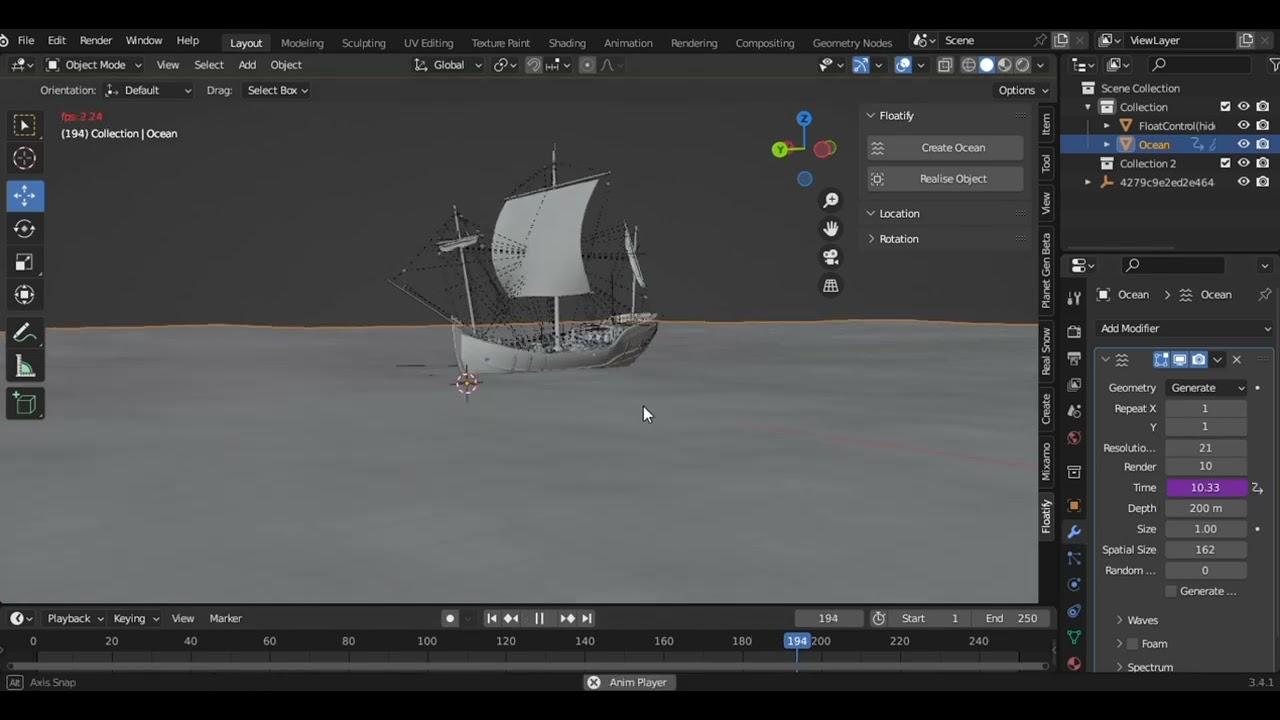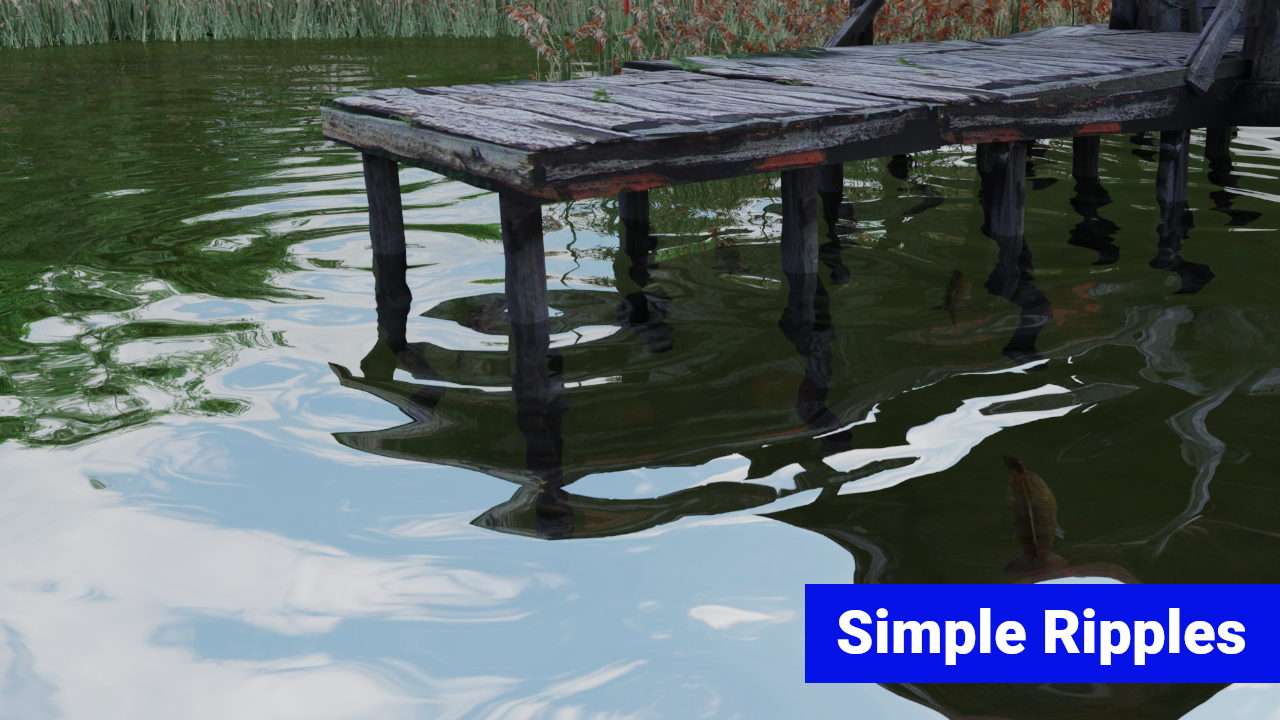
Ocean Drive Studio is a Blender add-on for driving a boat across a procedural ocean, recording the pass, and baking it into an animation. Choose a vessel from its library or configure your own model, then adjust the water, buoyancy, wake, and camera for the shot.
Record and bake a vessel pass
Start with Create Demo Scene or choose a library boat, then select an ocean preset and click Apply Water. Click Drive to steer the vessel in the viewport, and turn on Record before driving to capture the take. When the pass is ready, click Stop, set the start and end frames, then click Bake Take to write the recorded drive across that frame range. The separate surface export writes the ocean surface field as an EXR.
This workflow gives the boat buoyant motion while you steer, instead of requiring you to keyframe each movement across the waves by hand.
Set up vessels, waves, and shoreline
The vessel library includes jet skis, speedboats, inflatable boats, and cabin cruisers. For a custom model, use Use My Boat or Import Boat File, select its hull pieces, and set the bow axis, target length, mass, and draught. Waterline and model height offsets help adjust how the boat sits; click Update Boat after changing its setup.
Ocean controls include wave height, wavelength scale, chop, swell strength, wind speed, wave heading, spectrum, and quality. Water Look settings cover deep and shallow colors, clarity, absorption, foam, and surface roughness. Boundary presets can add a shoreline or define an area such as open water or a sandy beach.
Add wake, spray, and camera views
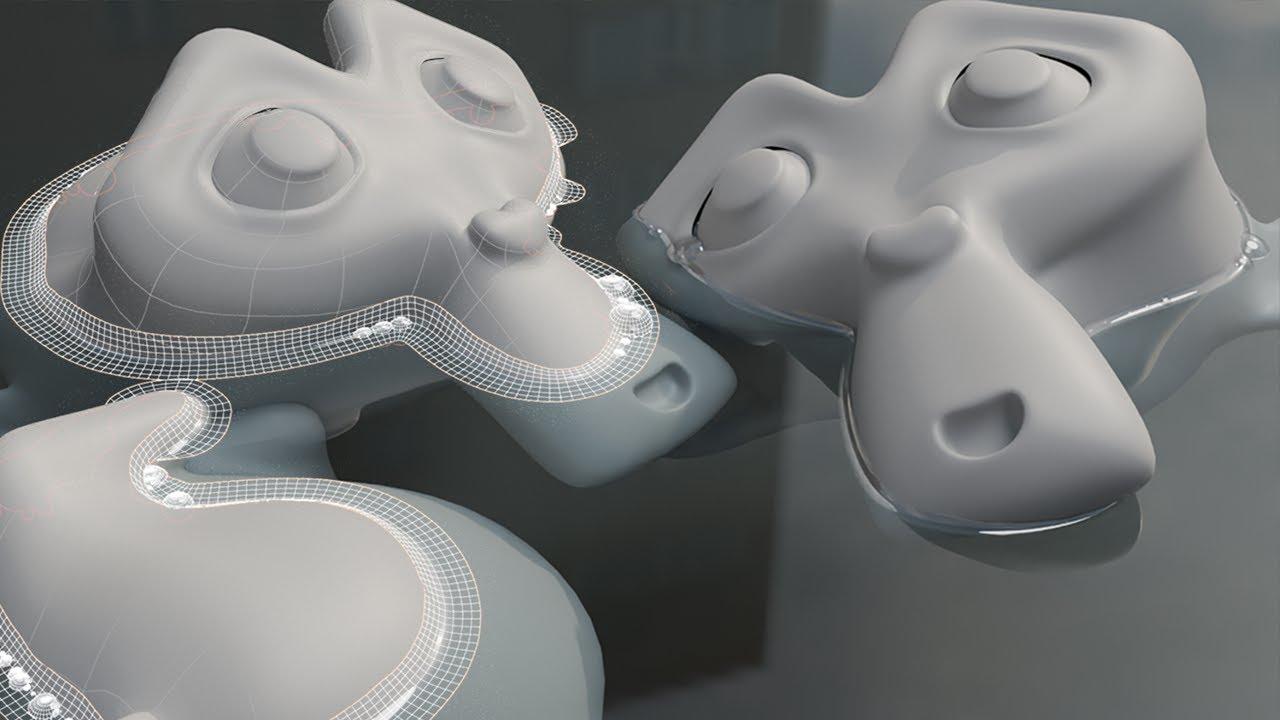
Bow and stern emitters create wake, foam, breaking crests, and spray. You can tune wake breakup and lifetime, spray amount, and drop size. Chase, Drone, and Side cameras follow the vessel. Ocean Drive Studio works with Eevee, including optional ray tracing, and Cycles.
Requirements and limits
The listing identifies Blender compatibility as 4.2–5.3 and the add-on ZIP as version 0.34.0; its documentation says Blender 4.2 or newer is required. Allow file access in Blender when importing boat models or writing baked surface caches. The documentation describes Ocean Drive Studio as a real-time driving and buoyancy system, not a full fluid simulation. Very detailed or unusual hulls may need manual hull-piece setup. The listing specifies a GPL-3.0-or-later license. See the product listing for the package details.