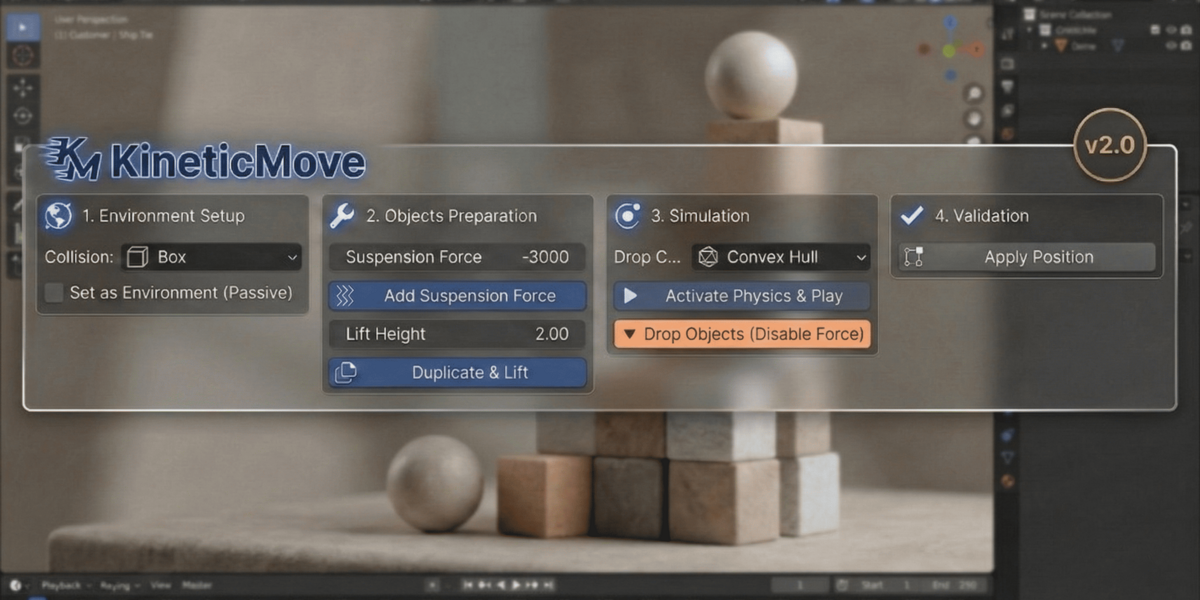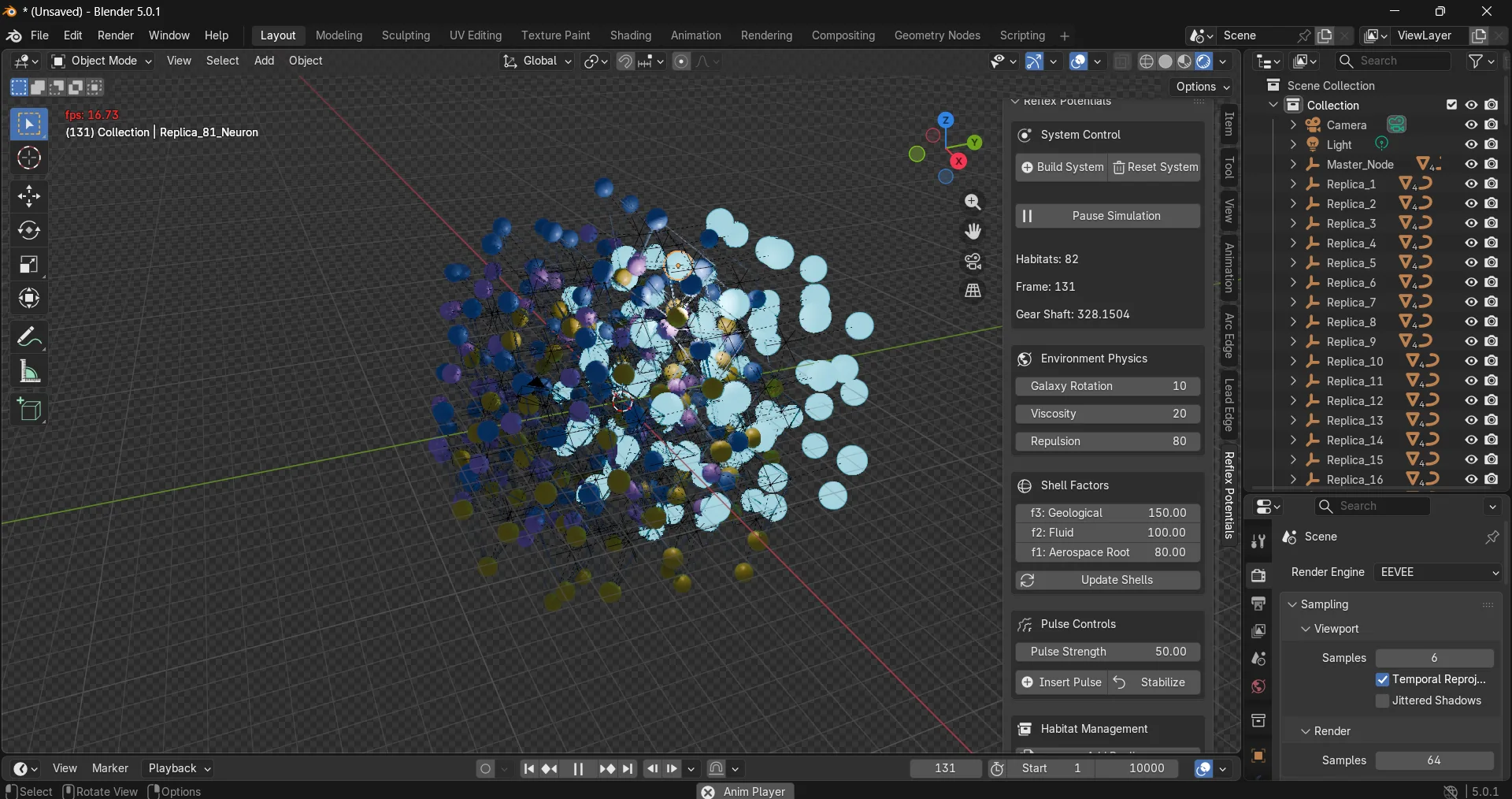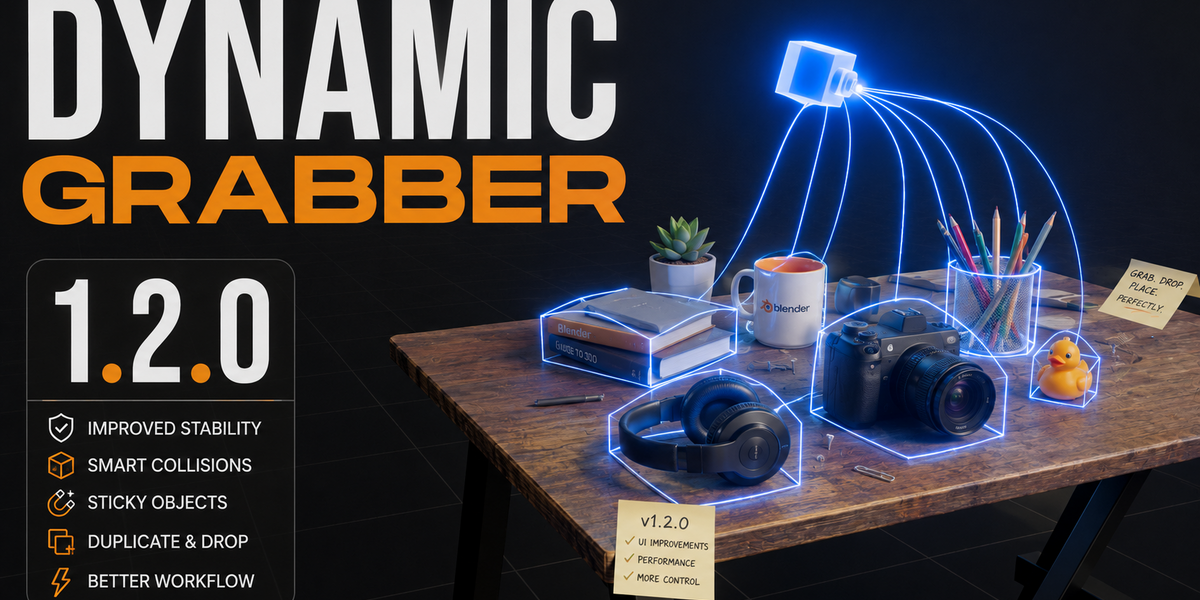
Dynamic Grabber is a Blender add-on for placing objects with physics. Grab selected meshes and move them with collisions active, drop them to settle under gravity, or paint copies into a scene. Its tools are aimed at prop placement such as books on shelves, crates on pallets, debris, and floating objects.
Grab, drop, and stack objects
Dynamic Grab moves selected objects through the 3D Viewport while keeping their physical interactions active. The default shortcut is Ctrl+Shift+G. You can lock movement to an axis, rotate objects while carrying them, and use Carry Contents to move objects resting on the selected item. Dynamic Drop, on Ctrl+Shift+D, releases selected objects under gravity. Cascade releases them one at a time, and Record Keyframes can capture the resulting movement.
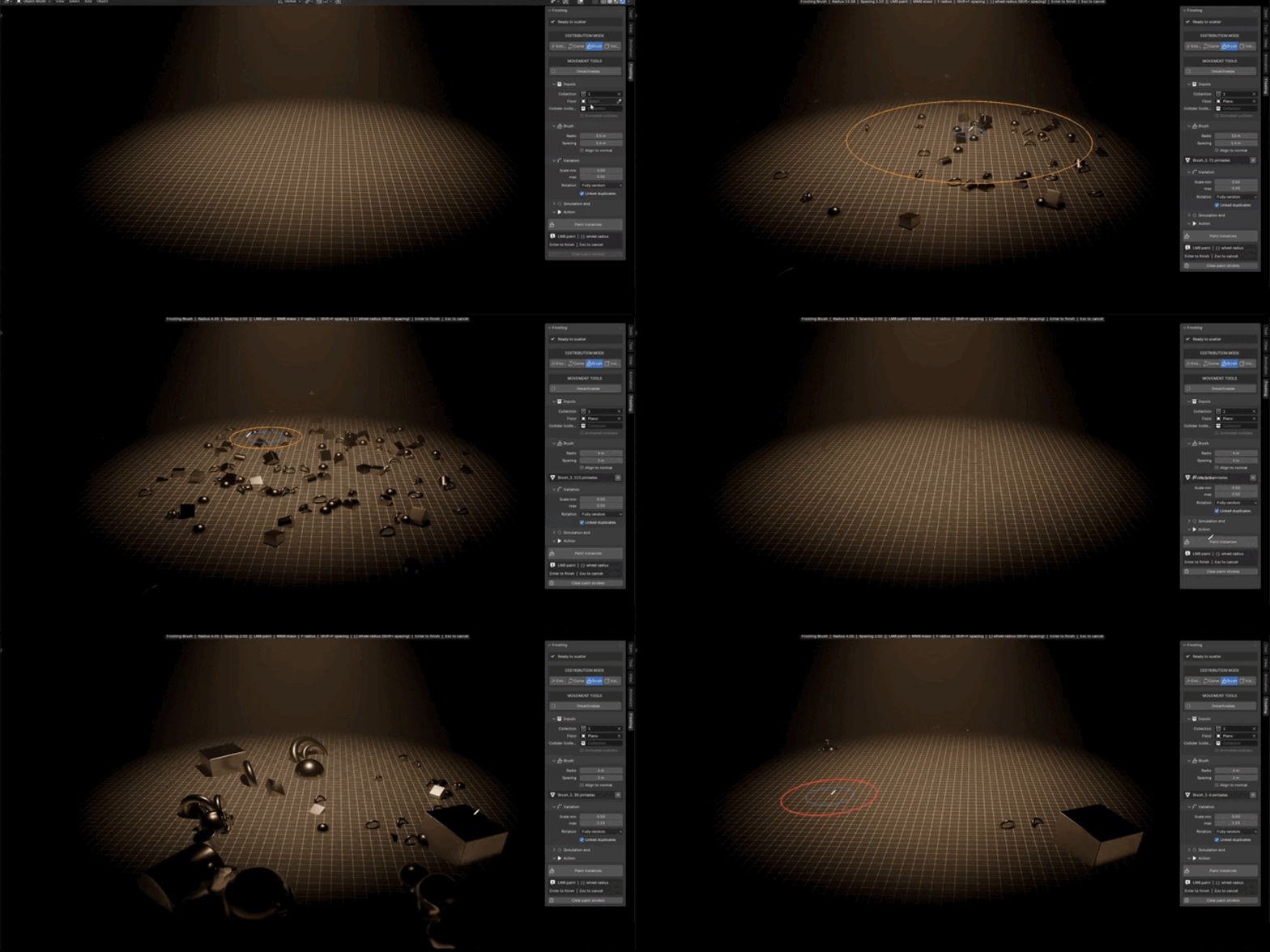
For repeated placement, the Physics Brush paints copies of an object or a collection; its shortcut is Ctrl+Shift+C. Stack Mode places copies at the height of the surface you point to, even if the source object's origin or rotation would make manual alignment awkward. The Gap control spaces the row, and Scale Variation changes copy sizes. You can also draw a freehand path, line, polyline, or circle, choose a ring, honeycomb, or grid pattern, set the copy count, then place the layout with a click.
Use a palette or add water
A weighted palette lets a brush stroke, shape, or stack draw from several objects with per-item size ranges. Keep Upright helps objects such as bottles and mugs stay upright during placement. For water scenes, Setup Water can create a wave-ready plane if the scene has none. Mark meshes Can Float to make them splash and ride the surface; the waterline is calculated from mesh volume. Bake Live to Keyframes converts the motion to ordinary keyframes across a chosen frame range.
Versions and Blender compatibility
Dynamic Grabber Lite is free and includes Dynamic Grab with Carry Contents and Dynamic Drop. The full version adds the Physics Brush, Stack Mode, layout shapes, palette, water tools, and other animation features. The product listing identifies Blender 4.5–5.2 compatibility; the developer's version 1.2.0 documentation names Blender 4.5.8 LTS, 5.0.1, and 5.1.2 as tested releases. Check the current listing for compatibility with your Blender version. The listing describes installation by dragging the ZIP into Blender and identifies the license as GPL-3.0-or-later.
Plan for scene complexity
Physics settings affect speed and collision detail. The guide recommends Automatic collision shapes as a starting point. For heavier scenes, it suggests simpler Box or Fast Convex Hull shapes where they fit; Mesh collisions are more accurate for hollow objects such as containers but can be slower. The guide also advises keeping object counts reasonable for the available CPU.