Fluid simulation inside After Effects
Fluid is a GPU-accelerated Navier-Stokes effect for creating fluid motion directly in an After Effects composition. Its solver runs on the GPU in the timeline, so you can adjust and preview the simulation in your project without a separate render engine.
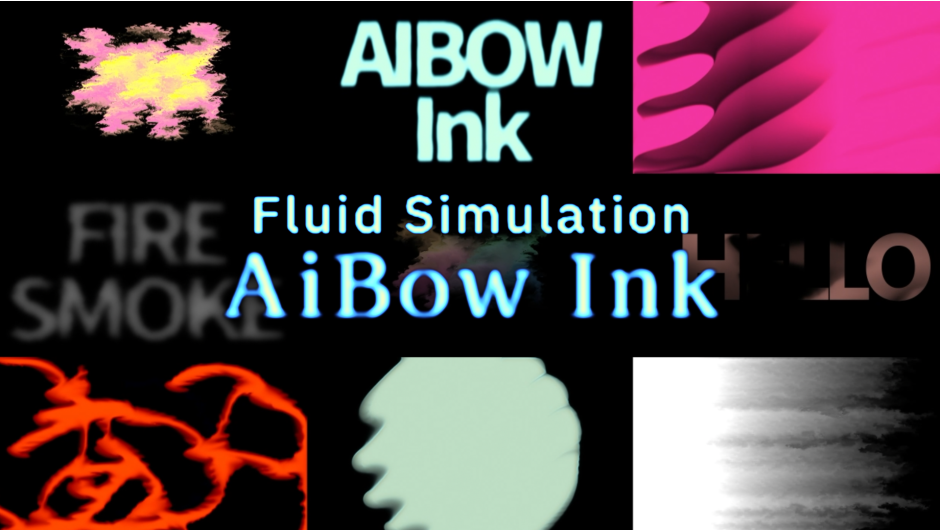
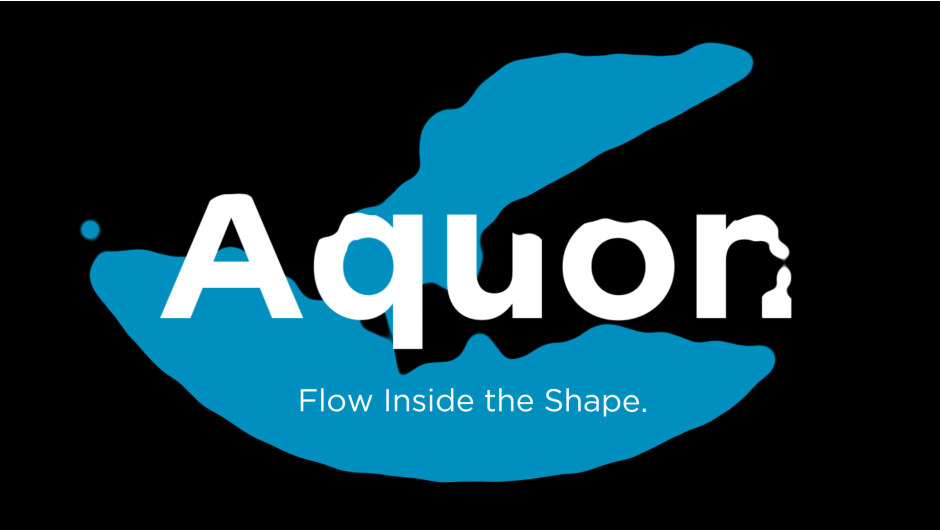
Use a logo, text layer or shape as a source. Fluid reads the layer's alpha and emits from its visible pixels. Animate the source layer and the fluid follows its movement with velocity tracking, which suits logo reveals, text dissolves and moving smoke, ink or fire effects. Two emitter points let you build separate streams in one effect.
Shape motion, color and shading
Keyframe forces such as gravity, wind, buoyancy and vorticity to change how the fluid moves over time. Layered curl noise adds adjustable turbulence. Each emitter point has its own color and gradient controls; colors can cycle over time, vary with each emission or follow a chosen palette. The streams blend where they meet.
Density-driven specular and rim lighting, along with multi-pass bloom, give the fluid a volumetric appearance. The result still renders flat inside the composition, so Fluid is suited to 2D compositing effects rather than a 3D volume workflow.
Quality, compatibility and licensing
Four quality presets run from Standard to Extreme, with the dye grid reaching up to 4608². SSAA 2× and bicubic resampling refine edges. Lower settings keep previews faster, while higher settings provide more detail.
YCraft lists After Effects 2021 and later, Windows 10 or 11, and macOS Monterey 12 or later. Fluid uses an OpenCL GPU solver, so GPU support is part of the setup. YCraft lists the product at $59.99 USD as a one-time purchase and says its tools are licensed for personal and commercial projects. For purchases through other marketplaces, the developer says the marketplace's refund policy applies.