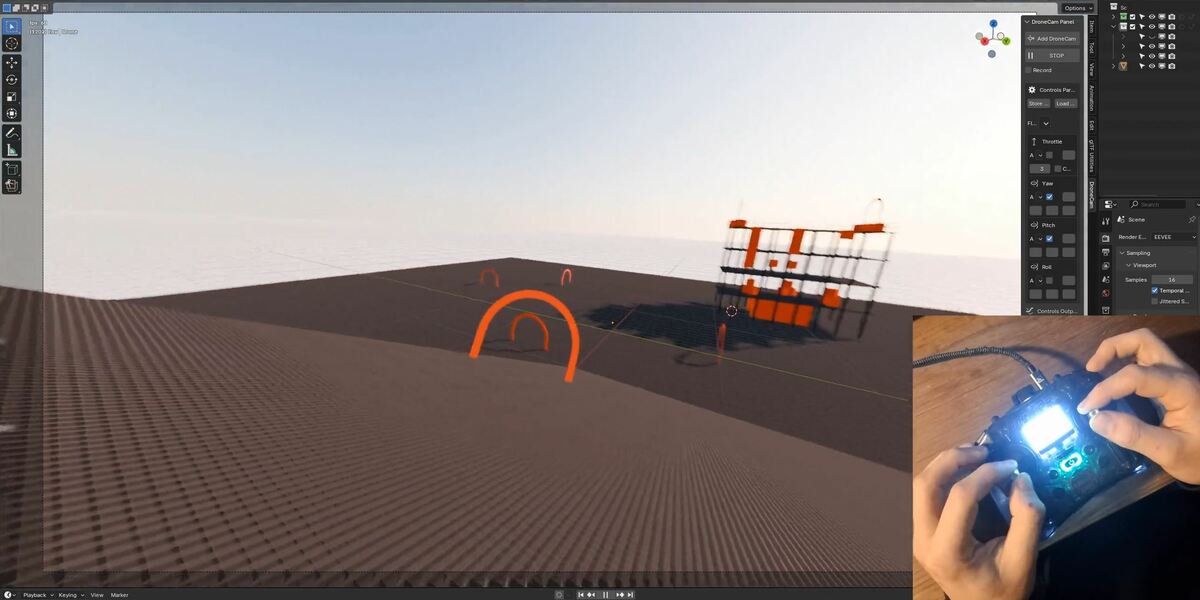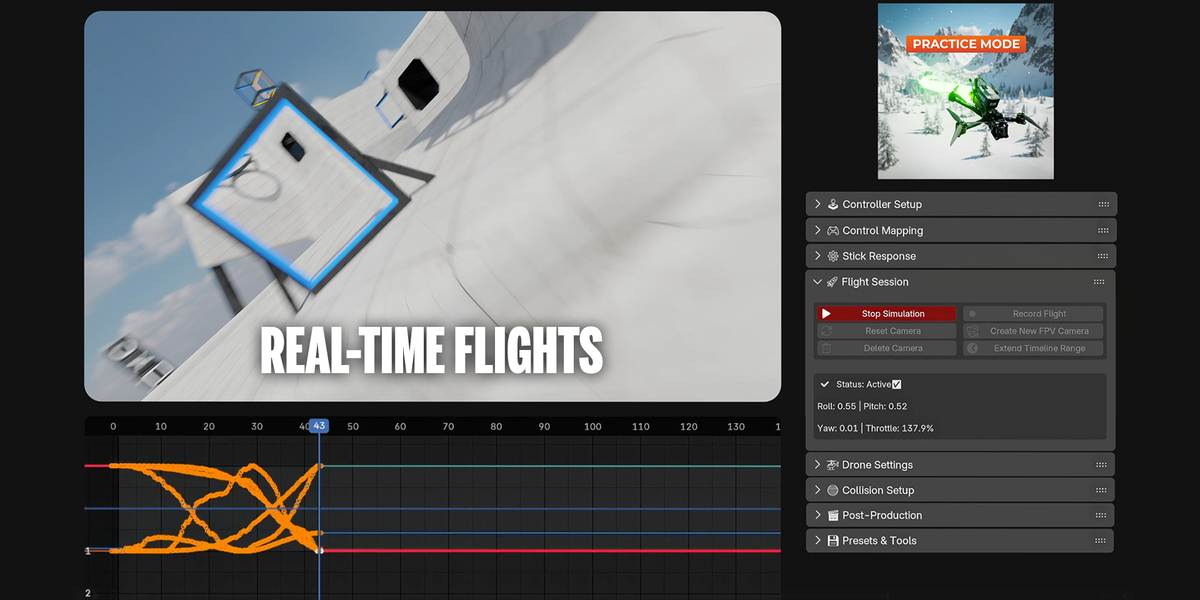
FPV.Control is a Blender add-on by Marcos Medel for piloting a camera with an RC controller or gamepad. It simulates FPV flight with collision physics and records the camera’s movement as editable keyframes, so you can refine a flight after recording. You can also practice in the viewport without recording.
Connect and map a controller
The documentation says a controller should work if the computer recognizes it as a joystick, gamepad, or HID device. Tested models include DJI FPV Controller V1, FPV RC 2 and RC 3; TBS Tango 2; Radiomaster Boxer, TX12, Pocket and TX16S; Jumper T20 V2; BetaFPV LiteRadio 2 SE; PlayStation PS1 and PS4; iFlight Commando 8 v2; and FlySky FS-i6X.
To set up a controller, install the downloaded ZIP from Blender’s Edit → Preferences → Add-ons → Install menu without extracting it, enable FPV Control, and open its panel in the N-panel. If Blender reports missing dependencies, the instructions point to an Install Dependencies option. In Controller Setup, refresh the device list, then use Detect Stick Movement and the axis controls to map inputs. Set minimum and maximum values, then tune expo, sensitivity, and smoothing.
Record and refine a flight
Create an FPV camera, choose Practice Flight to try the controls, or start Record Flight to capture a take as keyframes. Stop recording when the flight is complete; Continue Recording can pick up from the last frame. The documentation also describes a camera picker, so a selected scene camera can be used for a flight session.
For a steadier camera path, Smooth Cam Animation applies double-pass Gaussian smoothing. Presets can save axis mappings, expo and smoothing settings, physics, and camera properties for reuse. The collision system is optional: add collision meshes or collections, and a hidden physics proxy sphere handles collisions with bounce, friction, and resting behavior. The projectile launcher is marked experimental.
Included files and compatibility
The listed package includes a demo map and the Nazgul Evoque F5 V2 3D drone model. The marketplace listing specifies Blender 4.2 through 4.5 and a GPL license. Its About section describes the included add-on as version 1.0, while the documentation contains a version 1.1.0 changelog. The documentation says Smooth Cam Animation is compatible with Blender 5.0, but that does not establish compatibility for the whole add-on. Check the product listing and documentation for current package and compatibility details.