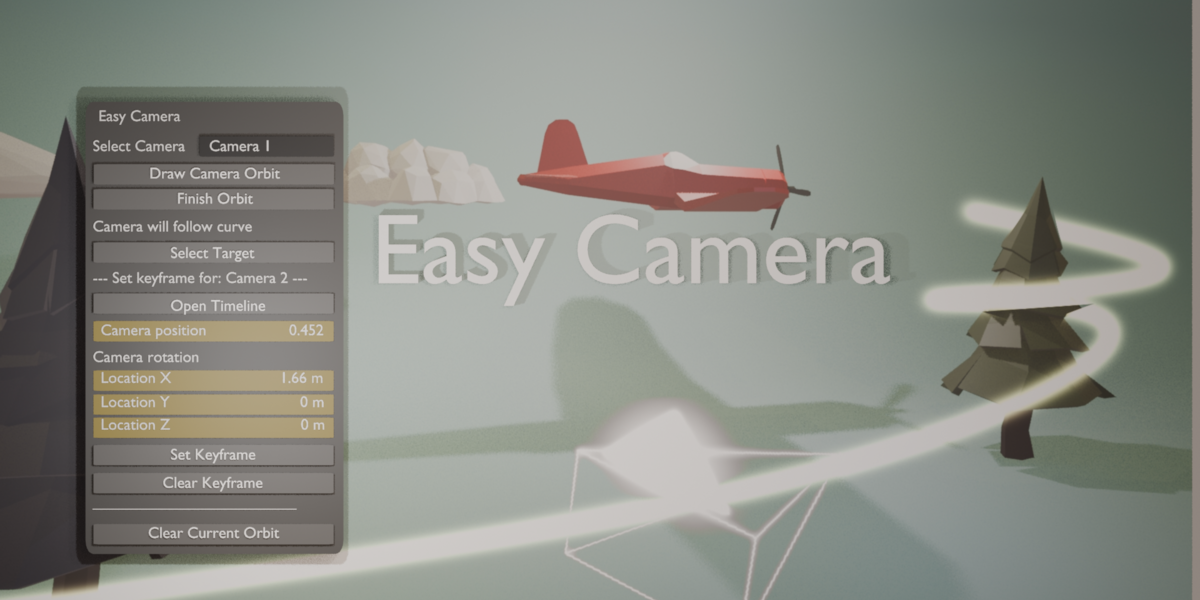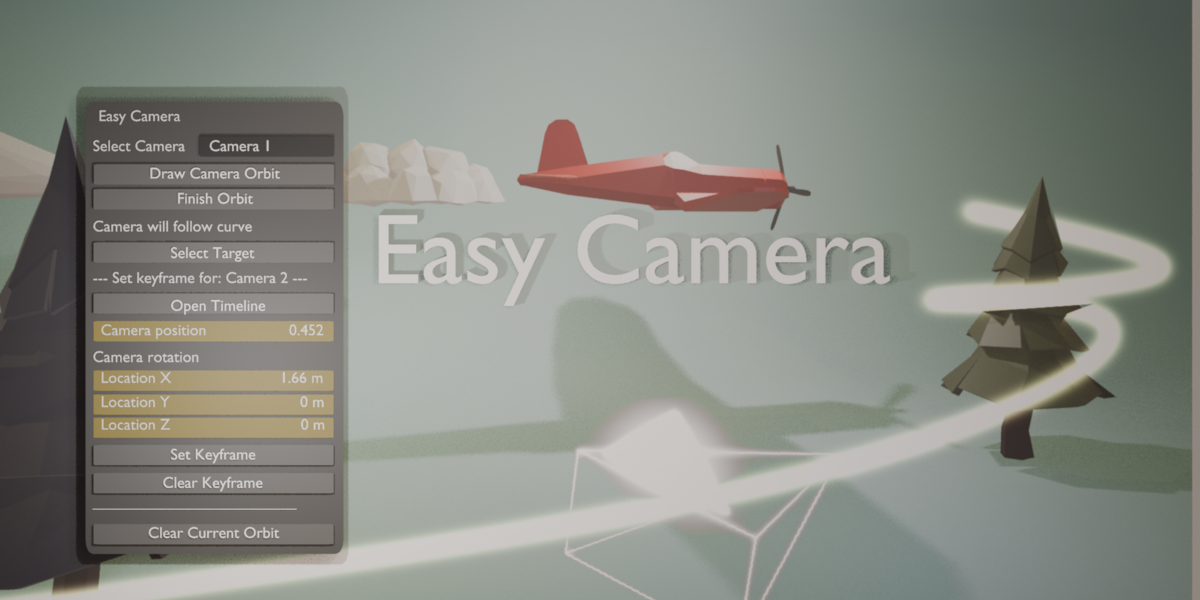
Easy Camera is a Blender add-on by phamduyson for creating camera motion around an orbit and controlling how the camera aims. Choose a camera in the add-on panel, draw and adjust an orbit, then select Finish Orbit to attach the camera to the path. The documentation describes refining a path with Blender's move, rotate, and scale tools.
Choose how the camera aims
Easy Camera provides three target modes for an orbit. With a mesh target, the camera follows the path while focusing on the selected object's geometric center. This can help when that center differs from the object's origin.
With the orbit as the target, the camera still travels along the path, but you control its direction. Camera Position moves the camera along the orbit, Camera Rotation changes the viewing angle, and CamDirection provides finer direction control. A mesh target with Along Object enabled keeps the camera looking at the selected object while maintaining a parallel alignment with its surface.
Choose a mesh target for object-center tracking, the orbit target for manual direction, or Along Object when surface alignment matters.
Set and revise keyframes
Move the timeline to a frame, adjust the camera's position and direction, then select Set Keyframe to save its state. To remove one, select the keyframe and choose Clear Keyframe. Clear Current Orbit removes the current camera's motion so you can start the orbit again.
Install and check compatibility
The installation documentation says to open Edit > Preferences > Add-ons, choose Install, select the Easy Camera zip file, and enable the add-on. Its panel then appears in the 3D Viewport Sidebar, also called the N panel.
The product listing names Blender 4.0, 4.1, 4.2, and 4.3 as supported versions and identifies the license as GPL. Check the listing for compatibility details before installing.