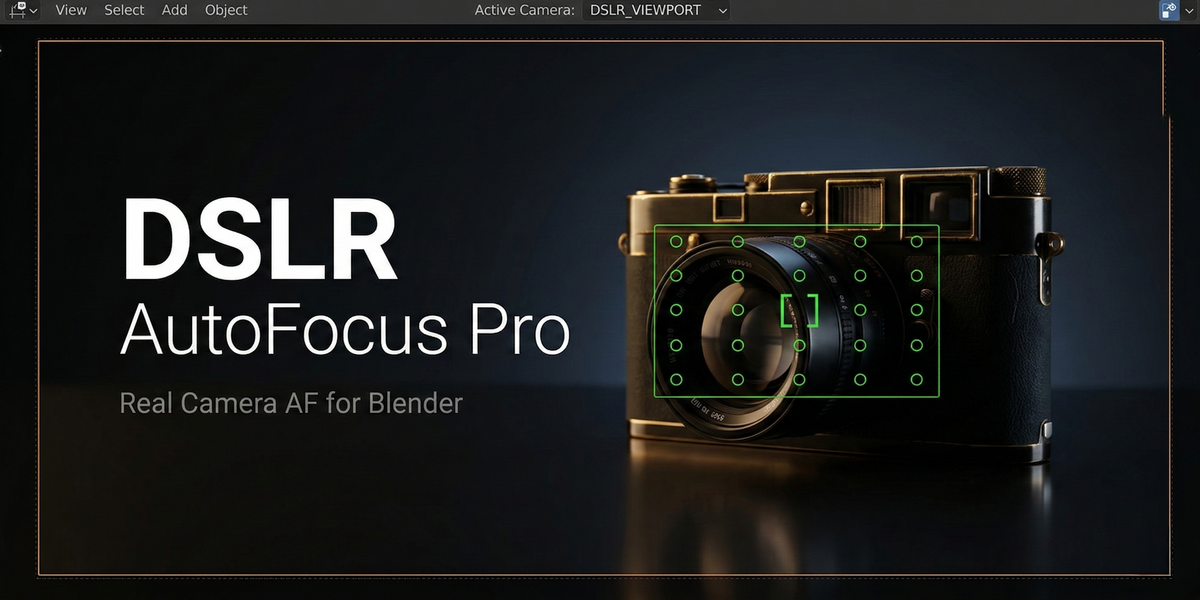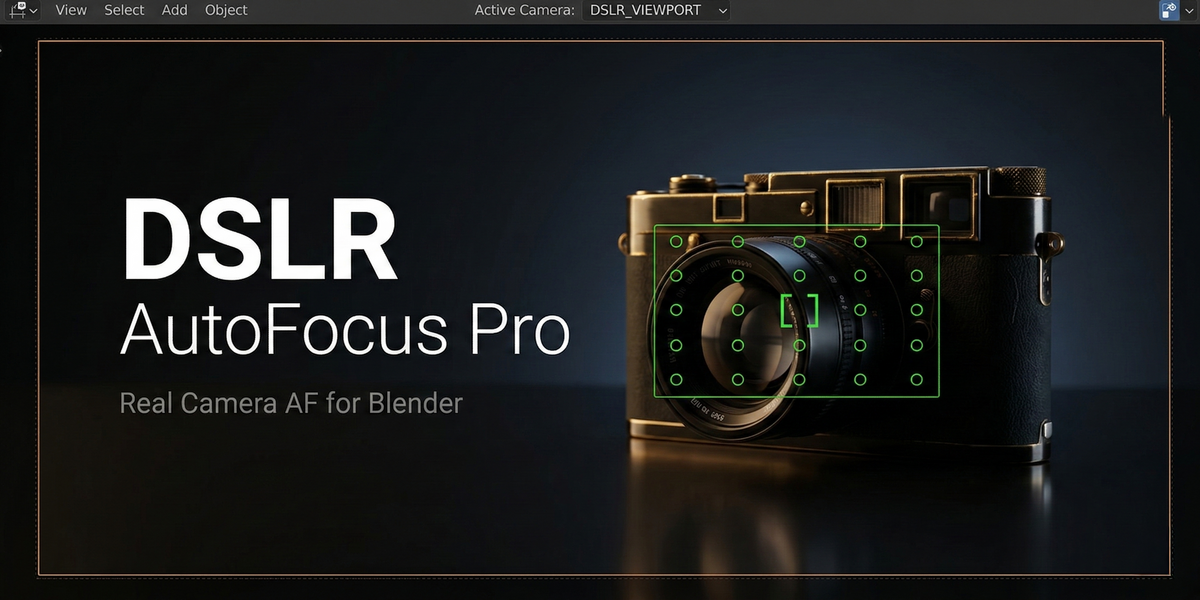
Dslr Autofocus Pro simulates DSLR and mirrorless autofocus and auto exposure in Blender’s viewport. Choose a focus behavior and area, preview focus as the camera or subject moves, then bake focus distance, lens breathing and Auto Exposure to keyframes. The current Superhive product listing identifies Blender 4.2 through 5.2.
Choose an autofocus behavior and area
AF-S (single-shot) focuses when requested and holds that focus. AF-C (continuous) updates focus as the scene changes. In Manual Focus mode, set the distance yourself and use focus peaking to see in-focus edges. The AF area controls where the add-on looks: Single Point targets one position, Zone uses a grid, Wide/Tracking scans a larger area, and All covers the viewport.
Zone areas come in Small, Medium and Large sizes, with Nearest, Center-weighted or Largest-object priority. In AF-C with Wide/Tracking, the add-on follows the nearest detected object and scans again if it loses the target. The viewport overlay indicates whether the system is searching, locked or tracking.
Shape focus pulls and lens effects
The focus engine interpolates in diopter space, or 1/distance, to model how lens motors move. This helps a near-to-far rack focus progress across the distance range instead of snapping through it. Transition curves and speed presets let you adjust the pull. Focus bounce adds motor-style overshoot at lens settle, with four presets and a Custom mode.
Lens breathing can be added while focus changes. The current product listing describes it as additive, so it can work alongside an authored or keyframed focal length; it also steps aside when a driver controls the lens. Manual Focus includes focus peaking, with several color choices for the in-focus edges.
Preview and bake camera animation
Once the viewport result is ready, bake focus distance and lens breathing to keyframes for a chosen frame range and step size. Auto Exposure can also be baked. The add-on reports bake progress and lets you cancel with Escape. It stashes existing zoom, focus or exposure animation so Clear Bake can restore it.
Use auto exposure in EEVEE or Cycles
Auto Exposure meters the camera view in scene-linear light using Spot, Center-weighted or Matrix metering. A reaction delay and separate timing for brightening and darkening create a blow-out, hold and settle response. Presets cover several response styles, and controls include Strength, an EV limit and compensation.
In EEVEE, the meter needs no extra setup. In Cycles, it reads the scene through a small Material Preview viewport using Scene Lights and Scene World; the panel’s Set Up Metering Viewport control creates one. The developer documentation describes installation, modes, baking and troubleshooting. Its version-specific instructions are older than the current product listing, so use the listing to confirm Blender support, and consult the documentation for installation steps.