CameraPlus Studio PRO is a Blender add-on for setting up camera moves, studio lighting and HDRI controls in product renders, industrial scenes and cinematic shots. Its version 1.1.4 update changes how camera presets, targets, animation distance and light rigs behave.
Camera presets and target control
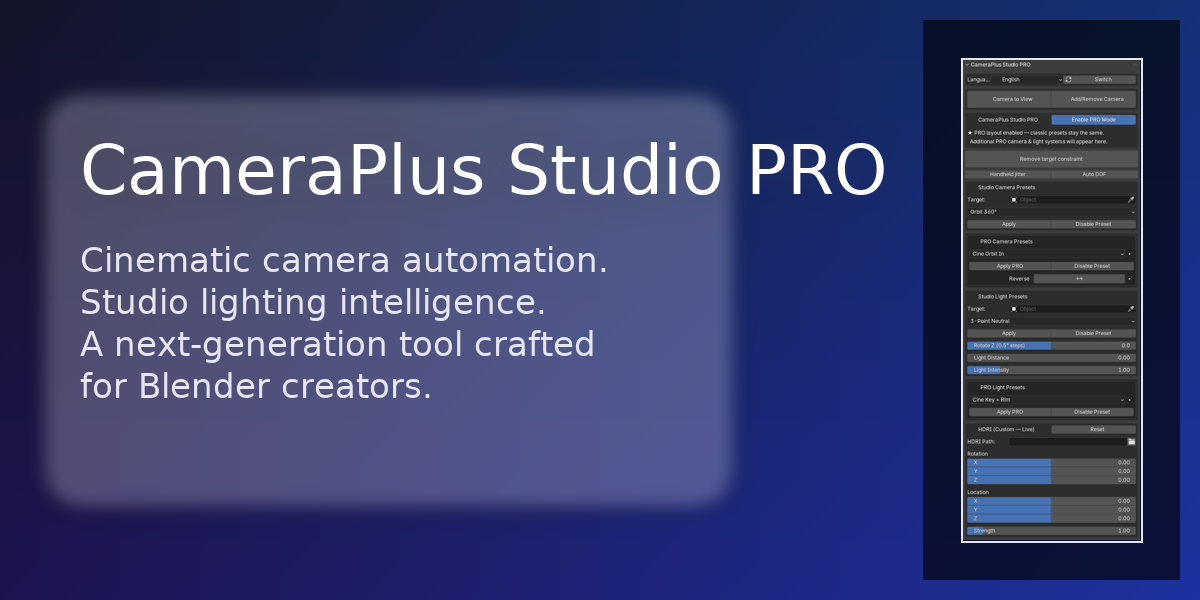
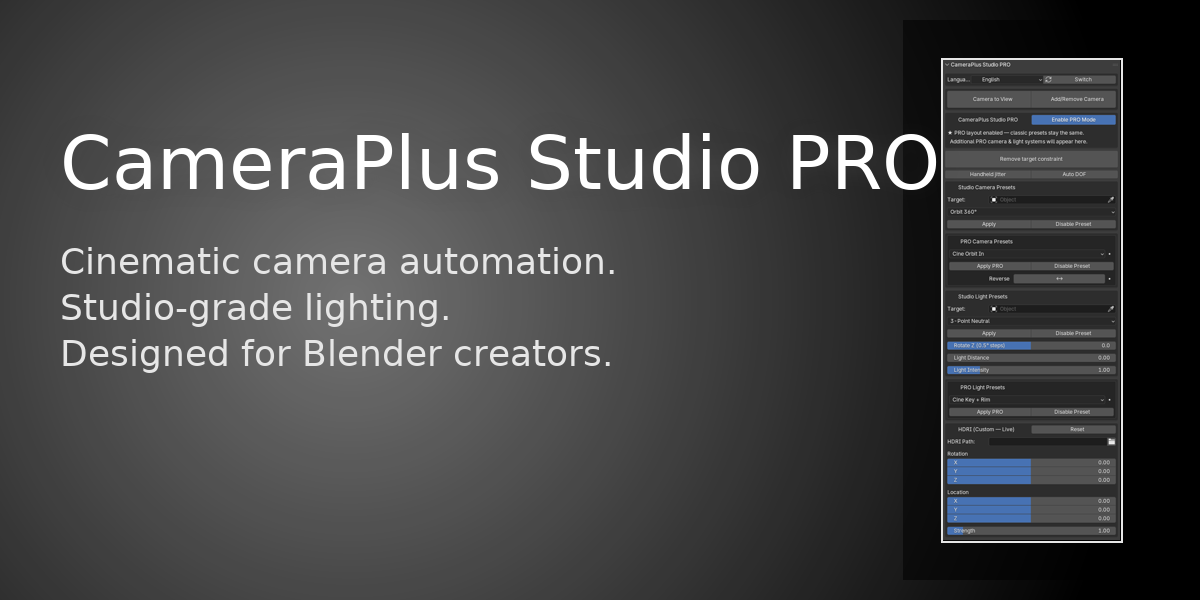
The add-on includes 20 Classic and 20 PRO camera presets, with moves such as orbits, dollies, cranes, spirals and macro pushes. Camera presets can track a chosen target; PRO presets also include reverse motion and target-based depth of field. In version 1.1.4, Handheld Jitter is a live toggle for PRO camera rigs, with adjustable strength.
In version 1.1.4, applying a new Camera or PRO Camera preset replaces the previous CameraPlus camera rig. The Camera Distance slider adjusts the active rig in real time and rescales its existing keyframes. Use Selected assigns a selected viewport object as the target, while Start and End controls let you set the animation frame range before applying a preset.
Smart Target Switch is a PRO feature for changing the camera's focus during a move. Switch Target smoothly shifts focus from the current target to another selected object; Blend Back returns focus to the previous target. Both transitions preserve the existing camera motion.
Lighting and HDRI controls
CameraPlus Studio PRO also includes 20 Classic and 20 PRO light presets. The Light Distance and Light Intensity controls adjust the light rig, and the PRO presets add accent and reflector lights to their base setups. Keep Previous Lights lets a new light preset be added while retaining earlier CameraPlus light setups.
The HDRI panel controls rotation, position and strength, with a reset control. These settings update in the viewport.
Compatibility and updating
The Superhive product listing gives the Blender 4.0–5.0 compatibility range and names Cycles and Eevee as render engines. Its version 1.1.4 notes report background validation in Blender 5.0 for add-on registration and removal, camera preset replacement, distance control, PRO camera and light preset application, and the Handheld Jitter controls. For updates in Blender 5.x, the listing instructs users to remove the previous add-on version before installing the update.