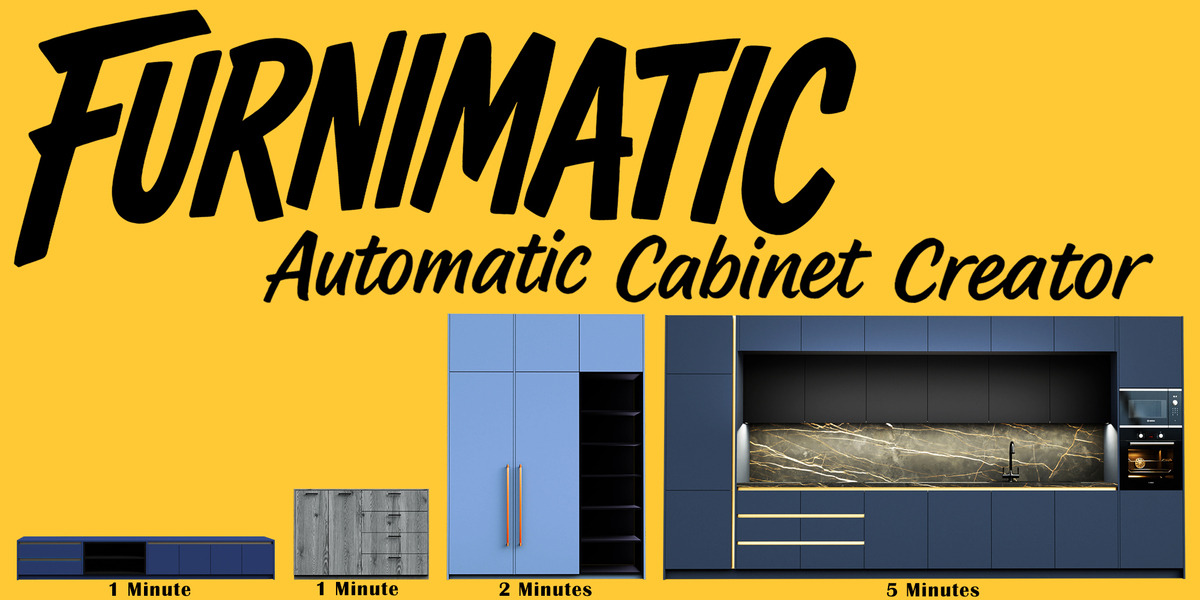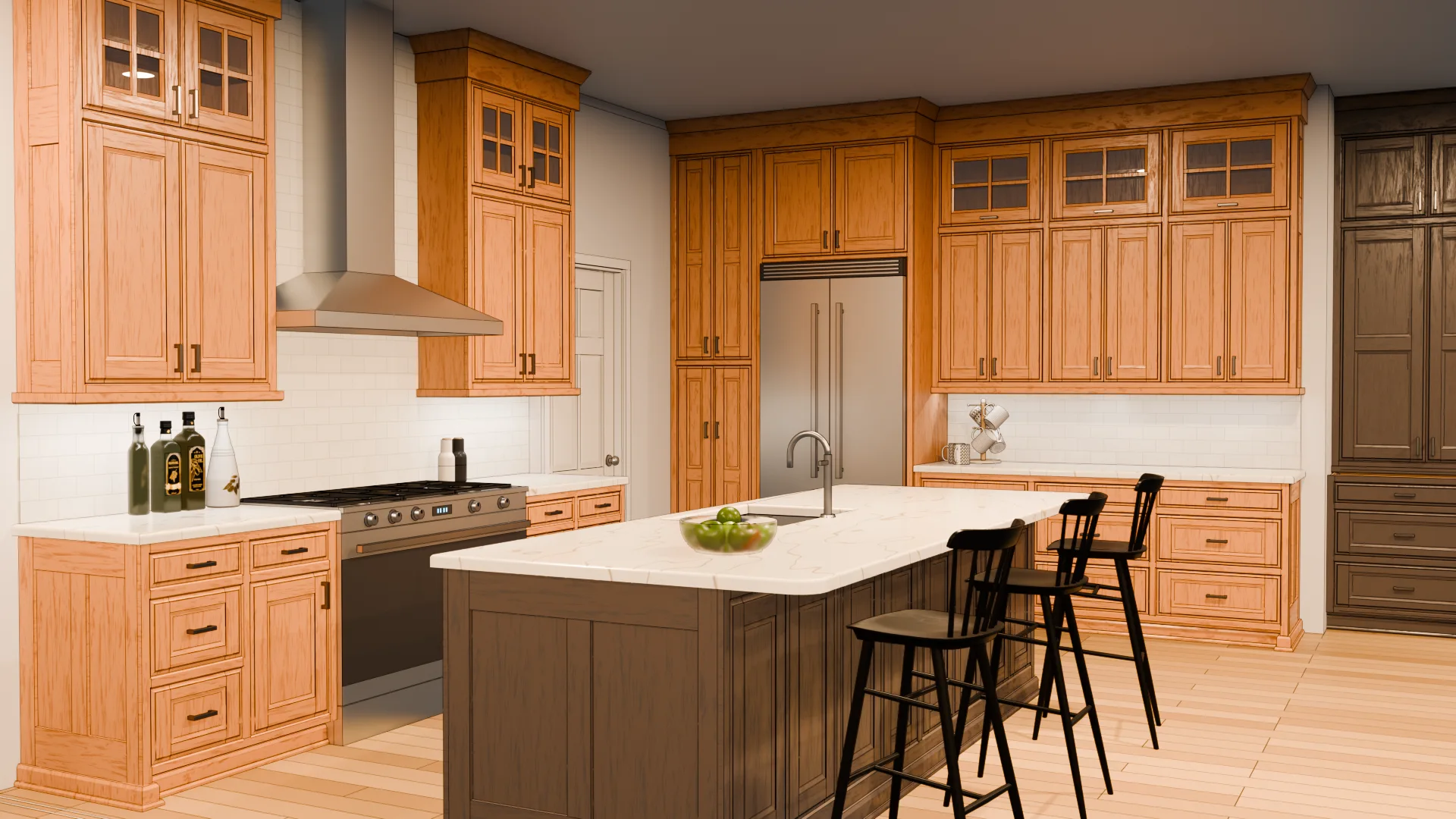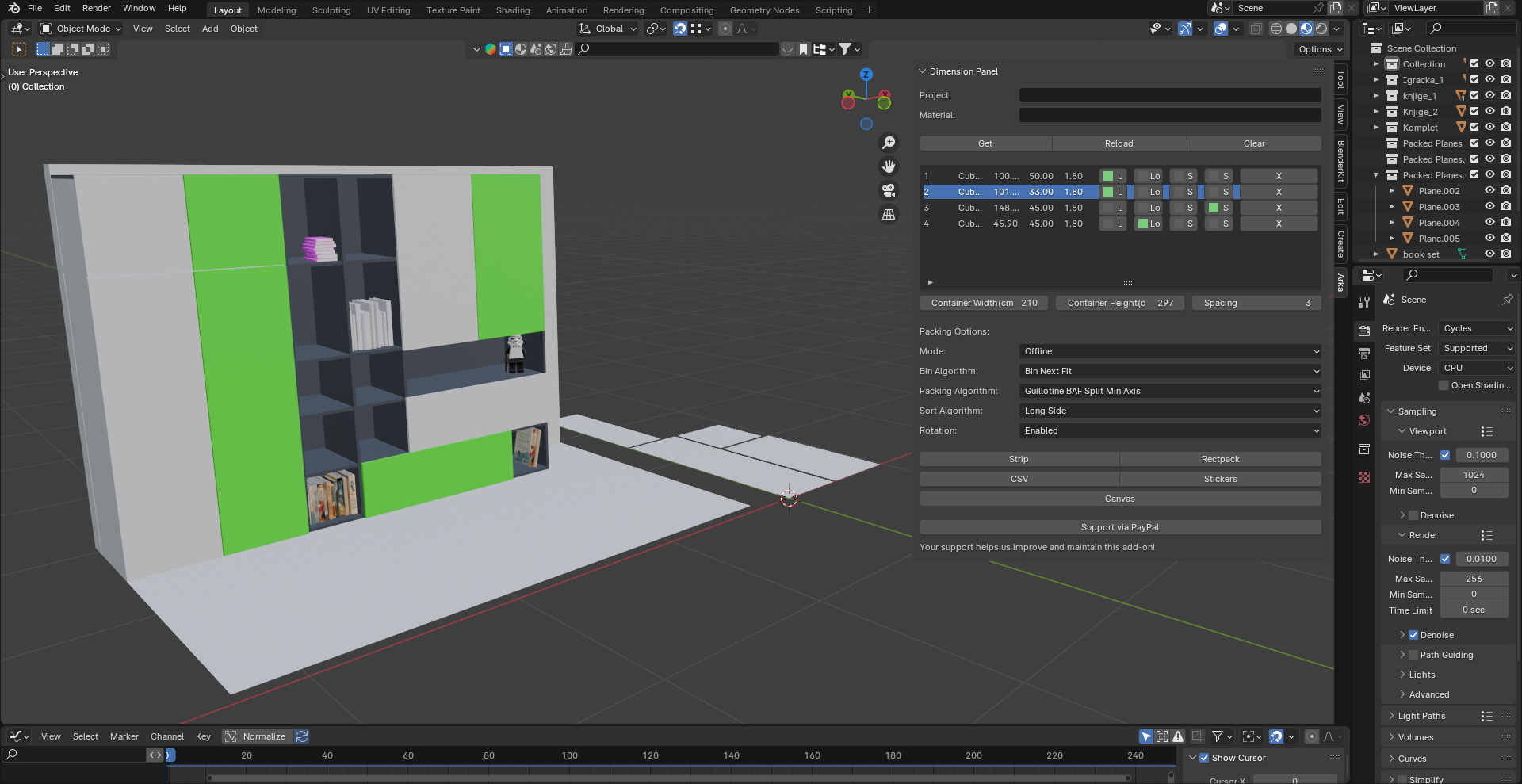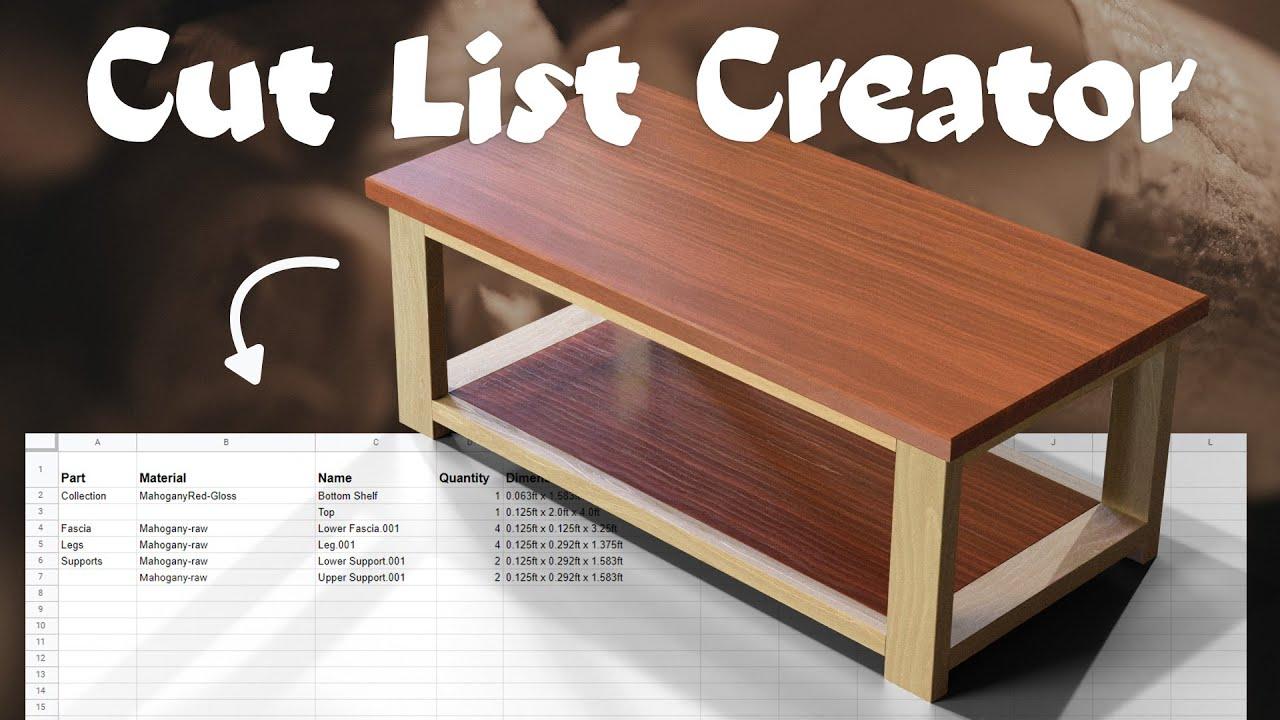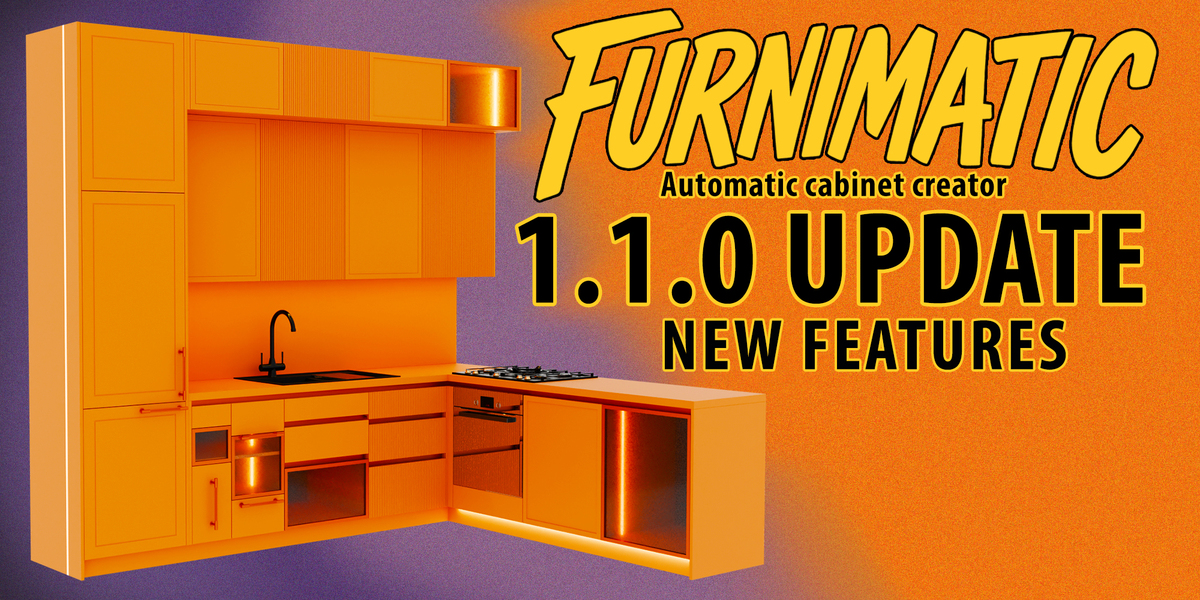
Furnimatic is Masta’s Blender add-on for creating parametric cabinets and furniture from dimensions and configurable parts. It is aimed at furniture makers, interior designers, and 3D artists who need cabinet variations for design work or Blender scenes.
Configure cabinets and furniture
Enter dimensions, then choose handles, profiles, built-in appliances, and materials. You can also use imported assets and your own materials. The listing says UV mapping is applied automatically to furniture objects.
Version 1.1 adds corner cabinets in L, U, and G shapes, automatically generated animations with several available styles, and automatic door millings. It also adds custom vertical door widths, drawer and shelf heights, custom handle and furniture-leg positions, aluminum doors with glass, and LED lighting at user-set distances on any side of the furniture. Material changes apply in real time without regenerating the furniture. The update also adds random material combinations, visualizations based on selected color combinations and camera angles, and cabinet data copy, paste, delete, and swap functions. An existing cabinet can be updated through its selected collection, so a separate cabinet does not need to be generated.
Reuse templates and material combinations
Save cabinet configurations, sizes, and appliance setups as furniture templates, then apply a saved template with one click. Material combinations can include wood, laminates, textures, and custom materials.
Version, compatibility, and availability
The Superhive listing identifies Furnimatic as version 1.1, marks it as Blender Extension compatible, lists Blender 4.0 to 5.1, and gives the license as GPL. Check the listing for current compatibility and license details before installing. AnyPlugins lists Furnimatic as free; the retrieved Superhive page text does not state a price, so confirm current availability and terms on the seller page.