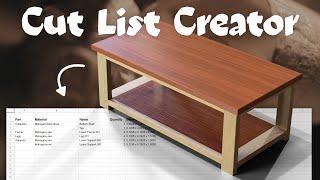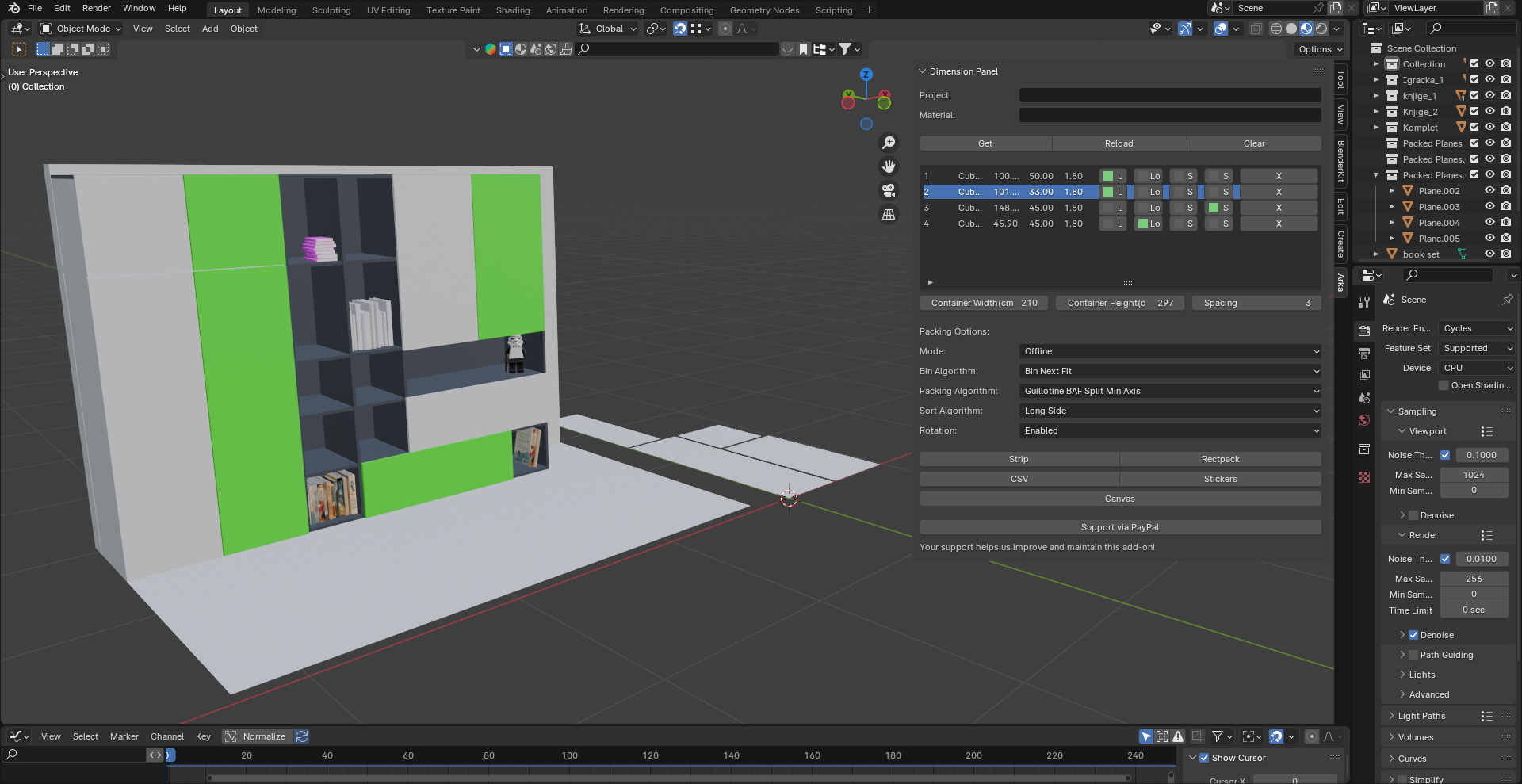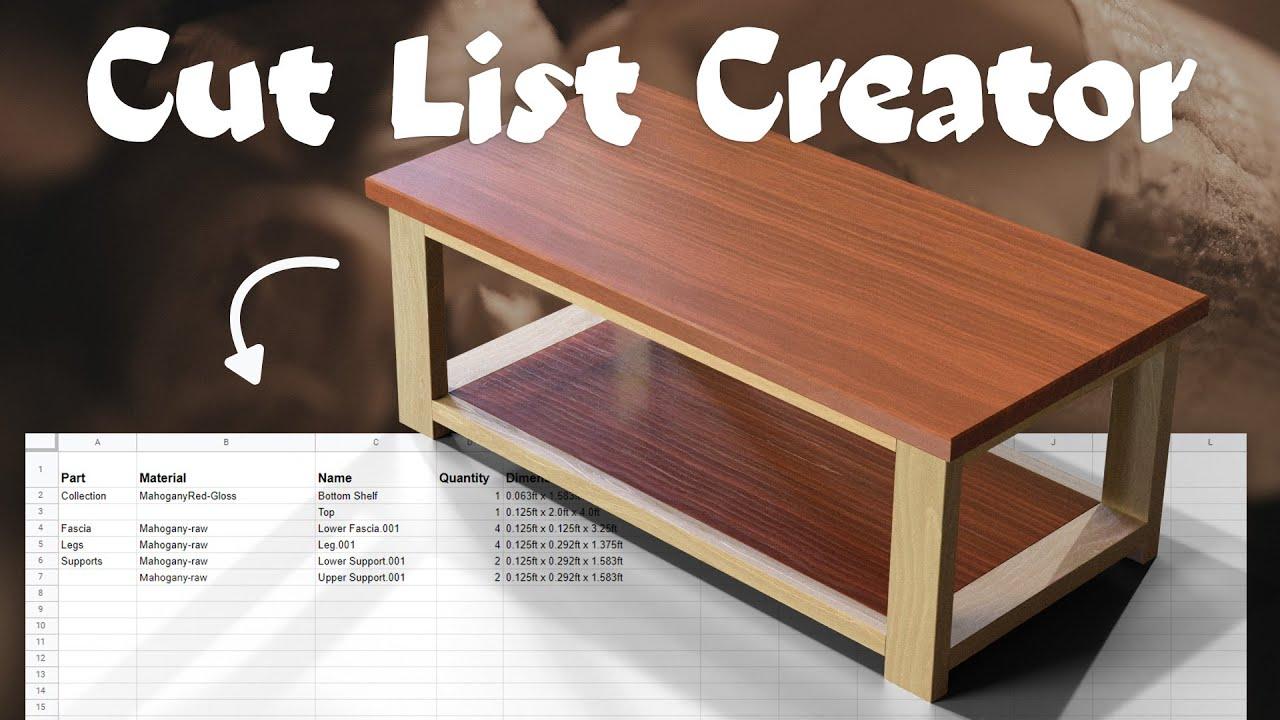
Cut List Creator is a Blender add-on that exports a woodworking cut list from objects in a scene. It helps furniture designers and woodworkers use a Blender model to find the wood sizes needed for a project.
Export a cut list from Blender
With the add-on enabled, open a .blend file and choose File > Export > Cut List (CSV). The export options let you focus the list on selected parts, arrange parts into groups, choose measurement units, and sort by size.
Choose the parts and measurements
- Export Selected Only includes selected objects that have geometry.
- Group Exported Parts organizes the cut list by collections and materials.
- Units keeps the scene units set in the Blender file or converts measurements to inches or meters.
- Sort orders parts by size. With grouping enabled, sorting happens within each group. Without grouping, it sorts all parts together.
- Launch Spreadsheet opens the exported file in the spreadsheet application configured in Preferences.
Check the scene units and selection before exporting so the list reflects the parts and measurements you intend to use. The product listing describes a CSV cut list; consult the Cut List Creator documentation for further details about the export.
Compatibility and product details
The Superhive listing marks Cut List Creator as Blender Extension compatible, lists Blender 4.0 through 5.1, and identifies the add-on as GPL licensed. Orange Turbine developed it in collaboration with Rustic Designs Barrie, a custom furniture building company. The listing includes 12 months of support from Orange Turbine and product updates. Check the product listing for its current compatibility and availability details.