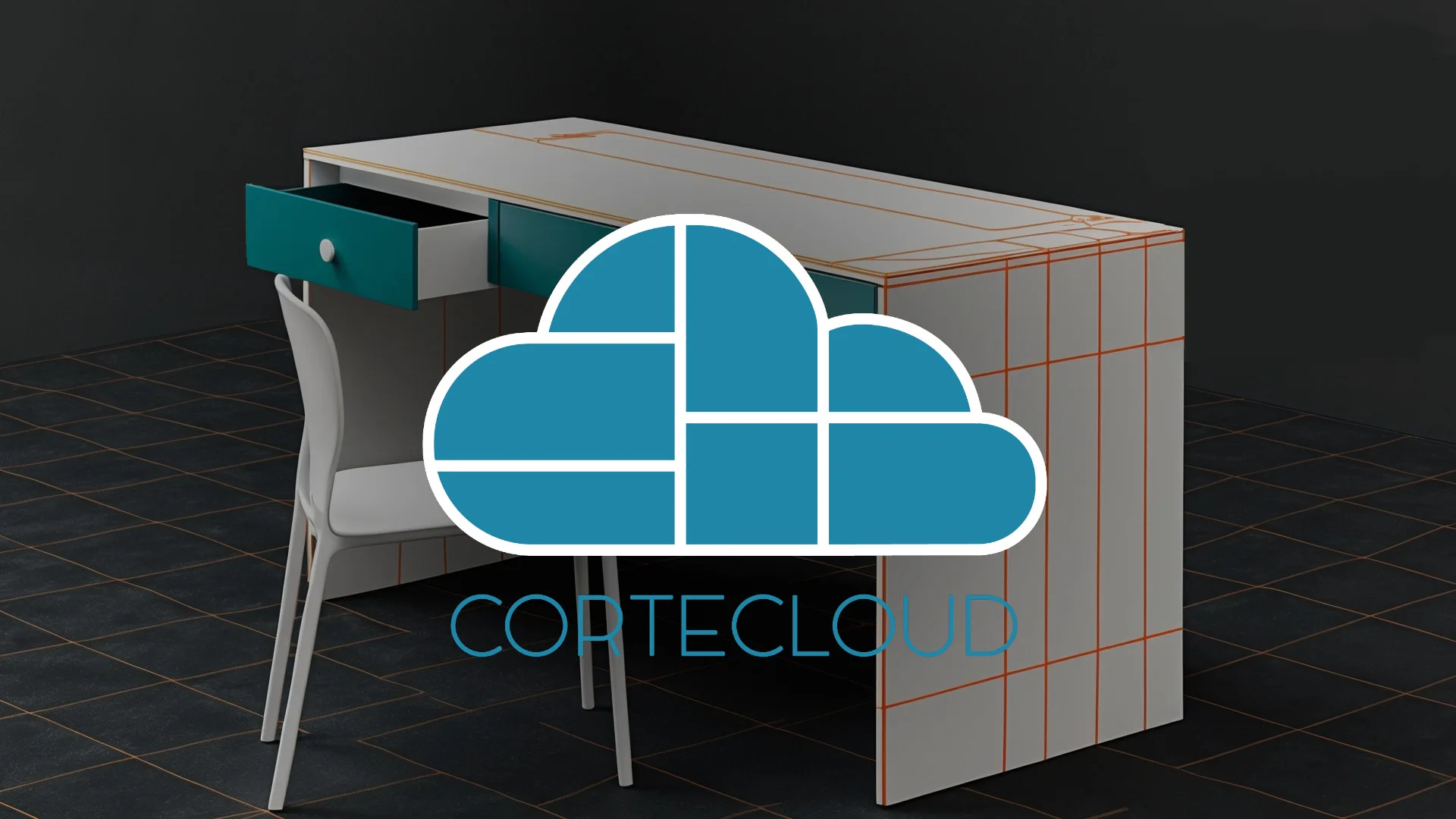
CorteCloud Export is a Blender add-on for modeling MDF furniture and exporting wood cut lists to CorteCloud as CSV. Filipe-Rocha-Lopes maintains the project, and its source code is available on GitHub.
Tools for preparing a furniture scene
The add-on includes several steps around the export workflow:
- Environment Setup configures a scene for modeling.
- Base Material Creation creates common MDF materials automatically.
- Example Piece Creation makes a suspended drawer niche for prototyping.
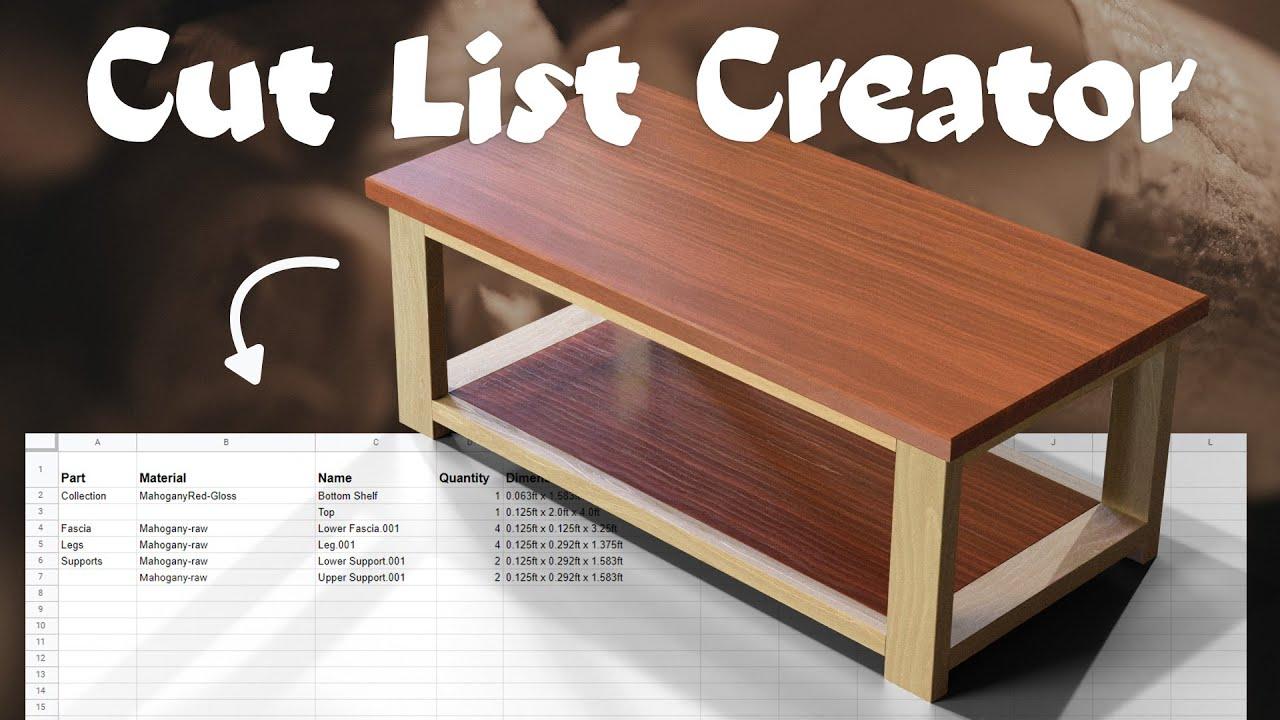
- CSV Export writes a wood cut list in CorteCloud's CSV format.
In version 1.0.5, saving uses a default file name and adds the .csv extension automatically. The available description confirms CSV export; it does not describe sheet nesting or cutting-layout optimization.
Compatibility, license and installation
The Blender Extensions record lists Blender 4.2.0 as the minimum version and GPL-3.0-or-later as the license. Check the CorteCloud Export listing for the current release and download. To install a downloaded extension package from within Blender, follow the manual's Install from Disk instructions.
Check modeling requirements before adopting it
The extension listing's review section includes a request for clearer examples covering object hierarchy, materials, importing into CorteCloud and holes. The listing does not establish required hierarchy or material naming rules, or explain how hole data is represented. If those details affect your models, check the developer repository or its issue tracker before setting a production workflow.
Who it may suit
The example drawer niche supports prototyping, while CSV export provides the cut-list handoff to CorteCloud.