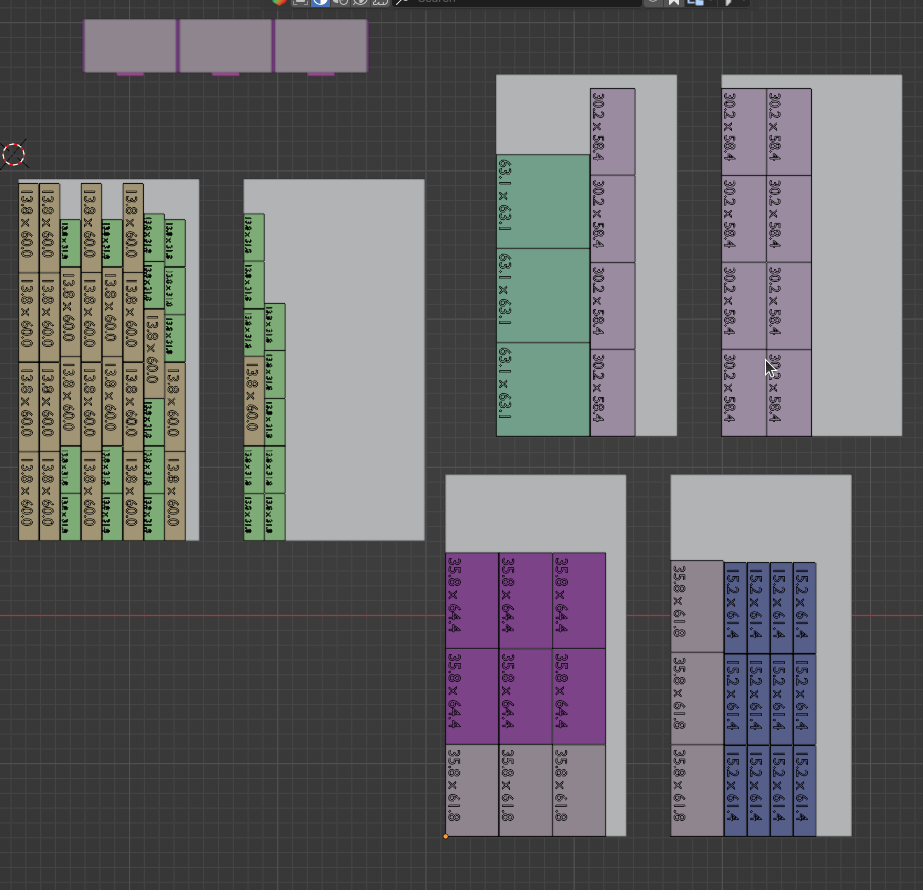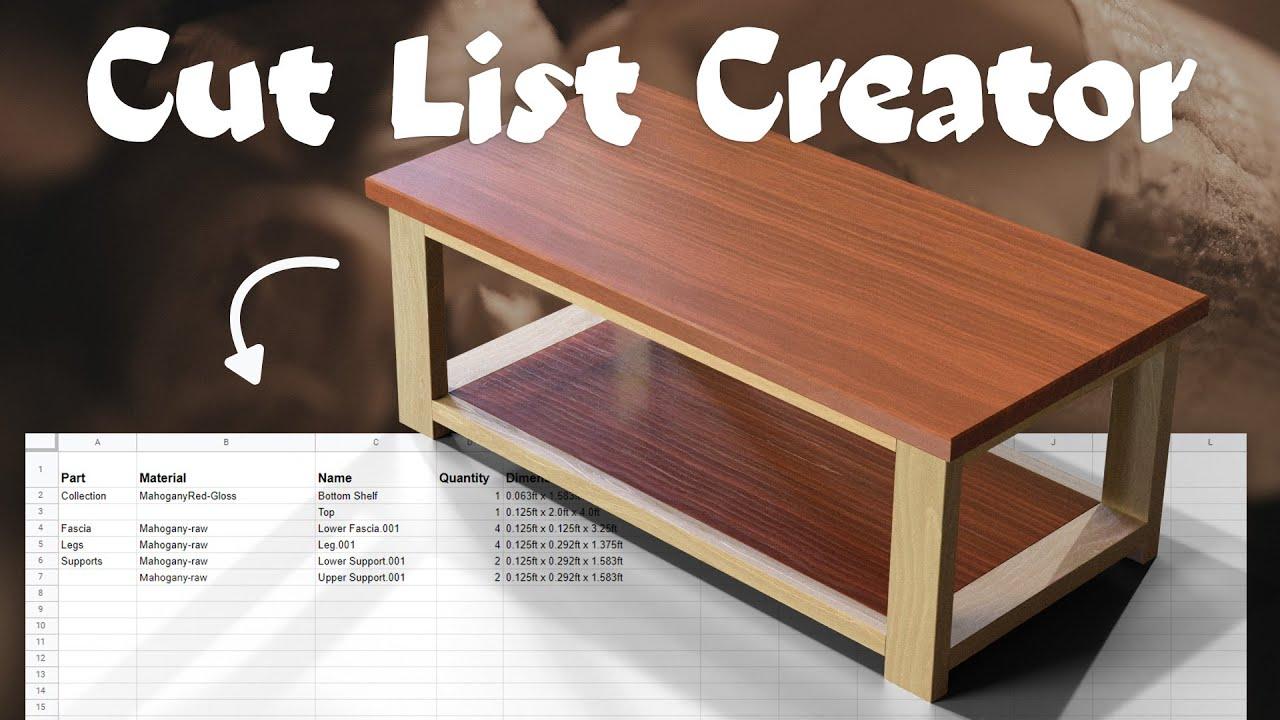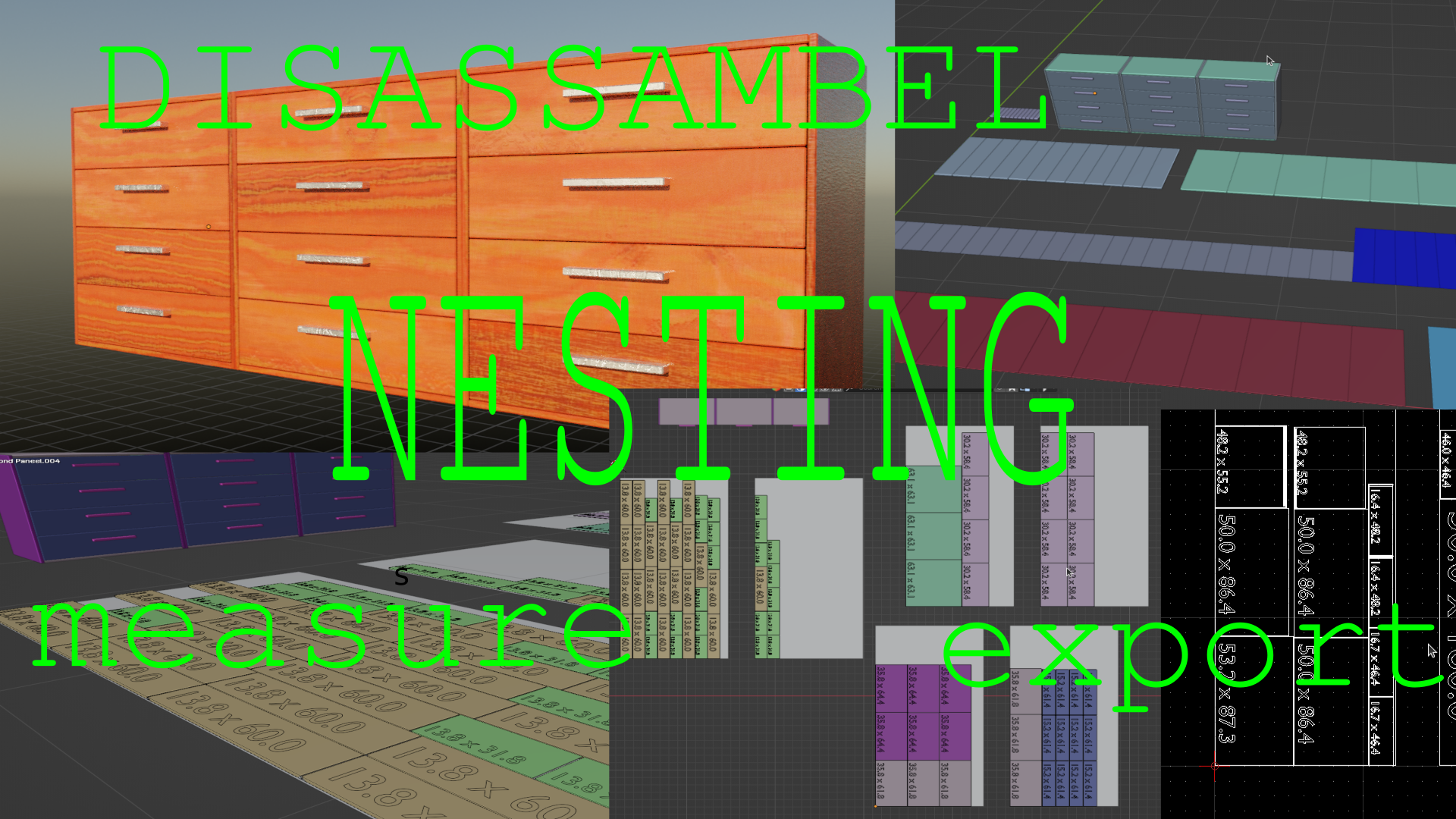
Disassembler And Nesting is a Blender add-on for preparing separate model parts for sheet-based fabrication. It duplicates selected objects, flattens them into the XY plane, and sorts them by width and length. Its Nesting option then arranges the laid-out panels on a sheet. The add-on helps prepare designs such as a cabinet for physical fabrication by flattening their parts.
Prepare and flatten the parts
Before using Disassemble, make each part a separate object and apply its scale and rotation. Select the objects and run Disassemble. The add-on creates flattened copies in the XY plane. Objects of the same size share a color, rows share a thickness, and parts are sorted by width and length. The Same color control selects objects with the same size.
Estimate material and nest panels
Extra options calculate the selected objects' volume, the combined area of their rectangles, and the area of their top faces. The listing gives an approximate wood density of 600 kg/m³ for estimating mass, so treat that figure as an estimate for the assumed material.
Nesting arranges the flattened panels on a sheet. You can adjust the sheet size after nesting and set the saw thickness. Panels keep the direction they have after disassembly; rotate them before nesting if you need another orientation.
Export and identify parts
Export selected objects as CSV for a spreadsheet or DXF for further editing in CAD software such as QCAD or LibreCAD. The DXF scale setting controls how much the exported geometry is enlarged or reduced. Add sizes writes a plank's dimensions onto it, and the option can also remove those labels. The color and texture setting lets you choose between the add-on's assigned colors and the object's original texture.
Install in Blender
Install the downloaded ZIP without extracting it through Edit > Preferences > Add-ons, then activate Disassemble. Once enabled, open Blender's N-panel and find the add-on under Edit. Its main menu lists the available actions. The Superhive listing names Blender 4.1, 4.0, and 3.6; check the current listing and documentation for compatibility with other releases.