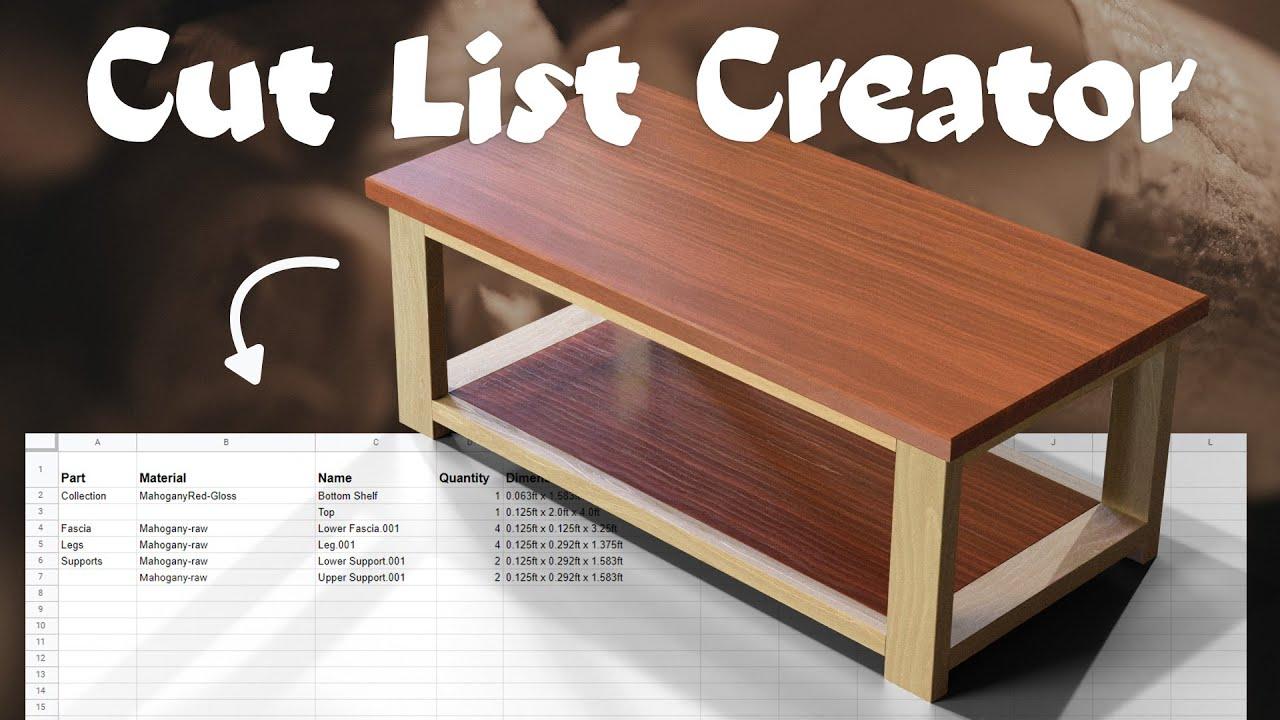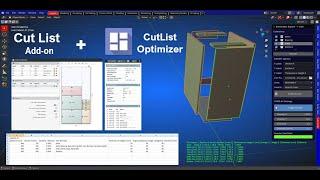
Cut List Add-On exports part dimensions from Blender to a CSV cut list. The list can include each part’s name, quantity, X, Y, and Z dimensions, angles, and material. Round parts include a diameter only when the part name begins with Round. A separate viewport overlay shows part names and dimensions while you model, without requiring a CSV export.
Select parts and set up the CSV
Press Refresh to show collections in the add-on’s panel. Checking a collection selects its mesh objects; unchecking it deselects them. You can export a collection or selected parts, choose a file path and units, rename the X, Y, and Z column headers, and add a custom name to the CSV when prompted.
In version 2.3, parts with matching dimensions are grouped in the CSV. Parts that differ by dimensions or material are separated in the list. For a round part’s diameter to appear, its name must begin with Round. An optional sorting setting can assign the largest dimension to Length and the smallest to Thickness or Height. The product listing also advises leaving rotations unapplied when assembling parts, since applying rotation changes where dimensions appear in the list.
Use the viewport overlay
Toggle the overlay and select an object or collection to show its names and dimensions in the Blender viewport. Adjust the overlay’s position, font size, opacity, and text color in the panel. The unit setting changes the displayed measurements as well as the values in an exported CSV.
Export for CutList Optimizer
Since version 2.0, the add-on can export either its default CSV list or a format for the online tool CutList Optimizer. Version 2.2 added Edge Banding to both formats and automatically adjusts board dimensions in the list.
KVD’s product listing identifies the add-on as GPL-licensed and lists Blender 4.3 through 5.1. Check the listing for current compatibility details. The documentation page directs users to the product page and its demo video for usage guidance.