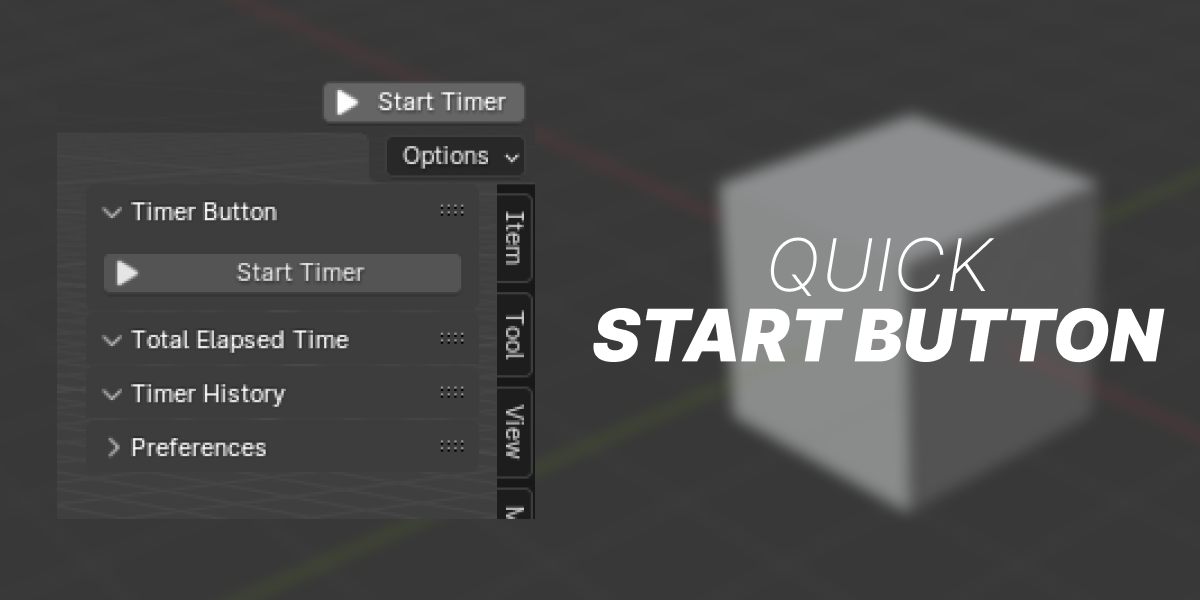
Freelancer Stopwatch is a Blender add-on for tracking time spent on 3D work. It keeps session records in Blender, lets you review time and earnings, and exports records as CSV files for use in spreadsheets such as Google Sheets or Excel.
Track project time inside Blender
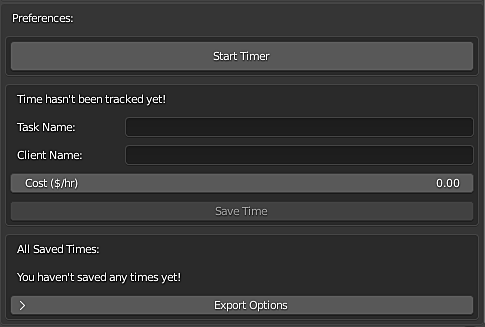
Freelancer Stopwatch records time for each 3D piece inside Blender, so you can review project hours without switching apps or calculating totals by hand.
You can choose what appears in Blender’s header and set an hourly rate to calculate earned amounts.
Review sessions and add notes
Session history includes detailed records, time-lapse review, editable titles, and descriptive notes to help distinguish one work session from another.
Export records for client billing
Freelancer Stopwatch exports tracking data as CSV files that you can review in Google Sheets or Excel. It also calculates total work time and earnings from the hourly rate you set.
Check the exported rows before sharing them, especially if you need a particular billing format or project breakdown. The listing does not specify custom invoice templates or direct connections to billing services.
Who it may suit
Freelancer Stopwatch may suit a Blender freelancer who wants in-workspace time tracking, session history, notes, hourly-rate earnings, and spreadsheet-friendly records. If you already track time elsewhere or need a dedicated invoicing workflow, compare those needs with the add-on’s listed features before choosing it.
Version and license
The Superhive product listing identifies Blender 4.1 and a GPL license. The supplied sources do not confirm compatibility with other Blender releases. Check the current listing before installing if your Blender setup differs from 4.1.