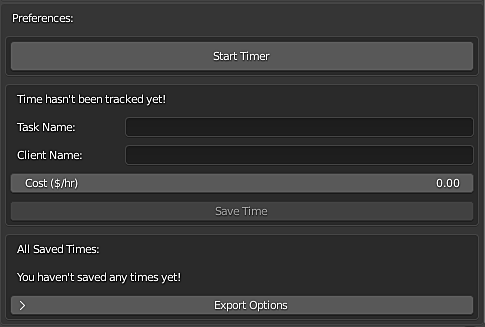
Time Tracker 4 Blender is an add-on by John Roper for recording time on client projects while working in Blender.
How the workflow works
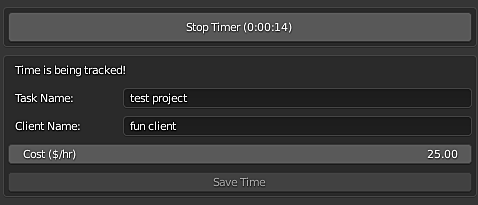
- Start tracking time for a client project.
- Enter task information.
- Save the recorded times.
View times and export records
You can view saved times, and the add-on calculates cost. It exports to CSV and JSON. The product listing mentions more export formats on the way, but gives no release date.
The listing does not explain the exact task fields or how the cost calculation works. If rates, exported columns, or project details matter to your workflow, check the product documentation before relying on those details.
Controls, compatibility, and license
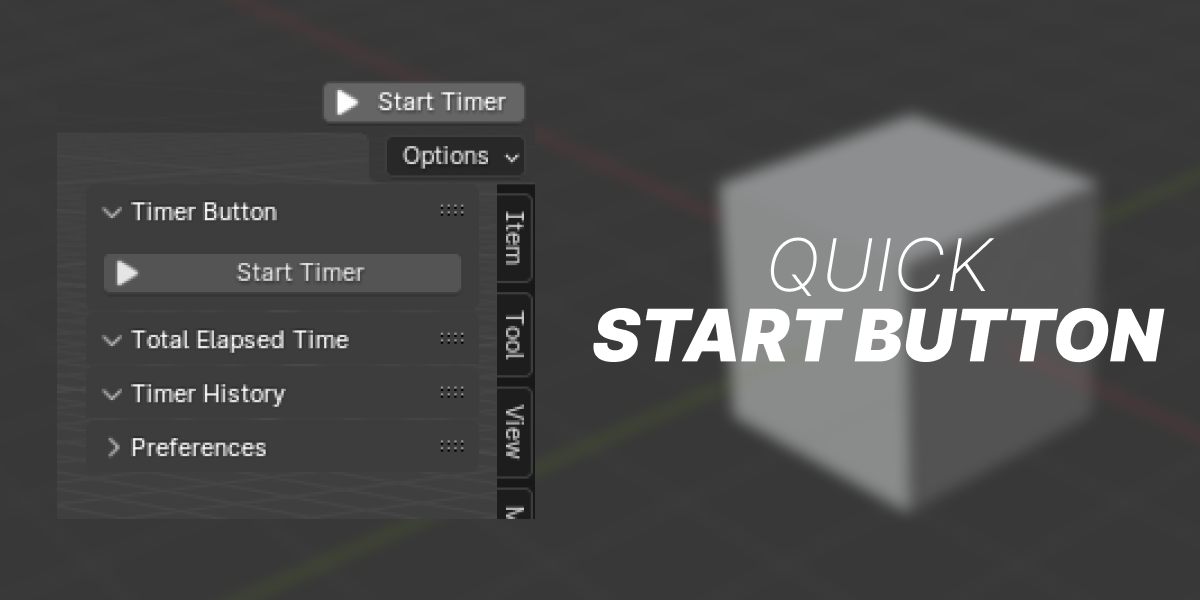
The tracking tools are in the add-on's preferences dropdown. The listing says you can keep them open in a separate window while working in Blender. It names Blender 2.8, 2.81, 2.82, 2.83, 2.9, and 2.91, and lists the license as GPL. It does not establish compatibility with later Blender releases, so check the current product listing before installing on a newer version.
Who it may suit
Time Tracker 4 Blender may suit Blender users who need to record client-project time, save task information, review their times, and calculate project cost.