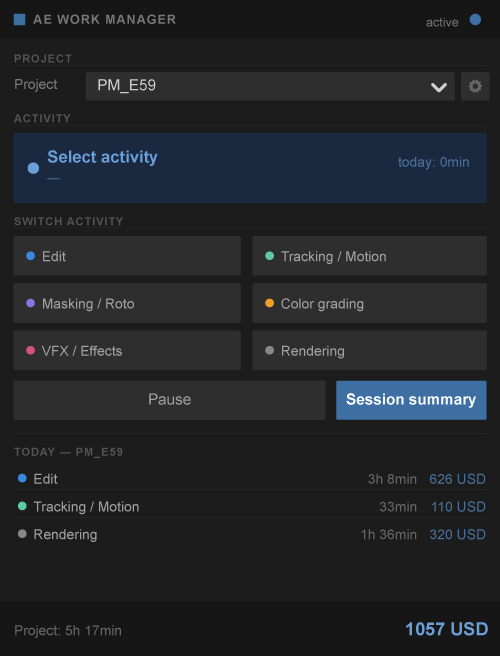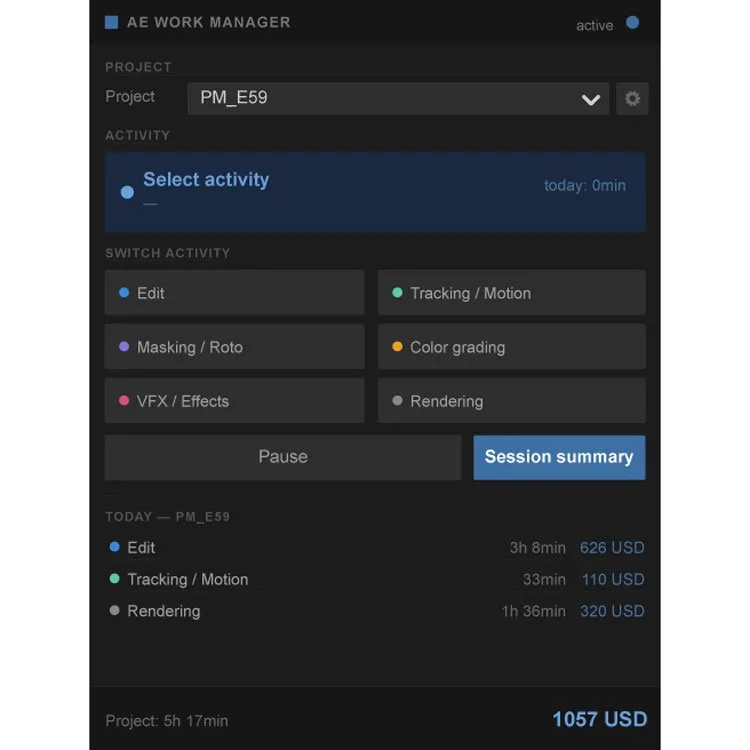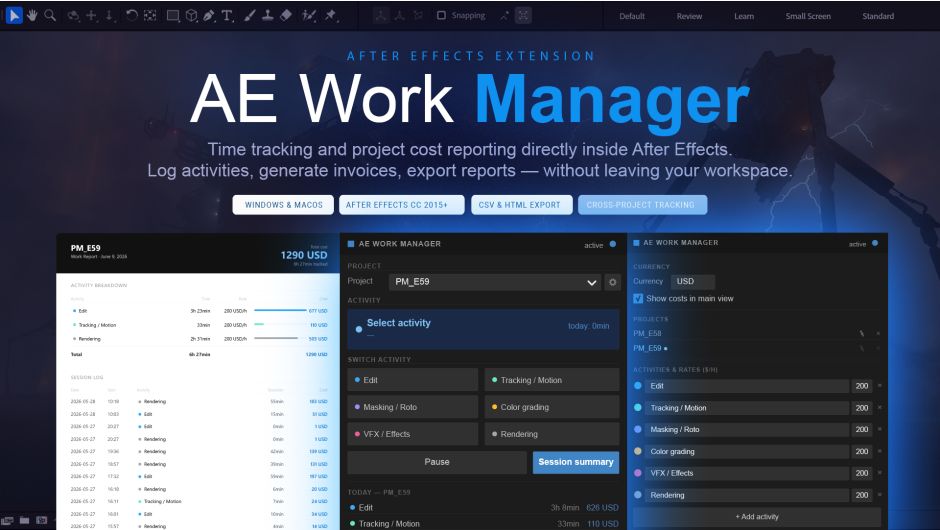
AE Work Manager tracks time and project costs inside After Effects. It fits users who need to record work by activity and project, then prepare time and cost summaries for client reports or internal records.
Track time by activity and project
Create or rename activity types such as Editing, Tracking, Color Grading, VFX, and Rendering, then set an hourly rate for each and choose a currency symbol. Switch activities with one click while the panel logs time in the background. You can save your activity and rate setup as the default for future projects.
AE Work Manager keeps multiple projects in the panel. Switch between them without losing their data, and rename or remove finished projects in the settings.
Review and export the records
Open a session summary when you are ready to review time and cost by activity. It includes a bar chart, hourly rates, and totals. The HTML export has an Internal version with rates and a Client version that shows time without rates. Export raw session data as a timestamped CSV named after the project for use in spreadsheets or external billing tools.
Session recovery and panel layout
The panel saves session data after each activity switch. If After Effects crashes or closes unexpectedly, the data is restored the next time you open the panel. The dockable panel can sit anywhere in the After Effects interface, scales when resized, and saves its position between sessions.
Compatibility and license setup
The listing specifies Windows 10 or 11 and macOS, with After Effects CC 2014 through 2026+. It lists no dependencies and offers a 10-day trial with full functionality.
The product listing displays a Floating License Server requirement. aescripts' license guide says Single User Licenses do not require the server, while Floating Licenses do. Check the license type shown for AE Work Manager before purchasing.