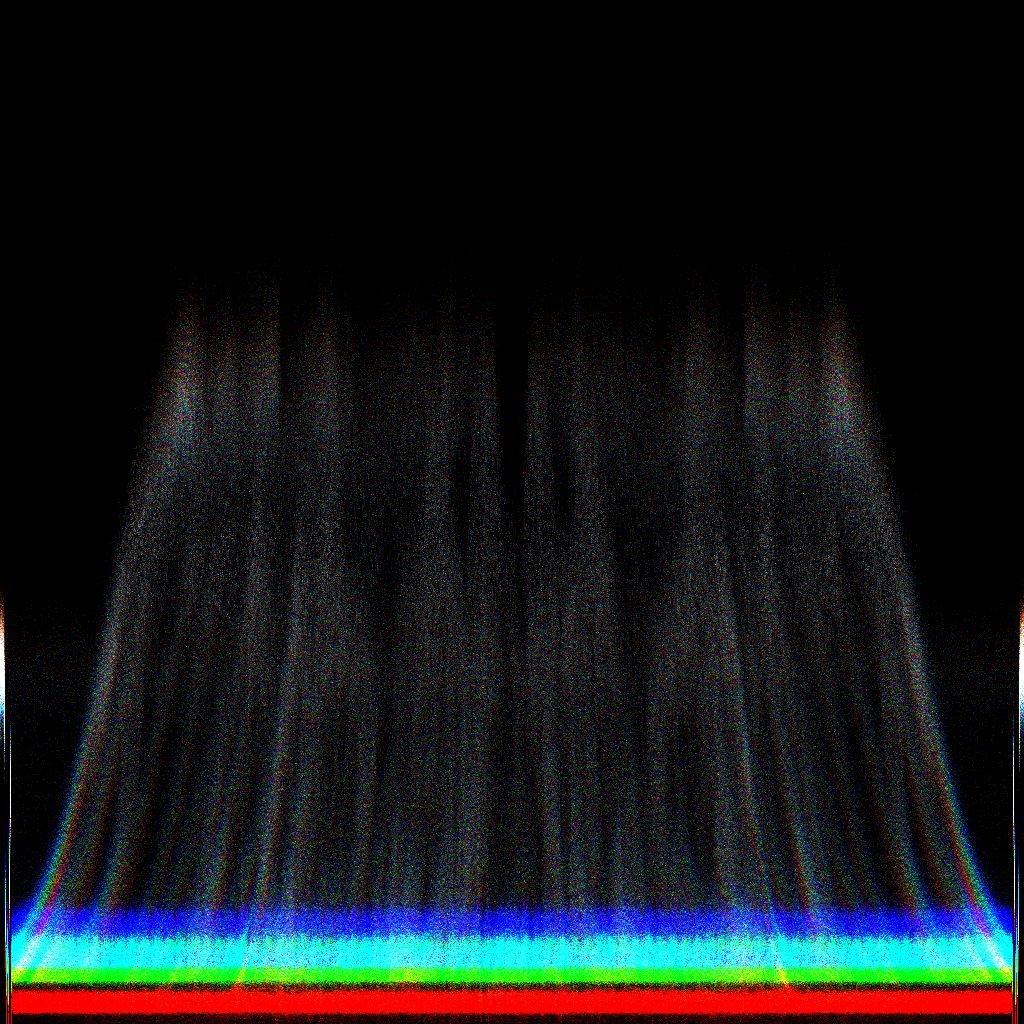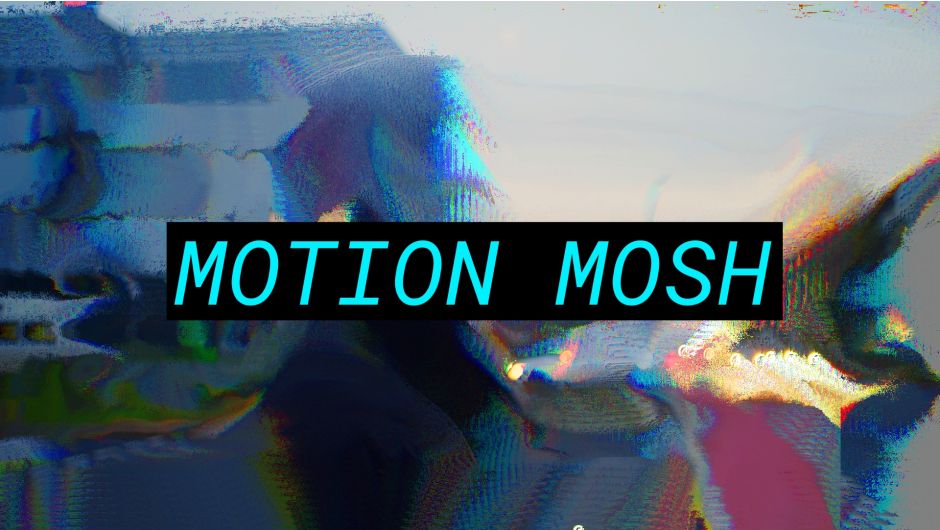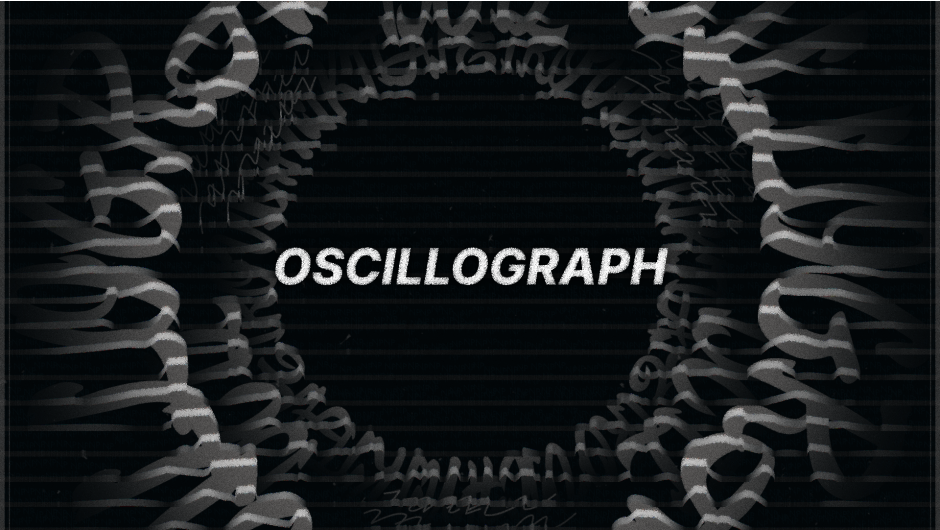
FX Oscillograph DCTL is an artistic effect for DaVinci Resolve Studio by Nikita Petrovich. It reads pixel values from footage and plots them as modulation-style graphs or waveform overlays. The product listing describes use on the Edit, Color, and Fusion pages, with applications such as stylized titles, dynamic backgrounds, and sci-fi HUDs.
Choose what the graph reads
The DCTL offers ten graph types: RGB Combined, RGB Split, Luminance, Red, Green, Blue, Maximum, Middle, Minimum, and Saturation. Amplitude changes the height of the plotted waves. Quantization reduces their resolution for a blockier, pixel-art look. Waveform mode provides a traditional videoscope-style view, while separate transparency controls for the background and graphs help with layered compositions.
Shape the effect in Resolve
The product listing recommends the Color page for quick adjustments. Adjust the image on a node before the DCTL to change the values it plots, then use Resolve's grading controls on the same node or downstream to shape the output. Version 1.0 removed the DCTL's output color parameters.
Blurring the input can soften harsh graph edges and reduce noise. Text can also be a source: the developer notes that richly textured titles with gradients, shadows, or strokes produce more graph detail. Magic Masks and Power Windows support creative overlays such as face obscuring, censorship, and sci-fi HUDs, and Fusion modifiers can animate parameters in response to audio.
Version, compatibility, and playback
The developer's release history lists version 1.0.0, dated July 27, 2026, after the earlier 0.3.0 release from August 2024. The current requirement is DaVinci Resolve Studio 19.1 or newer, with an NVIDIA or Apple Silicon GPU. The catalog compatibility labels list Resolve 21, 20, and 19; for Resolve 19, the developer's 19.1 minimum applies.
Accuracy and Density have the largest effect on performance. At Accuracy 1.0, the DCTL calculates every pixel; lowering Accuracy skips pixels to reduce the work. High Density can limit the additional performance gain from lowering Accuracy, so adjust both while checking playback on your footage. The demo version adds watermarks, and parameter tooltips are unavailable on the Fusion page.