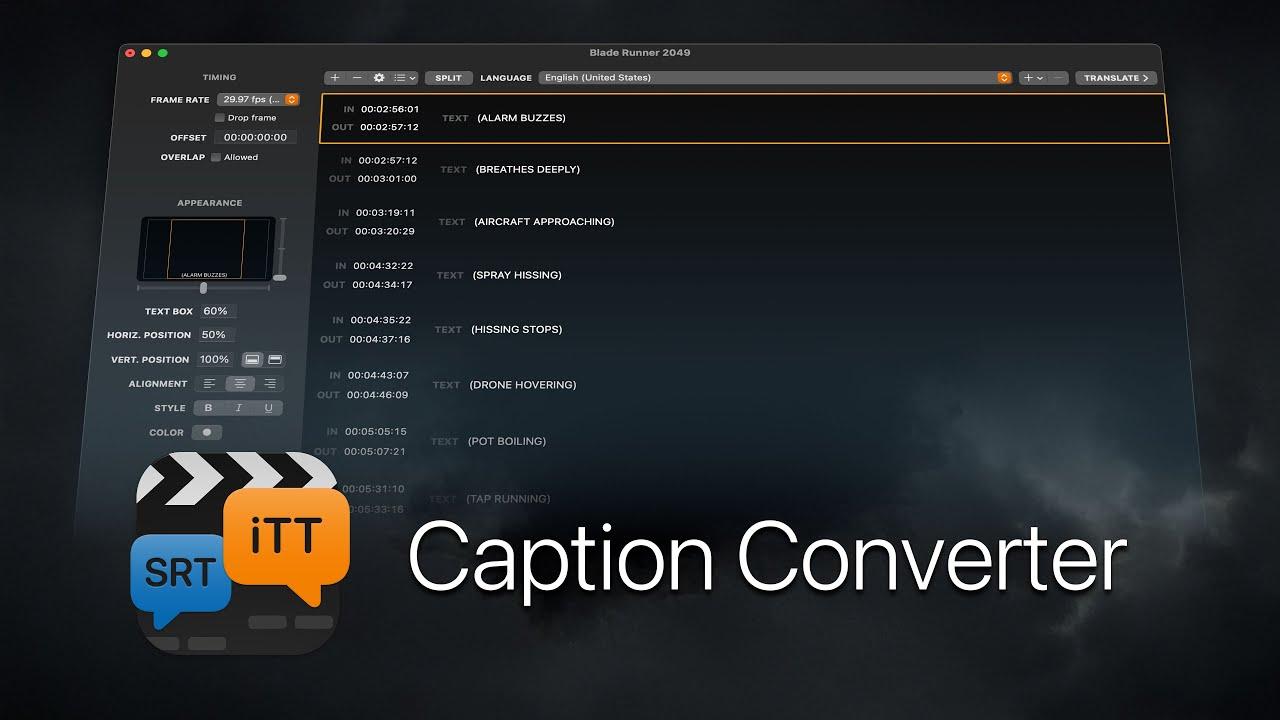
FxFactory Caption Converter is a macOS app for importing, editing, translating and exporting static captions and subtitles. It stores multiple languages in one document and can prepare exports in different formats; frame-rate selection is available for iTT and Adobe Encore Script.
Supported caption formats
The developer lists iTunes Timed Text (iTT), WebVTT (VTT), SubRip (SRT), SubViewer (SUB), Lyrics (LRC), Adobe Encore Script, Adobe Premiere Markers (CSV) and Avid DS Caption (TXT). Format support differs: for example, Premiere marker CSV files can be imported, but the guide says Caption Converter cannot export that format. It can use a marker's name, comments or both as caption text. See the FxFactory format guide for details.
Editing and preparing captions
On import, Caption Converter tries to identify the file format and text encoding. You can check the text preview and change the encoding if the characters look wrong. The app also flags overlapping timecodes, and its search can find captions by words or by nearby timecode. You can split a multi-line caption or join two selected captions.
For translation work, a document can hold several languages. A side-by-side reference view helps you find the corresponding caption in another language. Exports can use different languages; frame-rate selection is available for iTT and Adobe Encore Script, and markup can be included or omitted where the chosen format allows it.
Format limits and current price
Caption Converter does not support vertical writing systems or editing and creating continuous roll-on captions. The guide says overlapping captions are supported only in WebVTT, and styling and layout options vary by format. Check the destination format's limitations before relying on a particular style or caption arrangement.
FxFactory describes Caption Converter as a macOS app distributed through FxFactory. The conversion listing currently shows Caption Converter at $129 and advertises a 30% checkout discount with code BLACKFRIDAY through November 30; check the FxFactory listing for current pricing and the product information page for installation details.