GamiFlow is a Blender add-on for building game assets from a working mesh and generating bake-ready low-poly and high-poly meshes, plus final export geometry. The Blender Extensions listing records version 1.10.1 and Blender 4.2.0 as the minimum. The developer’s project guide explains its mesh sets, UV controls, and export workflow.
Generate low-poly and high-poly bake meshes
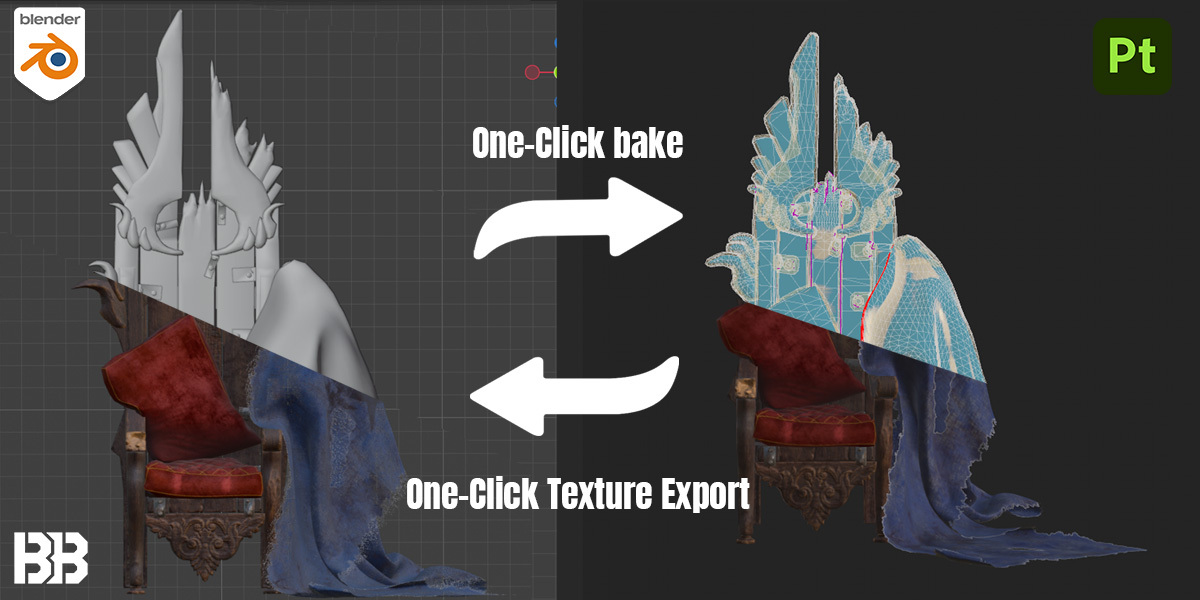
GamiFlow uses a Working Set for modeling and creates separate Bake Sets from it. The Low set is the base mesh for Substance Painter; the High set supplies geometry for baking normals, ambient occlusion, and ID masks. You can tag edges for removal from the low-poly mesh and mark modifiers for high-poly use, then regenerate the derived meshes as the working model changes. Its output follows the Substance Painter naming convention.
Prepare UVs and export geometry
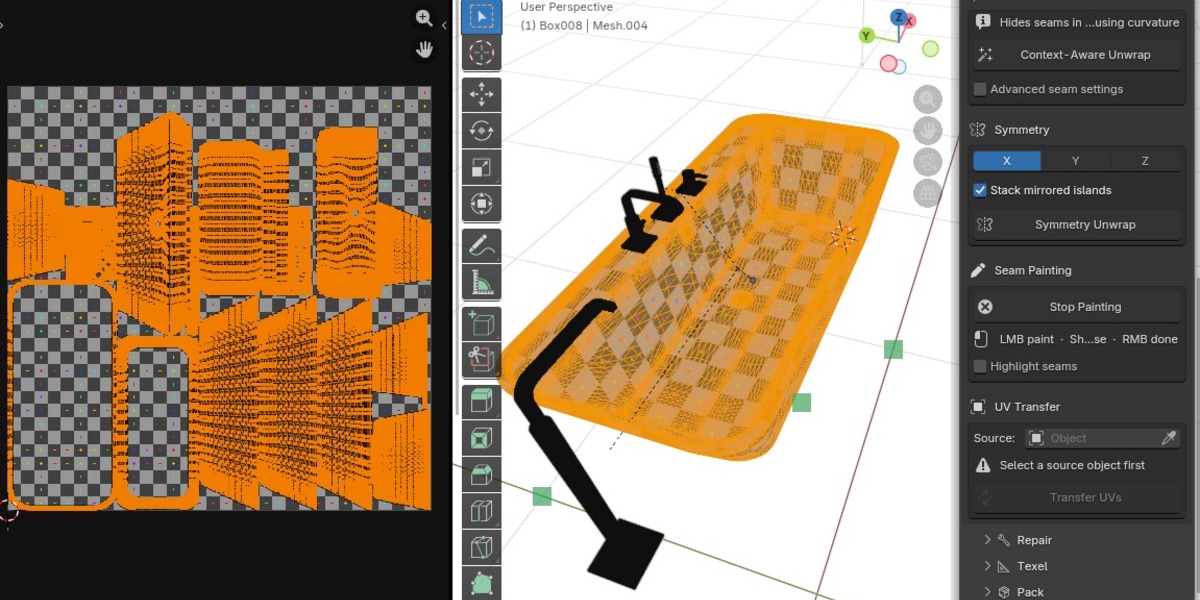
UV controls include per-object UDIM assignments, unwrap settings, island scale and orientation, and face tags for grid-shaped UVs. Once the seams and settings are in place, you can run the unwrap again as the asset changes. Bake anchors let you reposition an object in the generated bake set, which can help when parts overlap during texturing.
The Export Set contains the final optimized geometry. GamiFlow can collapse object hierarchies and merge meshes where possible, generate lightmap UVs, or export objects individually. The Blender Extensions package requests permission to write FBX files to disk.
Choose the GamiFlow version for your setup
The official Blender Extensions package is the “Light” version described in the project guide. It works without integrations with external plugins. The full version from the developer’s repository supports optional integrations, including UV-Packer and Ministry of Flat. Both versions are free according to the guide; the Blender Extensions record lists the add-on under the GPL-3.0-or-later license.
One review for version 1.10.1 on the Blender Extensions page reports that pressing Low renamed materials from the Working collection to UDIM_0 in the Low collection. That is one user’s report, not confirmation of general behavior. If material names matter to your pipeline, test Make Low on a copy of a scene before using it in production.