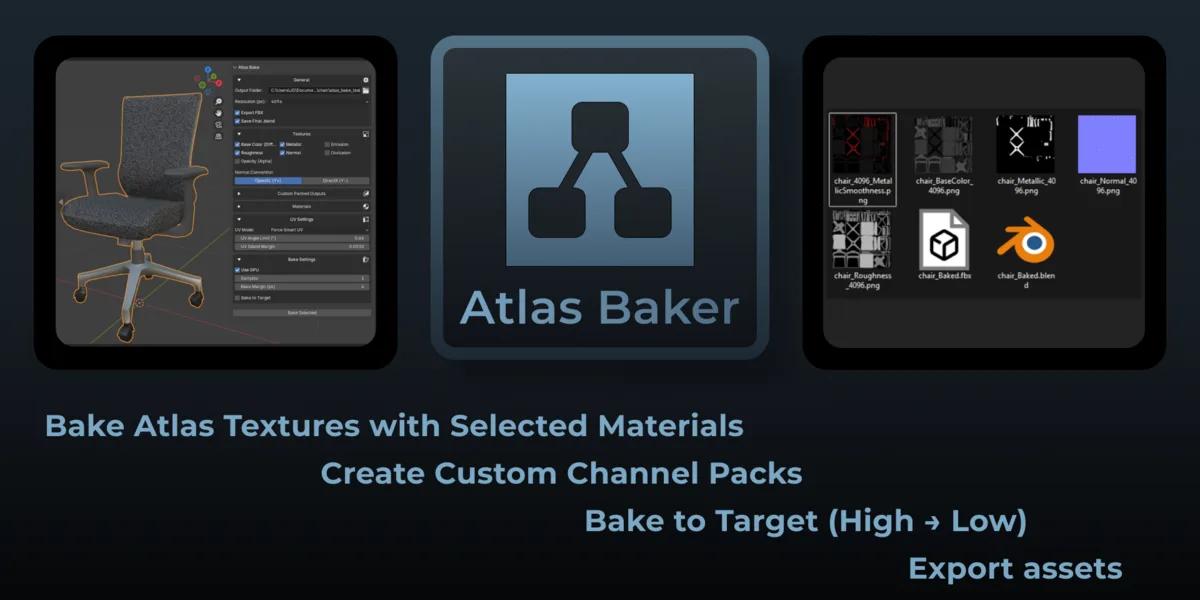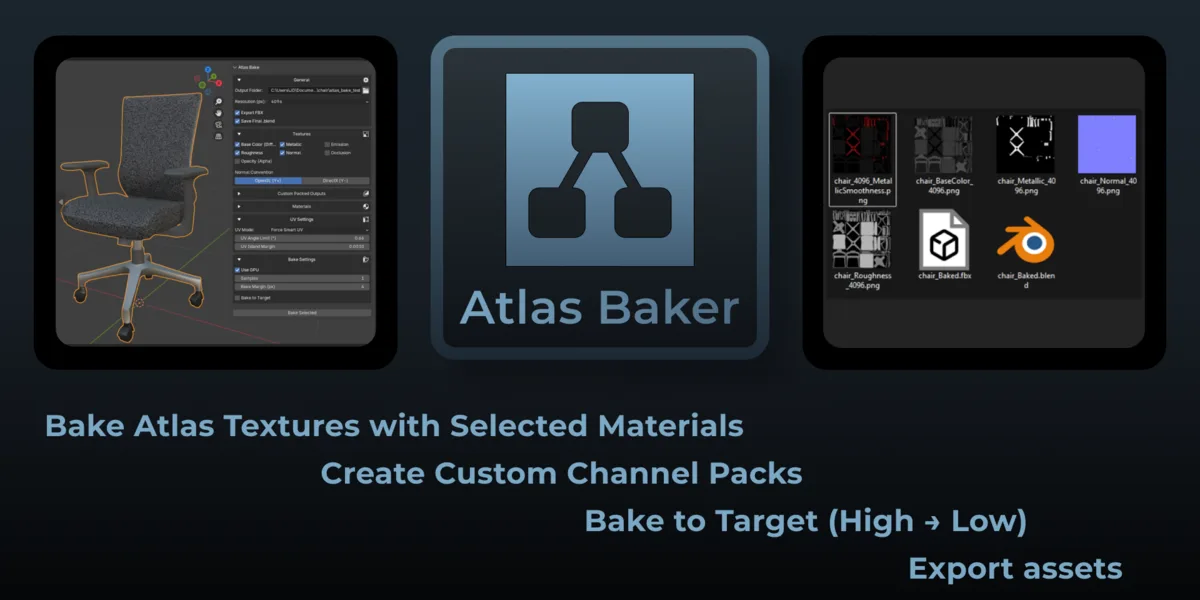
Atlas Bake is a Blender add-on for baking Cycles materials into texture maps for game engines such as Unity and Unreal. It handles individual maps and packed channels, with UV and high-to-low projection options for different asset workflows. Its background process works from a temporary scene copy, leaving the open .blend responsive and unmodified while the bake runs.
Texture maps and channel packs
The add-on can bake Base Color, Emission, Normal, Metallic, Roughness, ambient occlusion and Opacity. Base Color and Emission use sRGB; data maps such as Normal, Metallic, Roughness, AO and Opacity use Non-Color. Metallic and Roughness use a temporary Emission reroute to preserve scalar values during baking.
For engine-specific layouts, Atlas Bake includes MS, HDRP Mask and ORM presets. You can also create custom channel packs. Pack definitions can be reused from a preferences folder, with absolute or .blend-relative paths.
UVs and high-to-low projection
Choose MANUAL mode to use an existing UV map, or SMART mode to create and unwrap an AtlasBakedUV map. SMART settings include an angle limit and UV island margin. A material whitelist controls which materials Atlas Bake processes.
High-to-low baking uses Selected to Active projection, with controls for maximum ray distance, a cage object or virtual cage extrusion. When Bake to Target is active, the job accepts only one source mesh. Selecting more than one blocks the bake with an error; regular multi-mesh baking is a separate workflow.
Multi-mesh jobs and exports
Version 2 supports baking multiple meshes in one job, with a separate texture set, UV pass and material configuration for each mesh. A parallel task queue can run jobs for several objects. The Tasks panel shows each job's name, state and live progress, and tasks persist across Blender sessions. If Blender closes during a bake, that task is restored as an error with its last known progress. A required Task Name puts each job's results in its own subfolder under the selected Output Folder.
Atlas Bake runs each job in a headless Blender subprocess using a temporary copy of the scene. You can optionally use GPU compute and adjust resolution, samples and bake margin. Texture output is PNG in RGBA. Optional per-mesh FBX export enforces UV0 and has switches for armatures, shape keys and animations. Armatures and shape keys are included by default; animations are off by default. The add-on can also save a clean final .blend containing the baked meshes and textures.
Compatibility and setup
The product listing identifies version 2, Blender 4.2 to 5.2 compatibility, and Windows, macOS and Linux support. It lists Cycles as the render engine. To install, download the packaged ZIP, use Blender's Preferences add-on installer, select the ZIP and enable Atlas Bake. The panel is in the 3D View's N-Panel. See the product listing for current compatibility details and the Atlas Bake documentation for setup and workflow instructions.