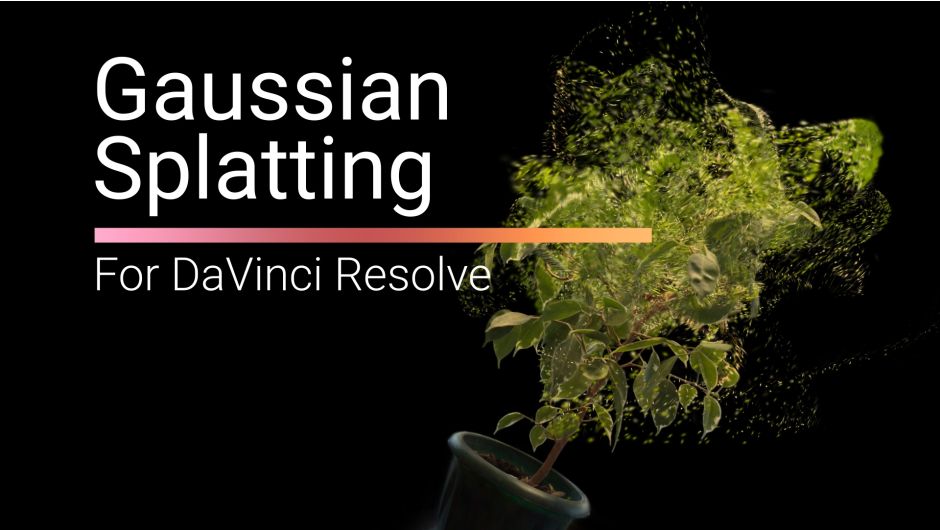
Gaussian Splatting for DaVinci Resolve imports .ply files for manipulation and GPU rendering inside Resolve. Bring in a splat model created elsewhere, then align, combine, crop, animate, and grade it in a scene. Capture and splat creation happen outside Resolve.
Prepare a splat file
To create a splat, use phone or camera footage with tools such as Polycam or Luma, a PC GPU workflow with PostShot or NerfStudio, or LiDAR capture with Scaniverse. The plug-in imports .ply files, so confirm your chosen tool exports that format.
Shape and animate the scene
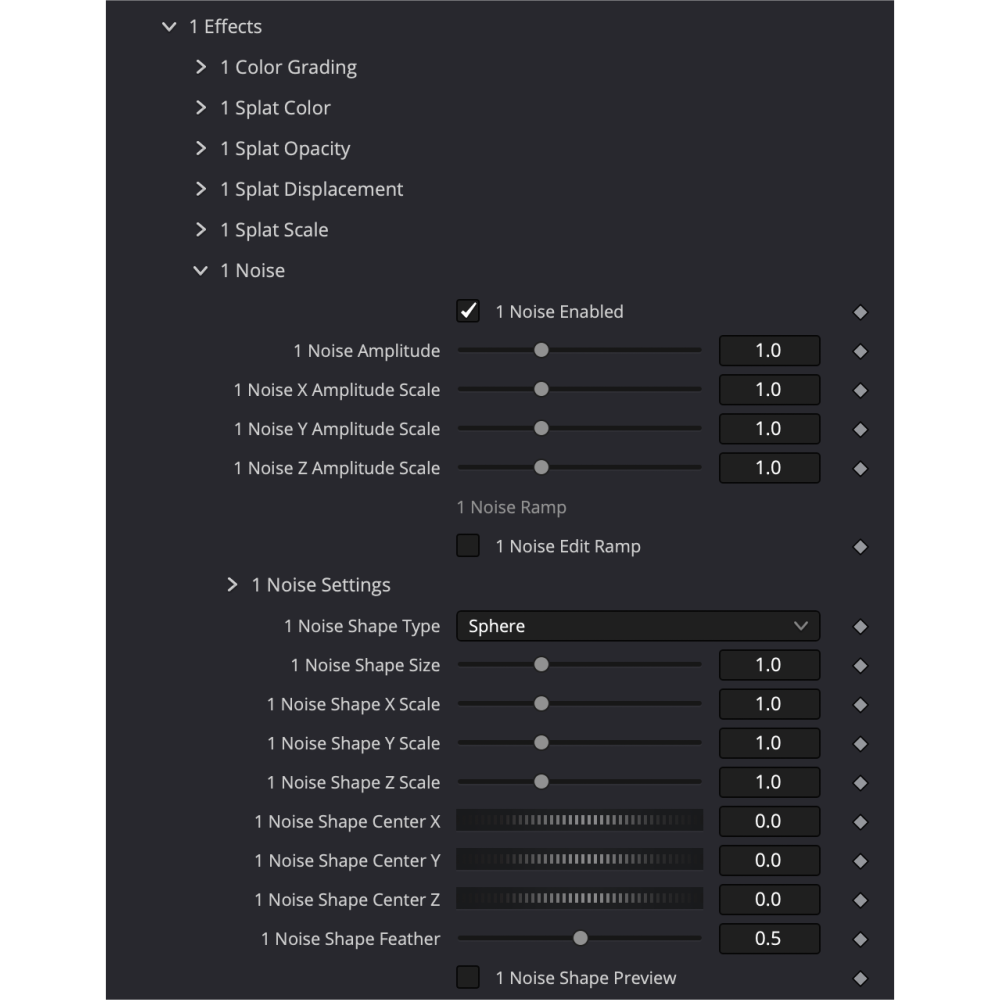
Align a model to the scene center and orient it horizontally, then combine up to 10 models. Crop with a sphere, box, or Y-plane. For reveals, animate splat opacity or scale with ramps and spherical or box maps. Noise can distort a model, while color ramps can recolor splats. Per-model color grading lets you adjust temperature and brightness separately for each model.
Composite and render
GPU rendering supports real-time work in Resolve. The plug-in can render a depth pass for 3D compositing and export the scene. It also supports rendering 2D layers in the Gaussian-splatting environment. The product page does not specify minimum GPU or hardware requirements, so check that separately for your workstation.
Compatibility and licensing
The listing names DaVinci Resolve versions 18, 19, 20, and 21. Its EULA permits one copy for one user on one computer at a time and bars shared or multi-user installation under that license. Multiple users or copies require an appropriate license for each user and copy.