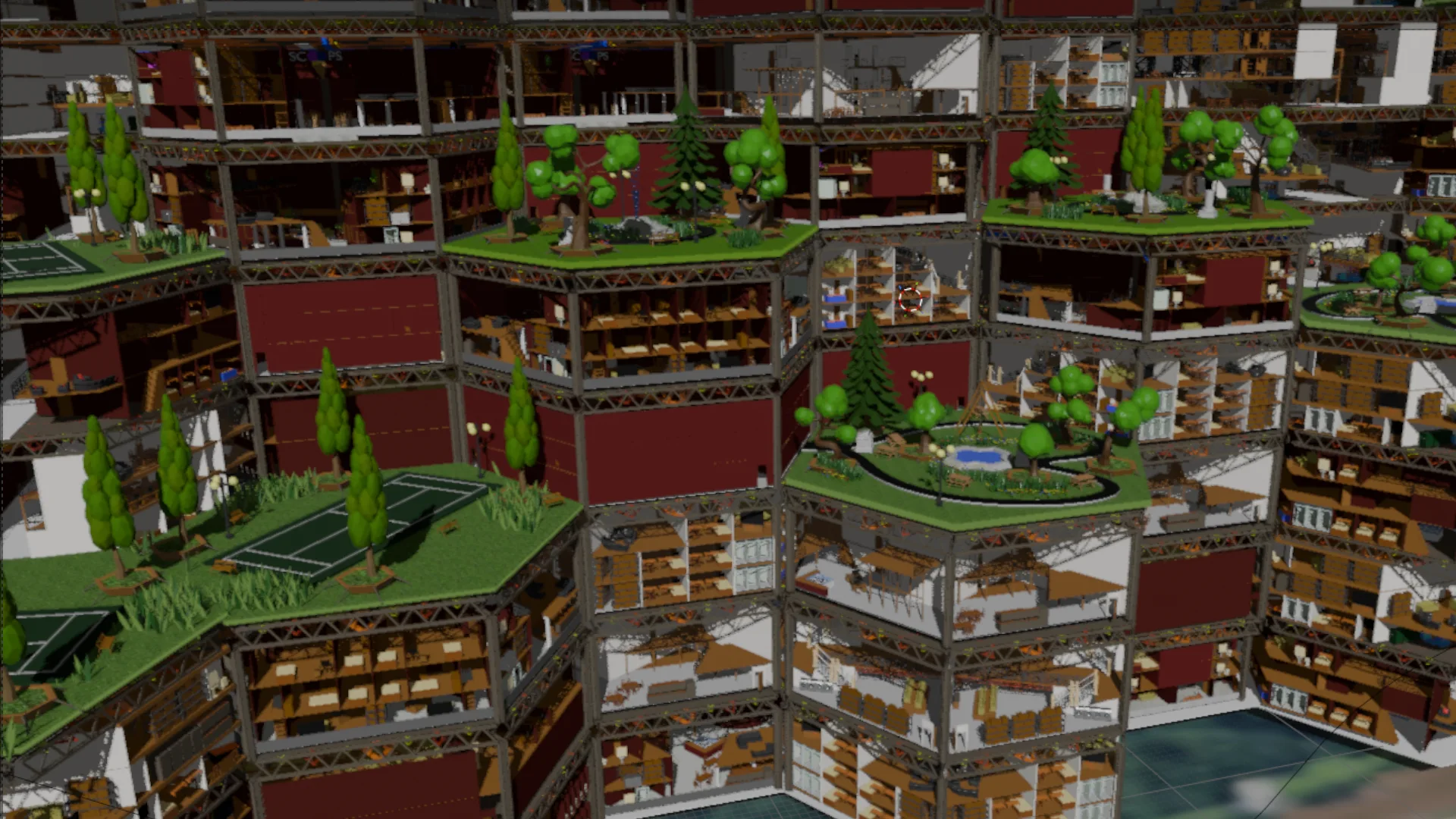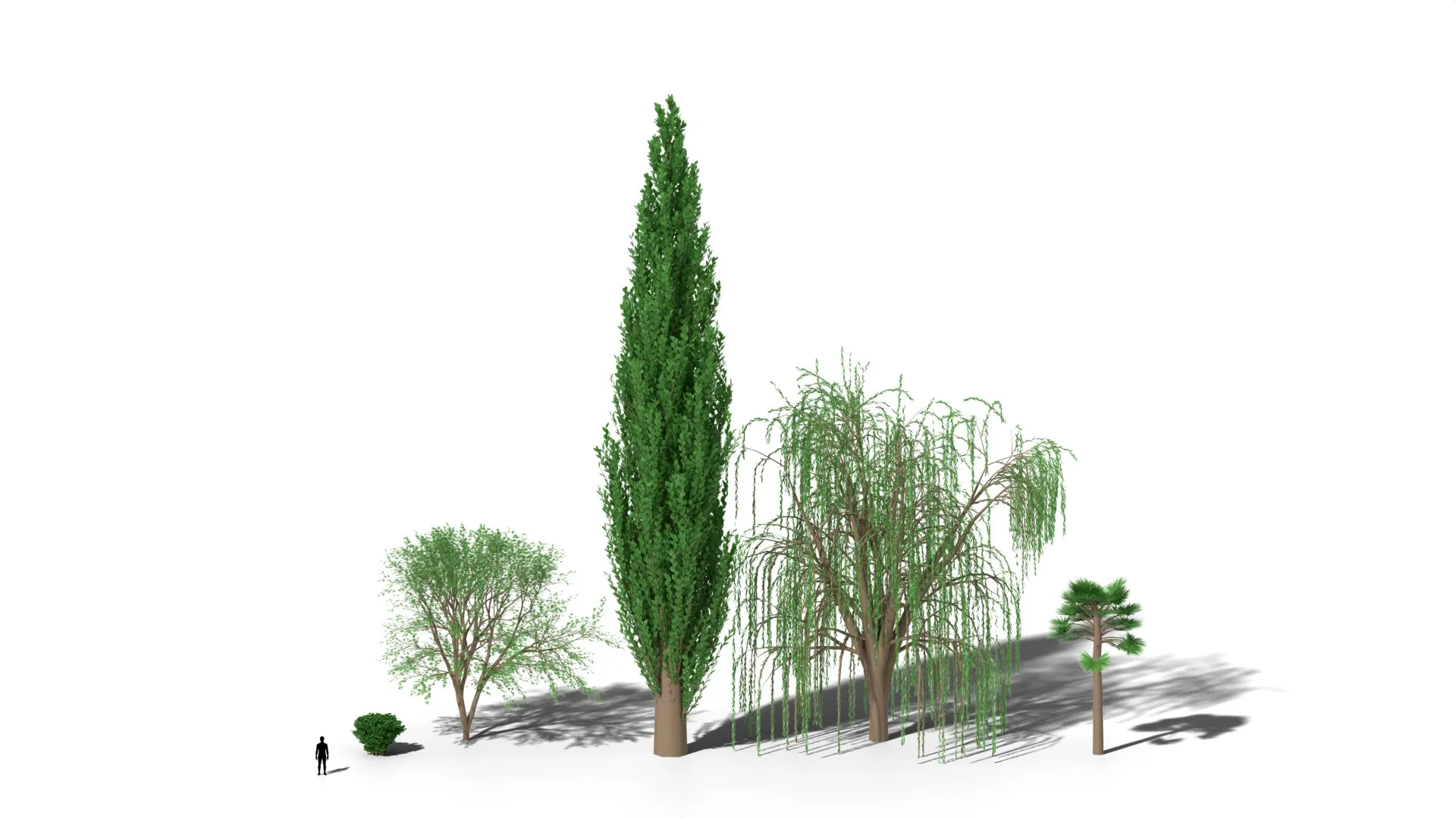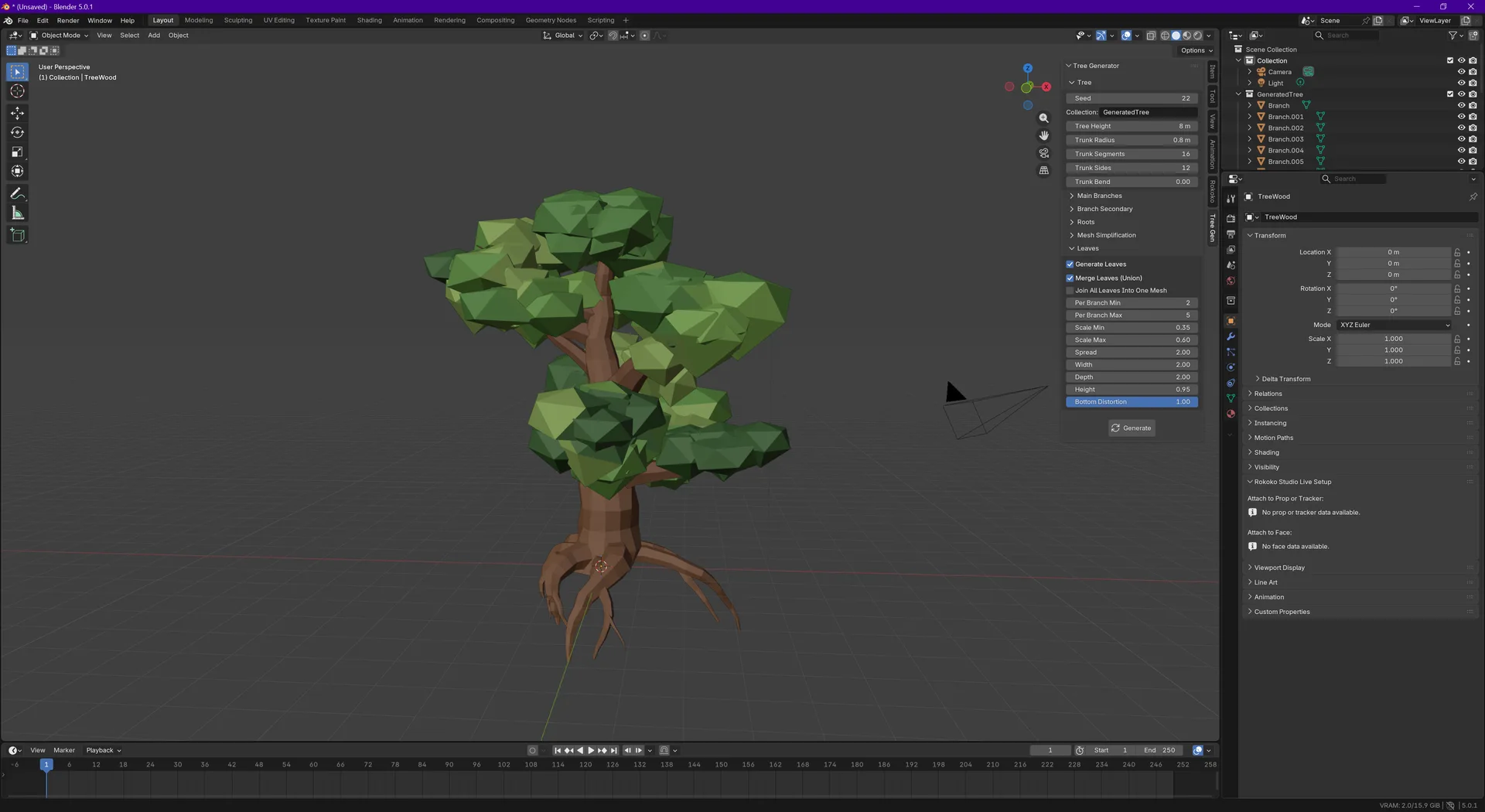
Generate Tree Plugin is a Blender add-on for building procedural low-poly trees. It creates trunks, branches, leaf clusters and root systems from adjustable settings, with a seed for repeatable results. It may suit Blender users who need a starting tree mesh or want to compare variations by changing selected parameters.
Generate a tree and compare variations
Open the Tree Gen tab in the 3D Viewport sidebar, adjust the panel settings and click Generate. Each click creates a new tree in a collection named by the Collection field, which defaults to GeneratedTree. It does not replace the previous tree, so remove an older collection yourself if you no longer need it.
Changing the Seed produces a different random variation while keeping the other settings the same. Reusing the same seed and settings produces the same tree, which makes it easier to compare one adjustment at a time. Version 1.1.5 adds plus and minus buttons beside the seed field; the minus button lowers the seed by one and the plus button raises it by one. Each generates a tree immediately.
Control the trunk, branches and roots
The Tree section controls overall height, trunk radius, ring and segment counts, side count, target collection and trunk bend. Bend Strength and Bend Limit control random ring drift. The listing notes that Bend Strength set to zero makes the trunk straight, while Trunk Bend leans it opposite the drift direction.
Main Branches settings cover branch count, where branches start along the trunk, spacing, distribution around the trunk, whorls, length, thickness, curvature and segment count. You can also choose whether main branches join the trunk as one object. Branch Secondary controls the chance and position of twig-level splits, how many form at each split, their length as a fraction of the parent branch and their thickness, and whether they are Boolean-trimmed into the parent branch.
The Roots section builds a below-ground system from the trunk base. Its controls include root count, attachment distance, thickness, length, curvature, segment count and upward phase. Root secondaries can split from the main roots. Version 1.1.5 adds root placement at the trunk surface and accounts for trunk tilt, angle, attachment distance and the tapered surface.
Set up leaves and mesh simplification
Leaf settings control whether leaves are generated, the number and scale of clusters per branch, their spread and dimensions, and the irregularity of each cluster's underside. You can merge each branch's leaf clusters with a Boolean union or join leaf geometry across the whole tree into one object. Version 1.1.5 adds a Material Count setting from one to five, with a default of two.
Optional Decimate passes can simplify the trunk and any roots merged into it, as well as merged leaf meshes. They are off by default. Boolean-heavy options such as Merge Secondary Into Main, Merge Roots Into Trunk and Merge Leaves With Union can take longer on complex trees. The listing recommends turning them off for faster iteration and enabling them for a final pass.
Version and installation details
The Blender Extensions listing identifies version 1.1.5 and compatibility with Blender 5.0.1 and newer. It lists the license as GNU GPL version 3 or later and the developer as YGForge. The listing links to the YGForge project and its issue tracker.
If generation fails, check Blender's status bar or Info log for the reported error. The extension reports failures instead of leaving a half-built tree behind. The Blender Extensions listing offers two installation paths: drag and drop the add-on into Blender, or download it and install it from disk. For installation steps, see Blender's Extensions manual or visit the Generate Tree Plugin listing.