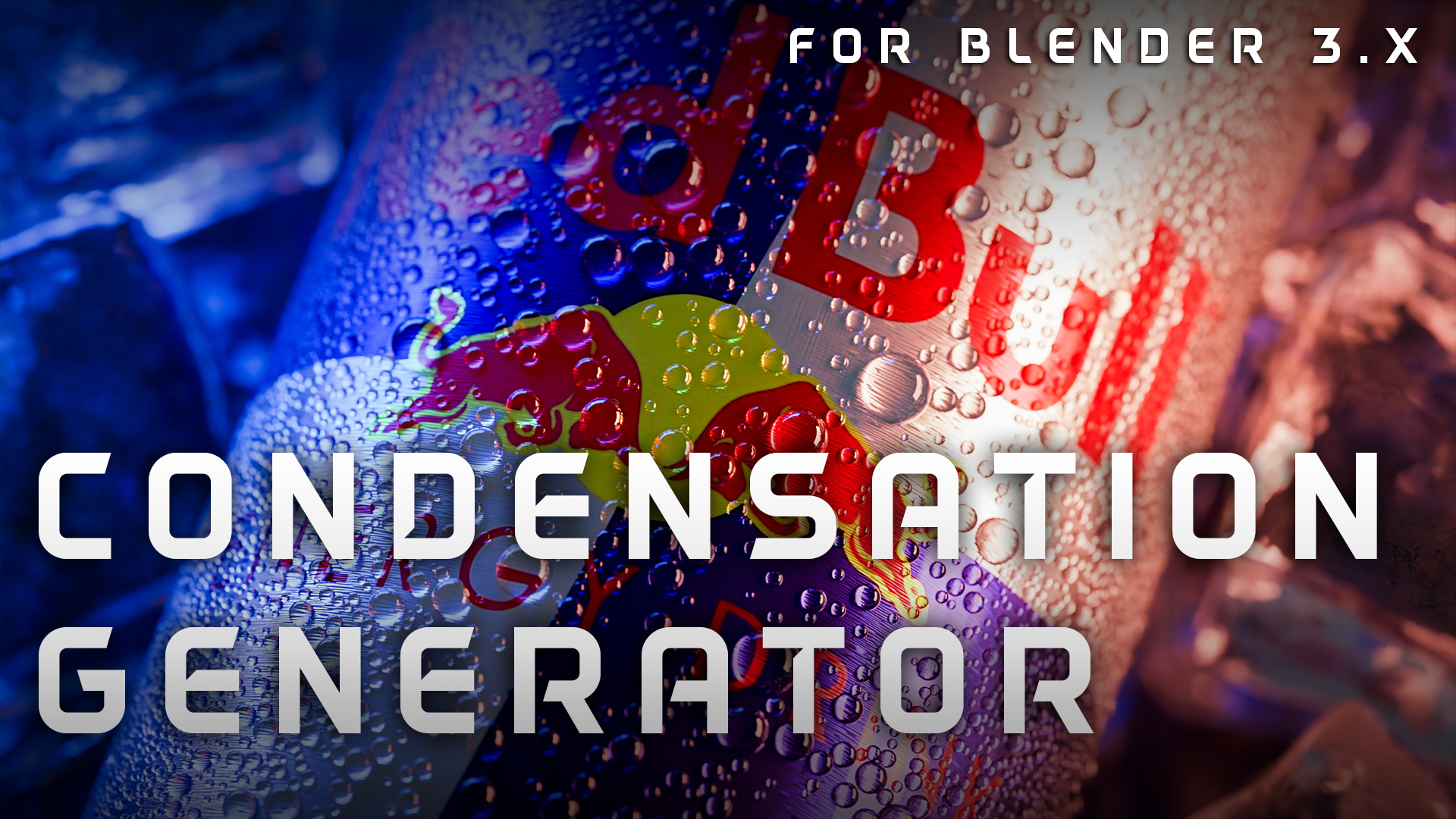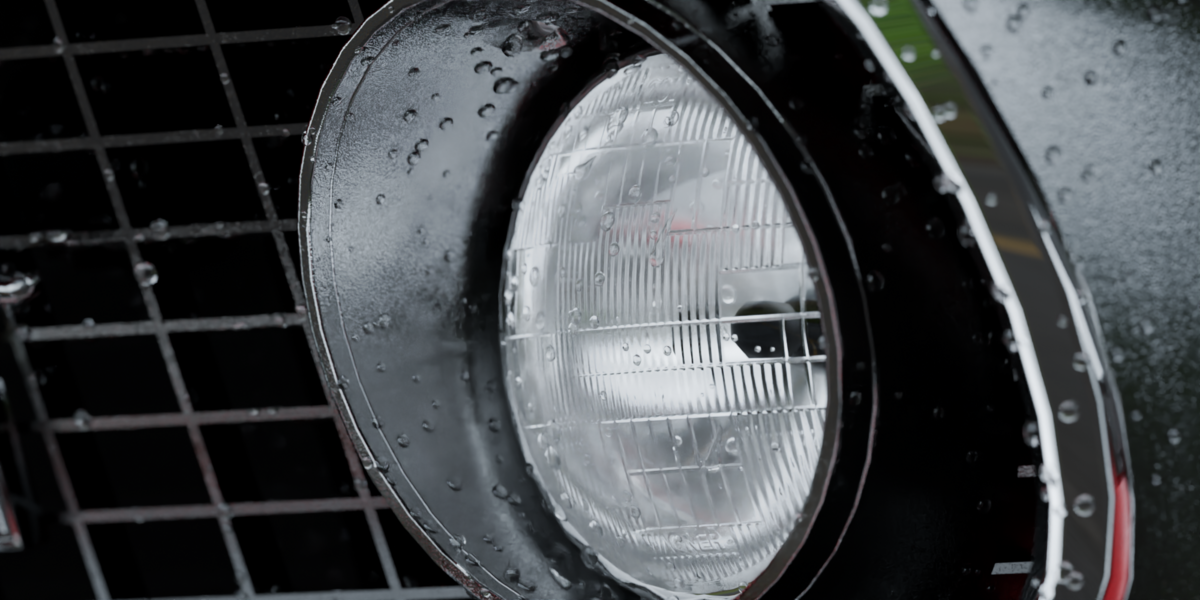
GeoDroplets Plus is a Blender add-on for building wet-surface detail, from static droplets to simulated drips and foam. Lazy3D combines several placement methods with procedural materials, giving artists options for product renders, nature scenes, animation and concept art. The listing names Blender 4.1 and later, with support for Cycles and Eevee.
Different ways to place droplets
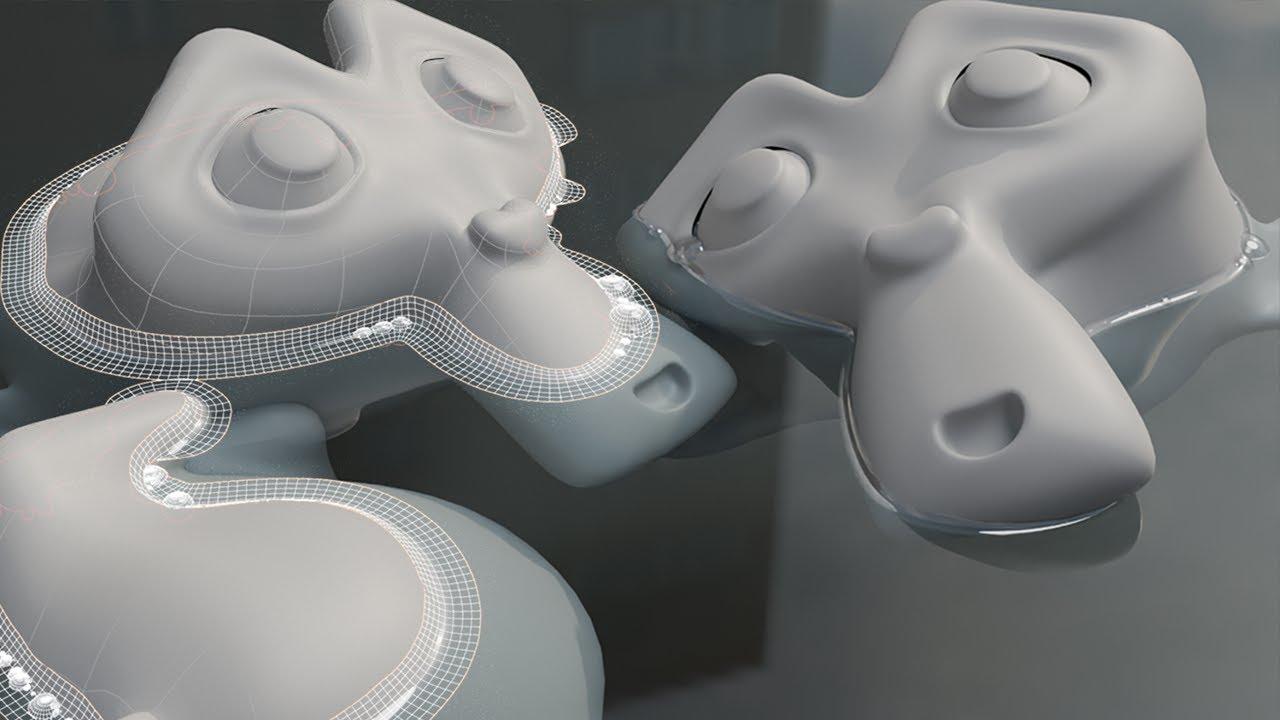
Use simulation to add droplets and a dripping effect to surfaces. For still scenes, static droplets hold their shape. Droplet drawing lets you place shapes directly on objects, while long droplets can be drawn or simulated for drips and flowing water. These methods suit different shots: a product still may call for fixed placement, while a rain effect may need simulation.
The version 1.1 changelog lists a seed option, a minimum-distance setting between droplets and a multiplier for small-droplet density. These controls give you more ways to adjust generated patterns.
Materials, foam and render controls
Procedural droplet materials can be applied to surfaces. The material library includes realistic liquid options and two stylized choices. Adjustable settings include droplet size, density and gravity. High-quality and proxy modes let you trade render quality for performance while working on a scene.
Foam generators add another surface effect through Dense Foam Draw and Light Foam Draw assets. Together, the material, drawing and simulation options cover several approaches to wet or foamy detail without relying on one droplet workflow for every shot.
Choosing a workflow
For bottles, cans and other glossy objects, start with static droplets or direct drawing when you need precise placement in a still render. For broader droplet effects, use simulation and adjust the available parameters. Long droplets can help depict drips or flowing water, while the foam assets address foam on objects. The seller also lists animation among the use cases, with a limitation for simulations on moving objects described below.
Compatibility and limitations
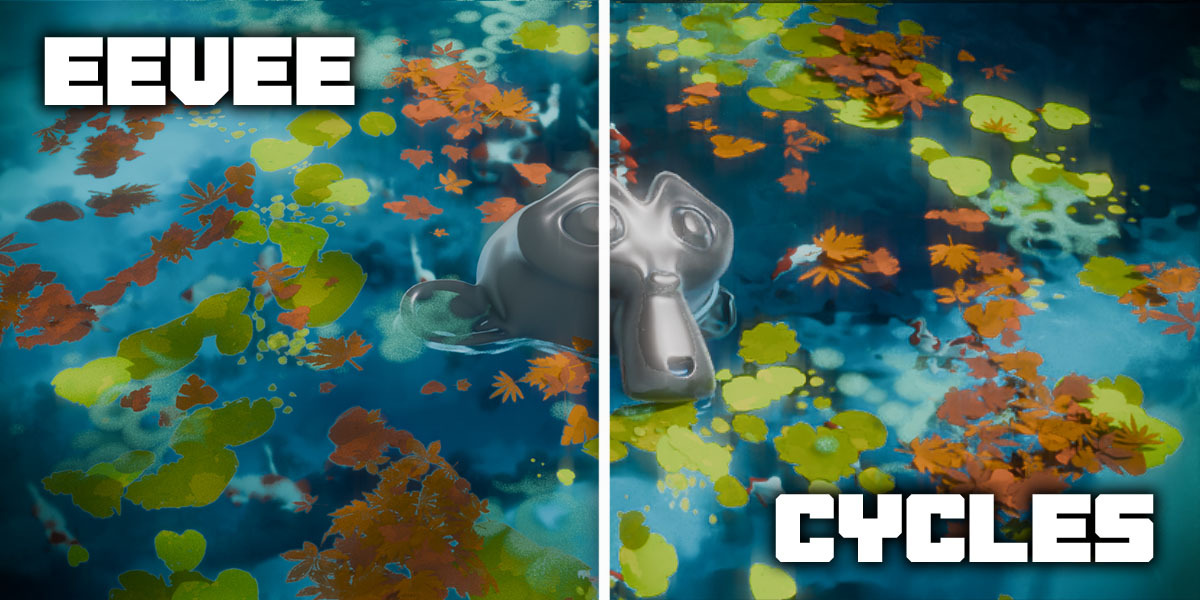
The listing says GeoDroplets Plus is compatible with Blender 4.1 and above; its details list Blender 4.1 through 5.2. It supports Cycles and Eevee, and the seller says to install it as an extension in Blender 4.2. Check the seller's page for compatibility with later Blender releases.
Simulated droplets are recommended on static objects because moving objects may not interact as expected with the water effects. The simulation cannot be exported to another software. High-poly photogrammetry models can also produce unpredictable simulation results, so the seller advises against using the simulator on those dense meshes.
Version and license details
The seller identifies the add-on script as GNU GPL v3. The included 3D assets have separate rights and responsibilities held by their original authors, according to the listing. Review Lazy3D's Superhive listing for the seller's current compatibility, price and licensing details.