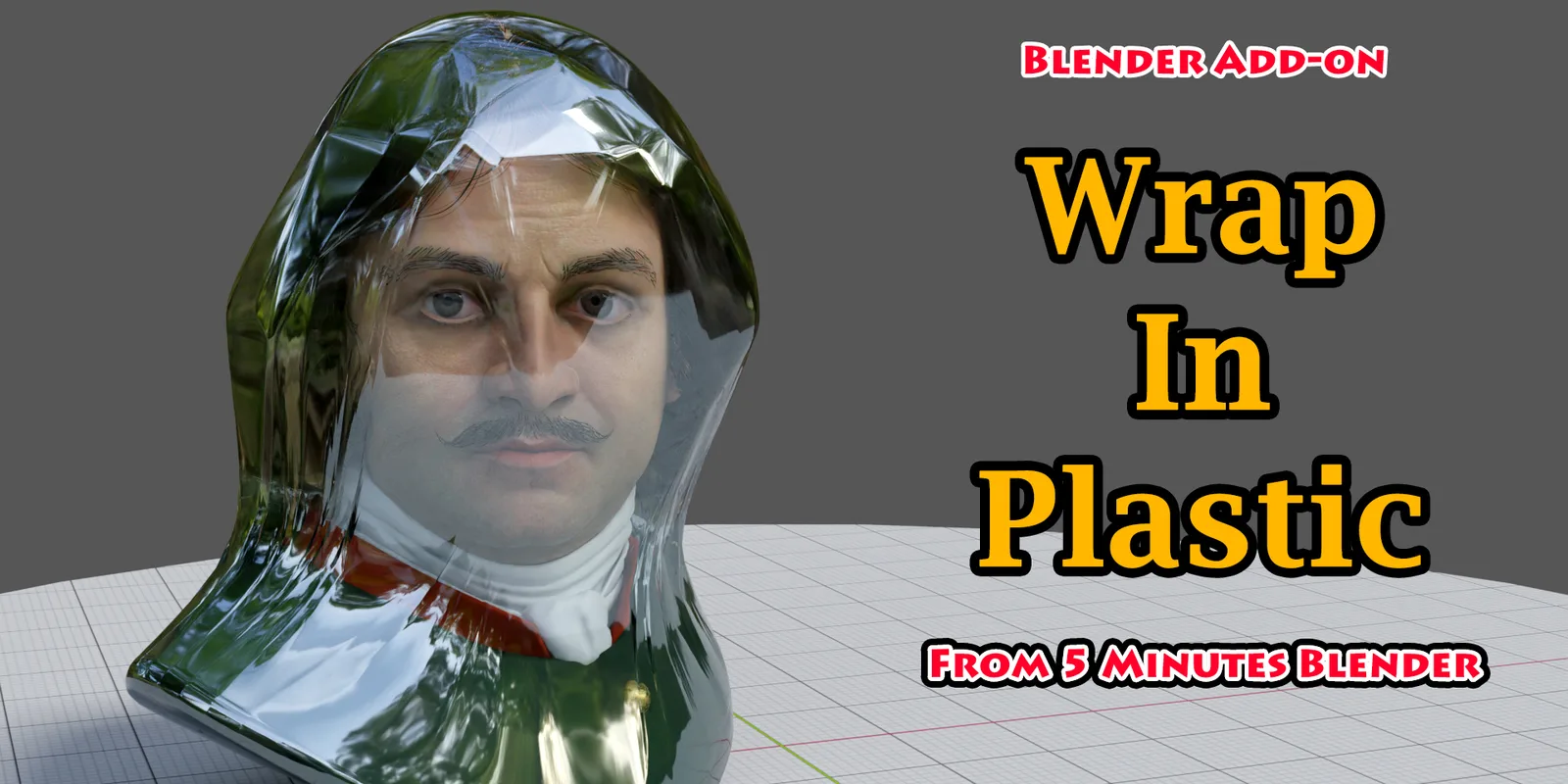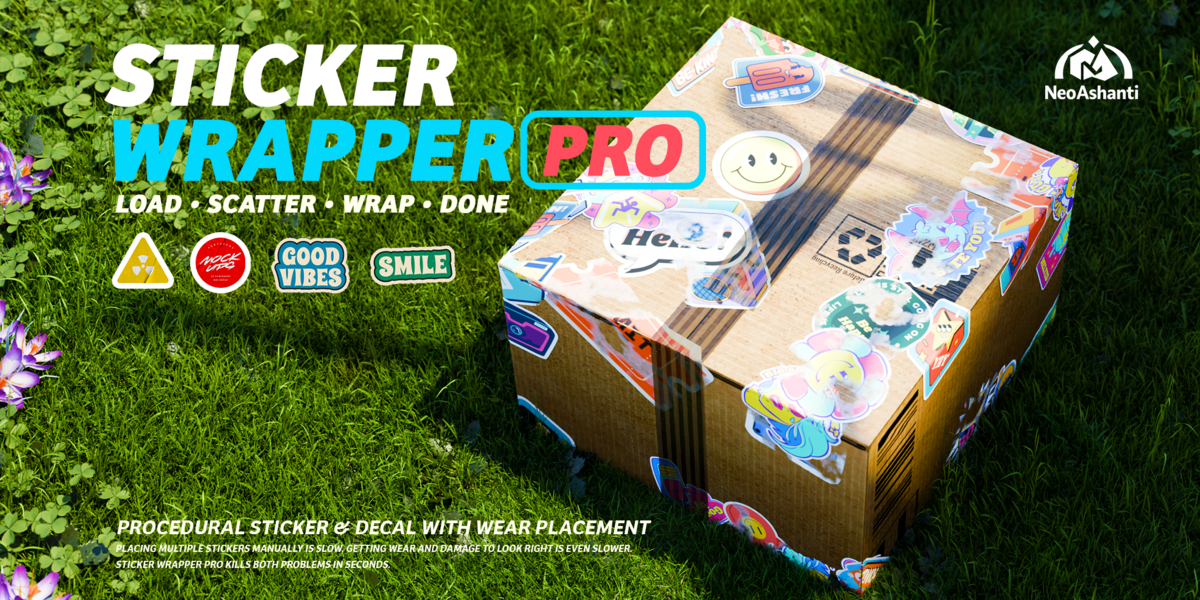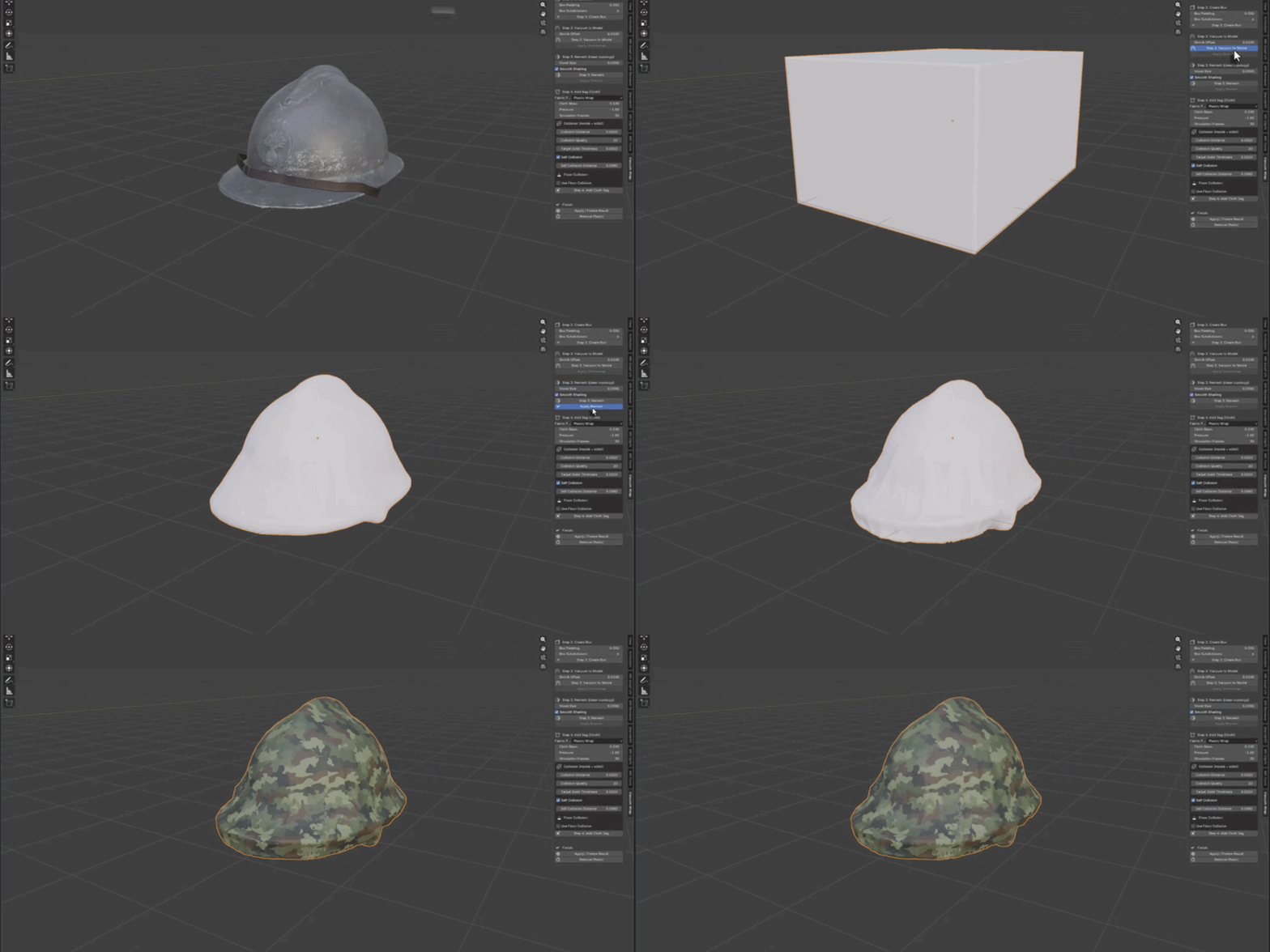
Vacuum Wrap is a Blender add-on for creating vacuum-sealed plastic wrap effects on 3D meshes. Select an object and use Create Plastic Wrap to generate the effect. The plastic follows the object's main contours while smoothing smaller surface details, which suits packaging visualizations, food wrapping, industrial covers, and sci-fi assets.
Create a shape-following wrap
The add-on builds the effect automatically from modifier combinations. Its shape-following behavior is designed to retain the form of the object while reducing the influence of fine surface details. This can help when a wrapped package should read clearly at a glance instead of showing every small feature beneath the film.
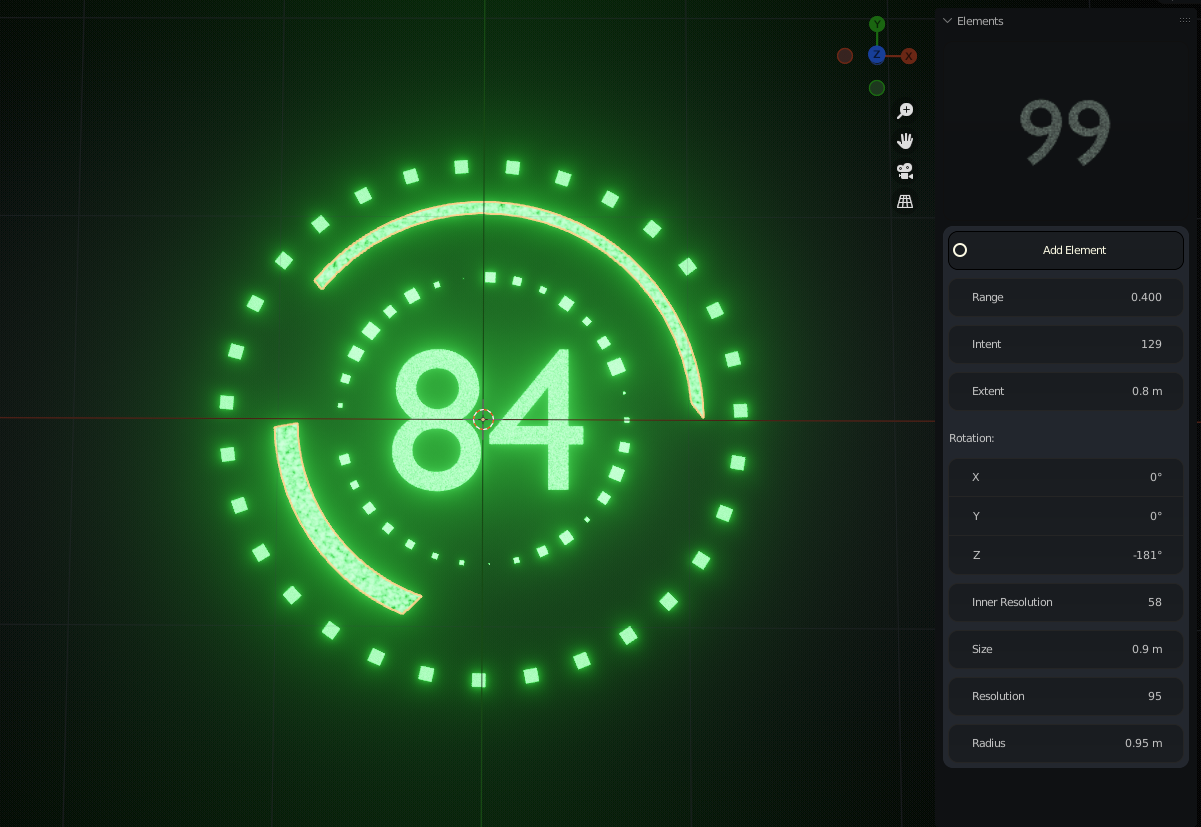
Vacuum Wrap places its controls in Blender's N-Panel sidebar. After creating a wrap, adjust its fit and surface appearance there, with a live viewport preview for tightness changes.
Adjust tightness and wrinkles
Tightness controls range from a loose covering to a close-fitting shrink-wrap look. You can also adjust the plastic offset and subdivision quality. Procedural displacement adds wrinkles, with settings for their scale, strength, and randomness. These controls let you tune the visible result for the asset and shot without rebuilding the effect from scratch.
Keep the original object editable
The listed workflow is non-destructive: the original object stays untouched while you work on the wrap. Keep adjusting it, apply the modifiers when you want to commit to the result, or remove the wrap. That makes it practical to explore different looks on the same model.
Compatibility and setup
The product listing gives Blender versions 4.2-5.2 and lists Cycles and Eevee; the documentation describes compatibility as Blender 4.2+. Check the product documentation for setup details and the current product listing for compatibility information.