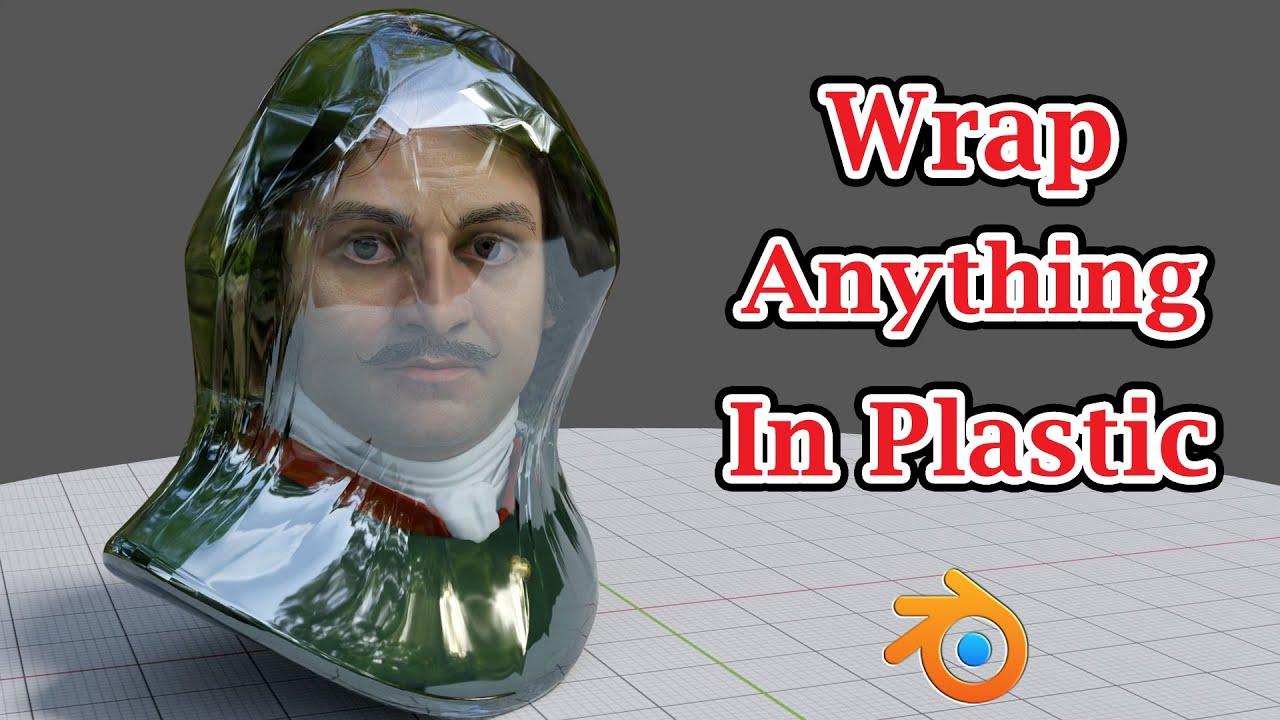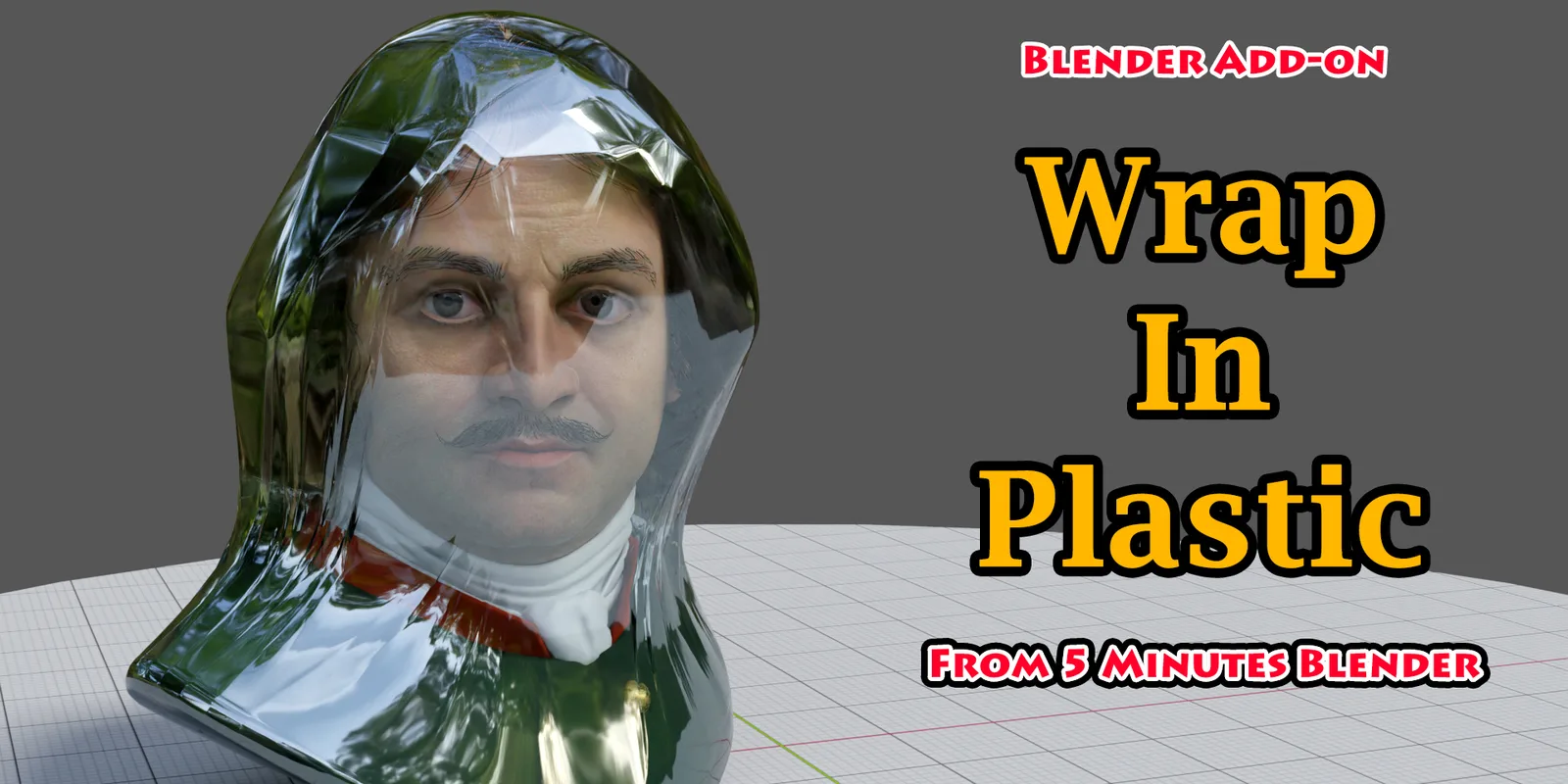
Wrap In Plastic is a Blender add-on by 5 Minutes Blender for applying a transparent-looking plastic cover to a selected object. You can adjust the cover’s smoothness, thickness and color tint. The add-on works on the active selection, so it suits a single object or multiple objects joined into one object.
Adjust the plastic cover
The subdivision levels setting controls smoothness. The product description suggests trying a value around 5 or 6 for a smoother result. Wrap thickness controls how thick the cover is. The cover looks transparent, so the selected tint appears as a light shade rather than the exact color.
Wrap several objects together
Selecting multiple separate objects does not apply the cover to all of them; only the active selection is wrapped. To cover several objects together, the developer recommends making duplicates, joining those copies into one object, hiding the originals, then selecting the joined object and applying the add-on.
Compatibility and instructions
The Superhive product details list Blender versions 3.4 through 5.0 and mark the add-on as Blender Extension compatible. No add-on release number is listed. Check the product page for current compatibility information before installing.
The documentation page says the download package includes a PDF with installation and usage steps, screenshots, and explanations of the input fields. A video tutorial covers the functions and options. The product listing identifies the license as GPL and lists support through the creator’s email or YouTube channel.