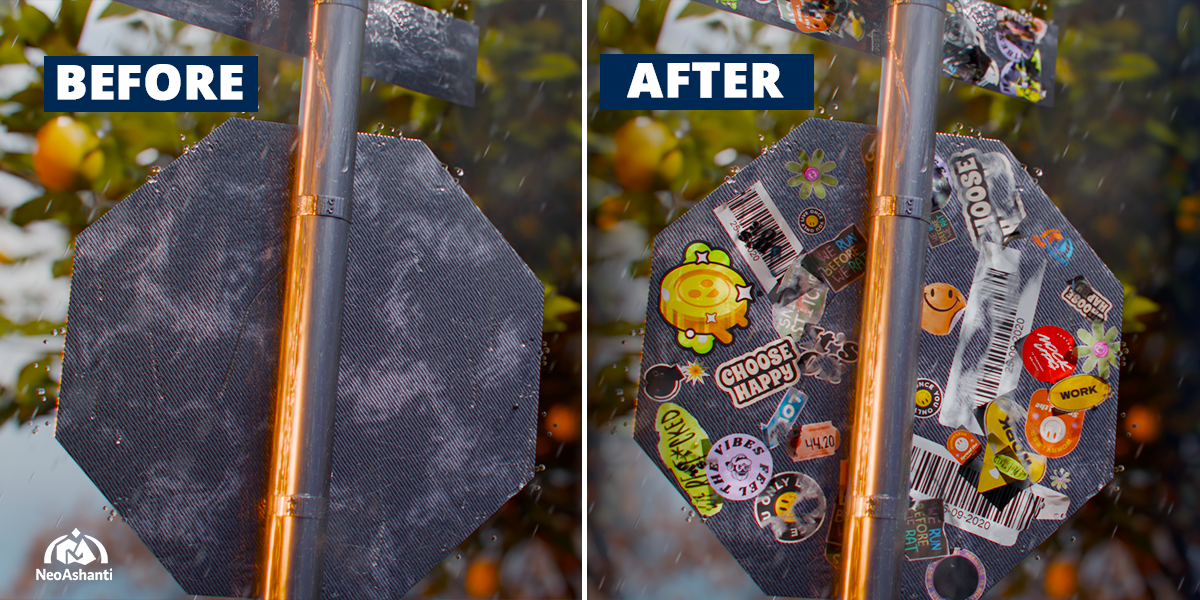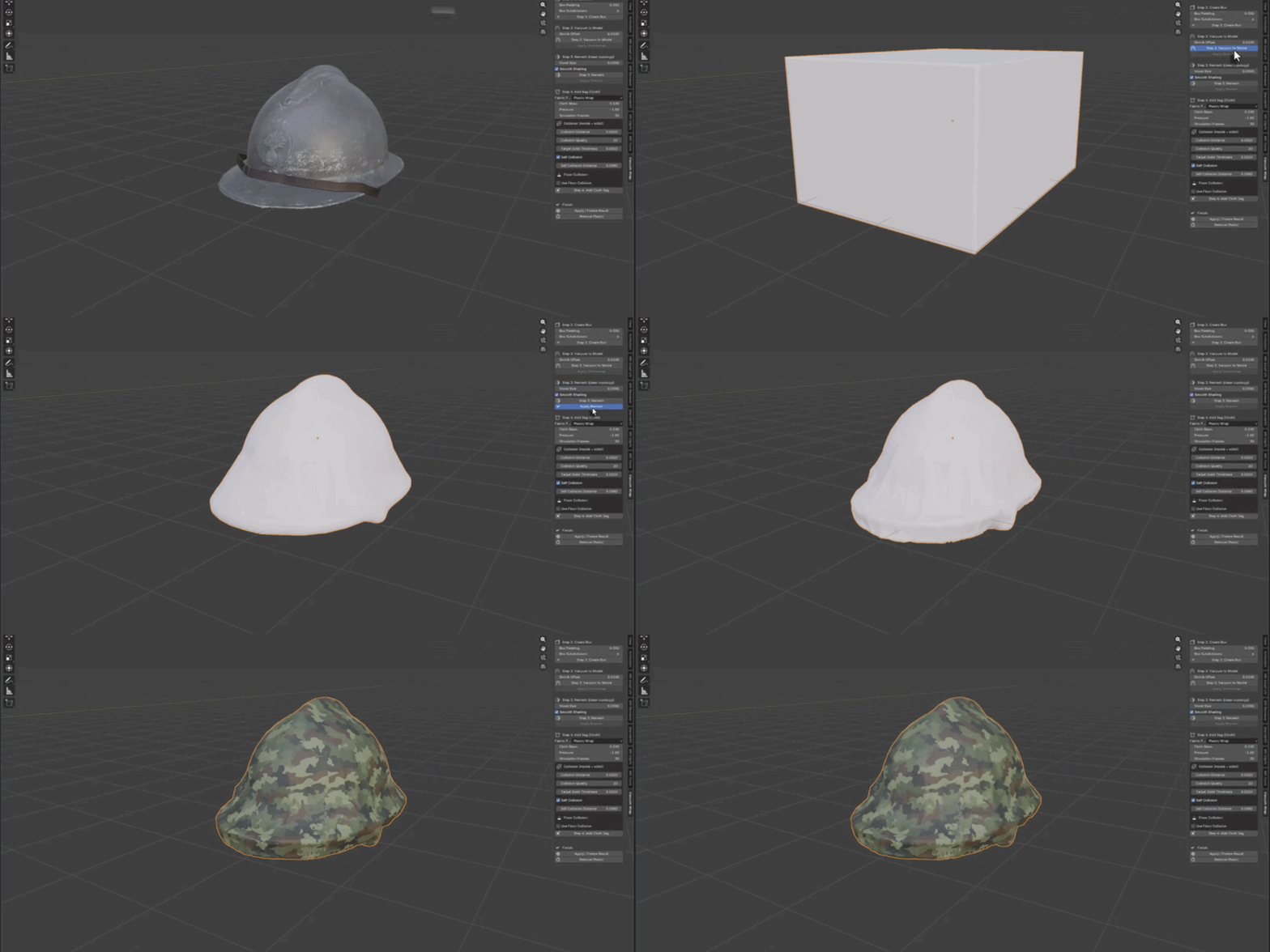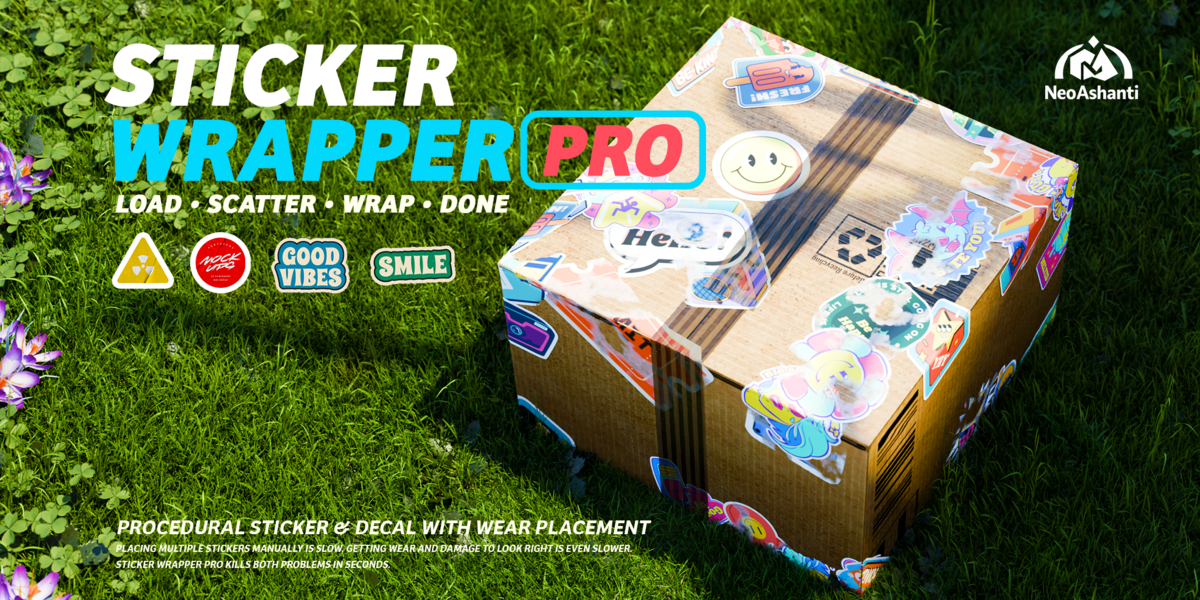
Sticker Wrapper Pro is a Blender add-on for placing sticker and decal images across mesh surfaces. Choose a folder of PNGs, set the sticker count and scatter options, then generate placements on curved, organic, or hard-surface geometry.
Scatter stickers across Blender meshes
The add-on offers area-weighted and uniform distribution, plus controls for sticker size and placement. Its v1.8.0 update improved conformity on curved and rounded surfaces to reduce Z-fighting. The documentation also describes subdivision and surface offset controls for adjusting how stickers sit on a mesh.
Adjust placement and add edge wear
Sticker Wrapper Pro lets you rotate, scale, flip, and offset selected stickers, with changes updating in real time. A minimum and maximum scale range varies sticker sizes. Its Wear system uses procedural noise to fade, tear, and erode sticker edges. Advanced controls include crease padding, edge threshold, retry settings, and per-sticker Z-increment and nudge controls.
Position Seed shuffles placements without changing which images are used. Layout Seed changes image assignments without moving the stickers. The official documentation explains these controls and includes a quick guide video.
Lite and Pro editions
The developer lists Sticker Wrapper Lite at $1, with no time limit and support for up to seven images. Pro Solo is listed at $8.99 for one licensed machine, and Pro Studio at $15.99 for ten. Both remove that image limit and add the wear system, transform tools, size ranges, and advanced placement controls. Check the current product listing for its terms.
Requirements and setup
The product listing names Blender versions 4.0 through 5.0. The documentation calls for PNG images with transparency; JPEG files do not work. Install the ZIP through Blender's Add-ons preferences, enable the add-on, then open its panel in the 3D Viewport sidebar. See the installation and usage guide for the full steps.