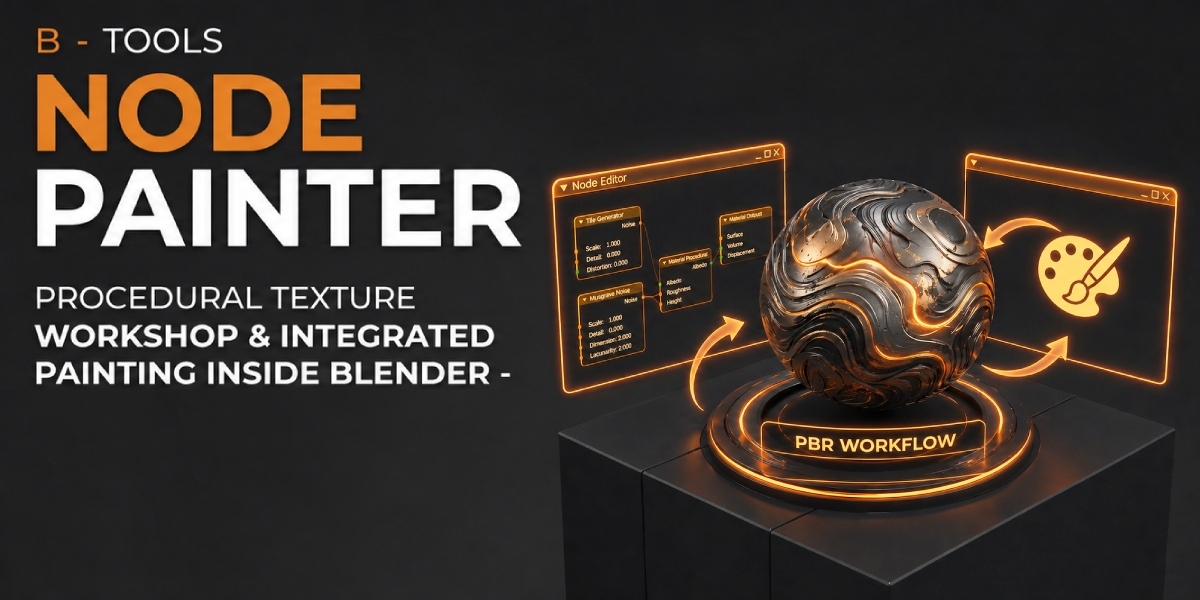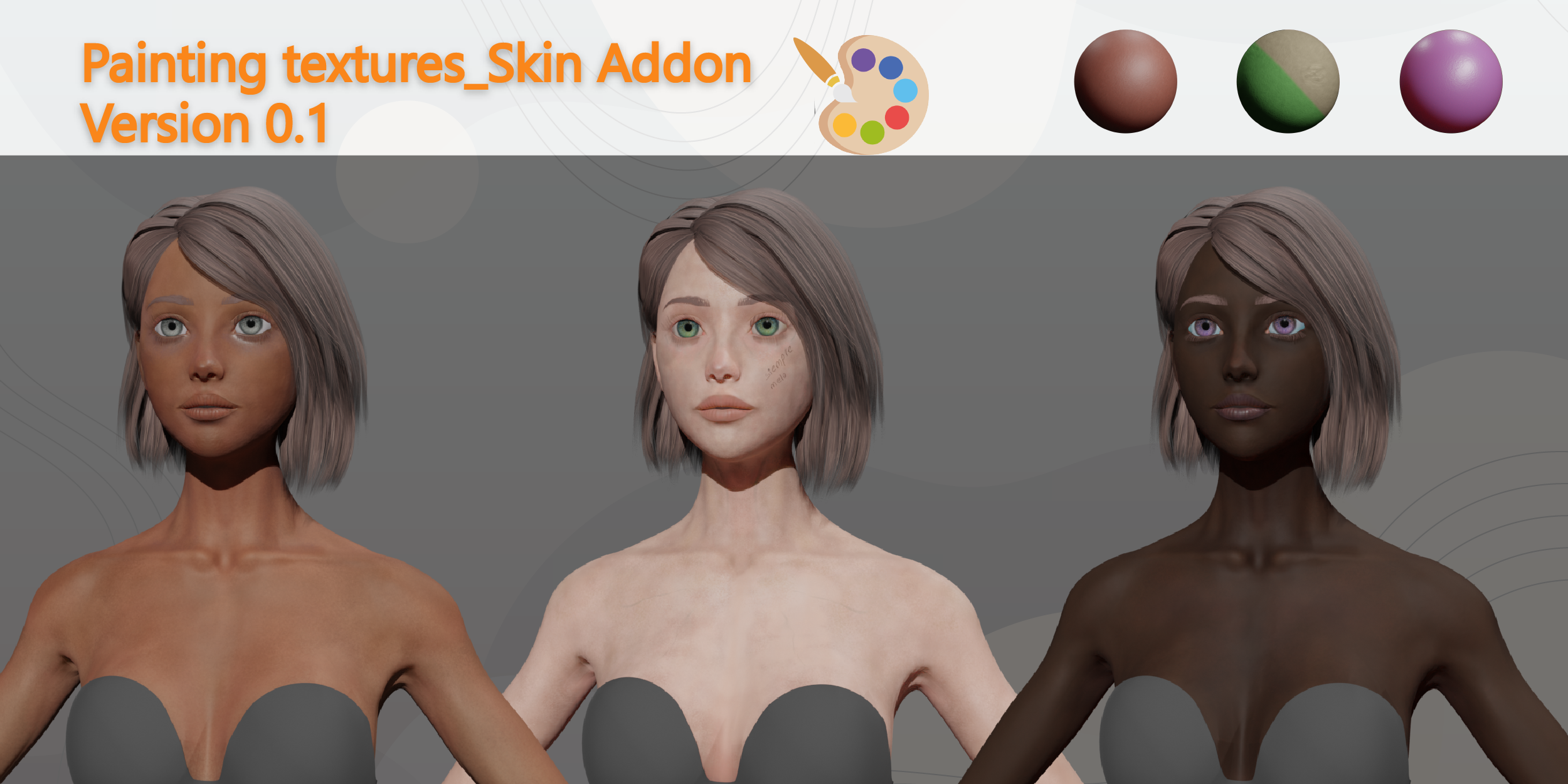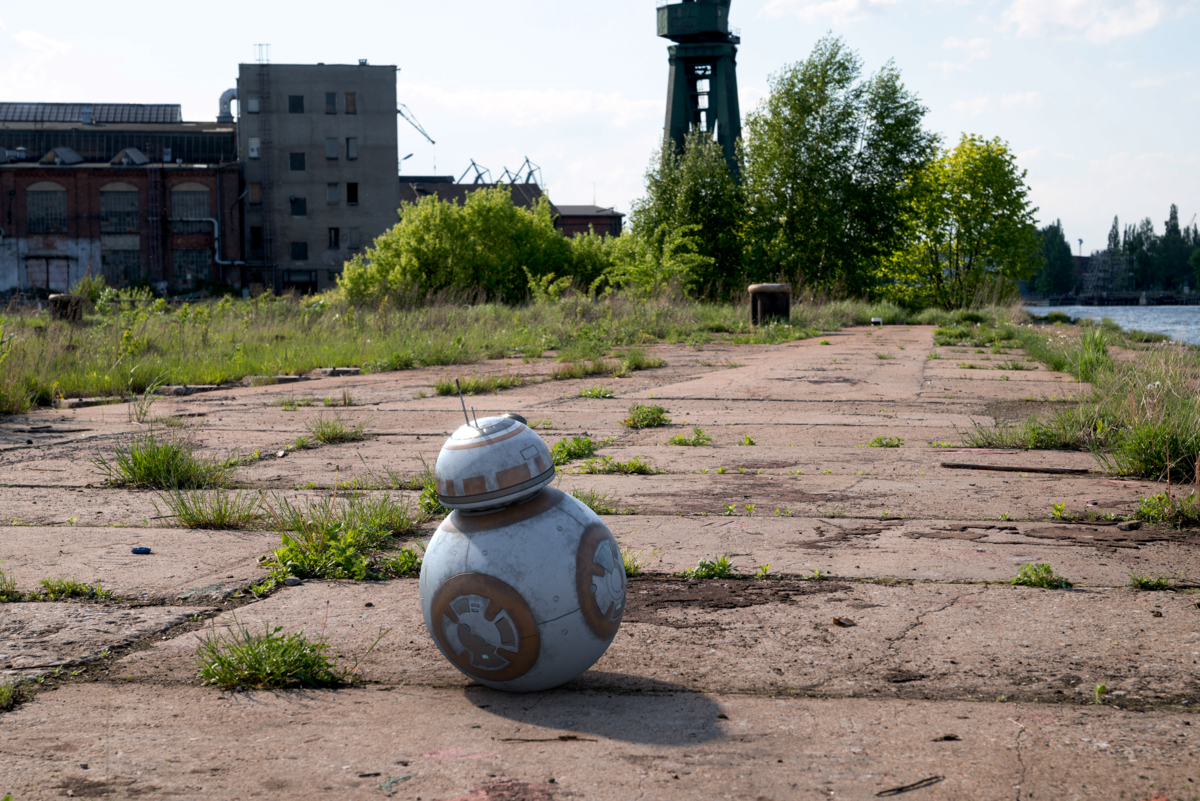
Mask Tools is a Blender add-on for texturing and creating complex materials. It combines paint layers with procedural effects such as edge detection, dust, and grunge, so artists can add surface detail while working on a model.
Paint and adjust material effects
With Distortion Masks, you can paint procedural grunge onto a model, then continue adjusting the mask’s shape, scale, and bump effects. Mask Tools also supports paintable alpha transparency, emission, and bump effects.
The add-on includes materials whose scale, roughness, and color can be customized. It is designed to help keep material node setups organized and easier to understand.
Who might use Mask Tools?
Mask Tools is aimed at Blender artists texturing low-poly game assets, characters, and environments. Its layer-based painting and adjustable grunge effects are most relevant when you want to build surface detail as part of a Blender material workflow.
Compatibility and license
The Superhive listing names Blender 3.0, 3.1, 3.2, 3.3, 3.4, 3.5, 3.6, and 4.0 as supported versions, and lists the add-on under the GPL license. If you use another Blender version, check the product documentation or listing for current compatibility details.