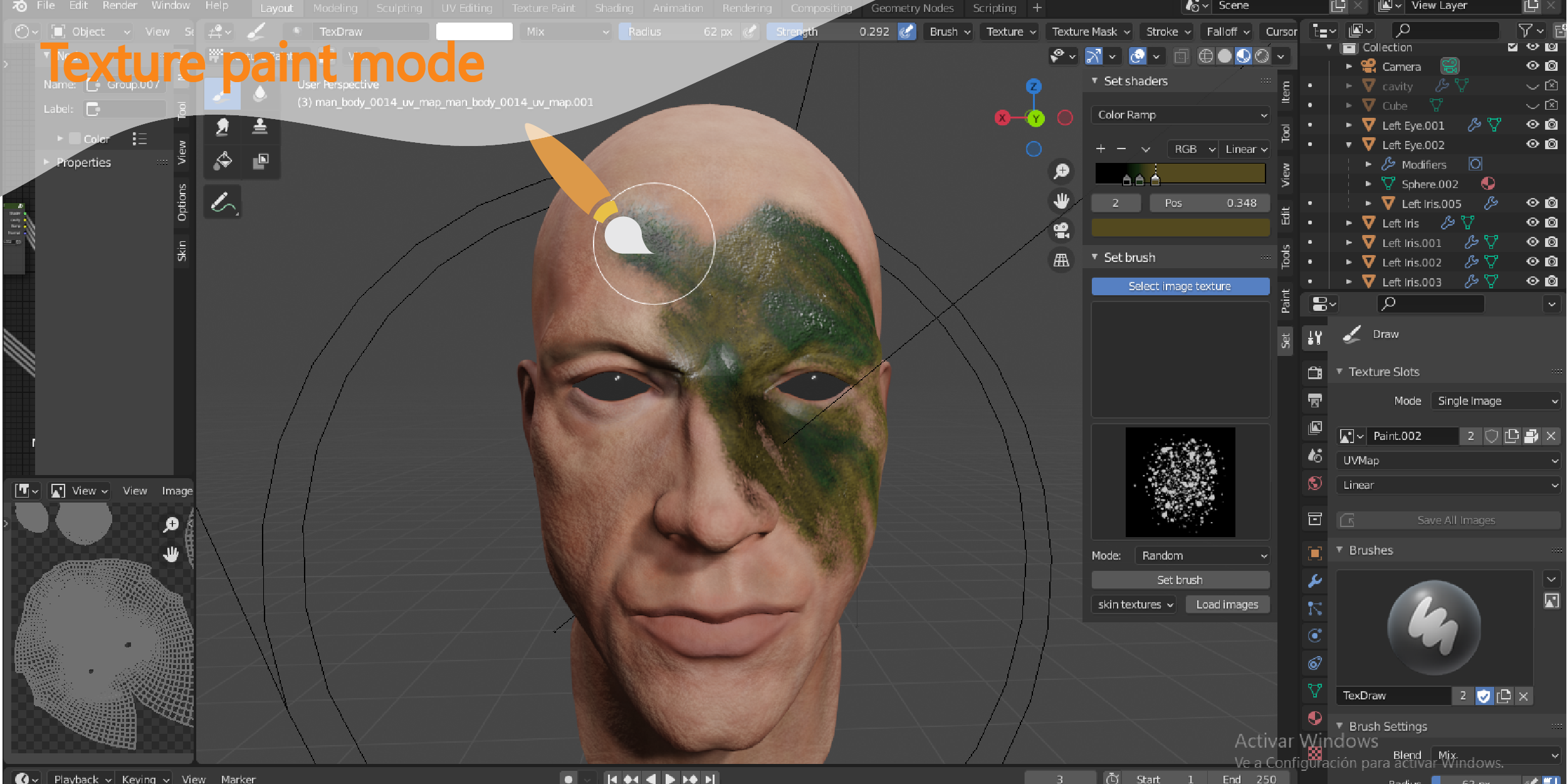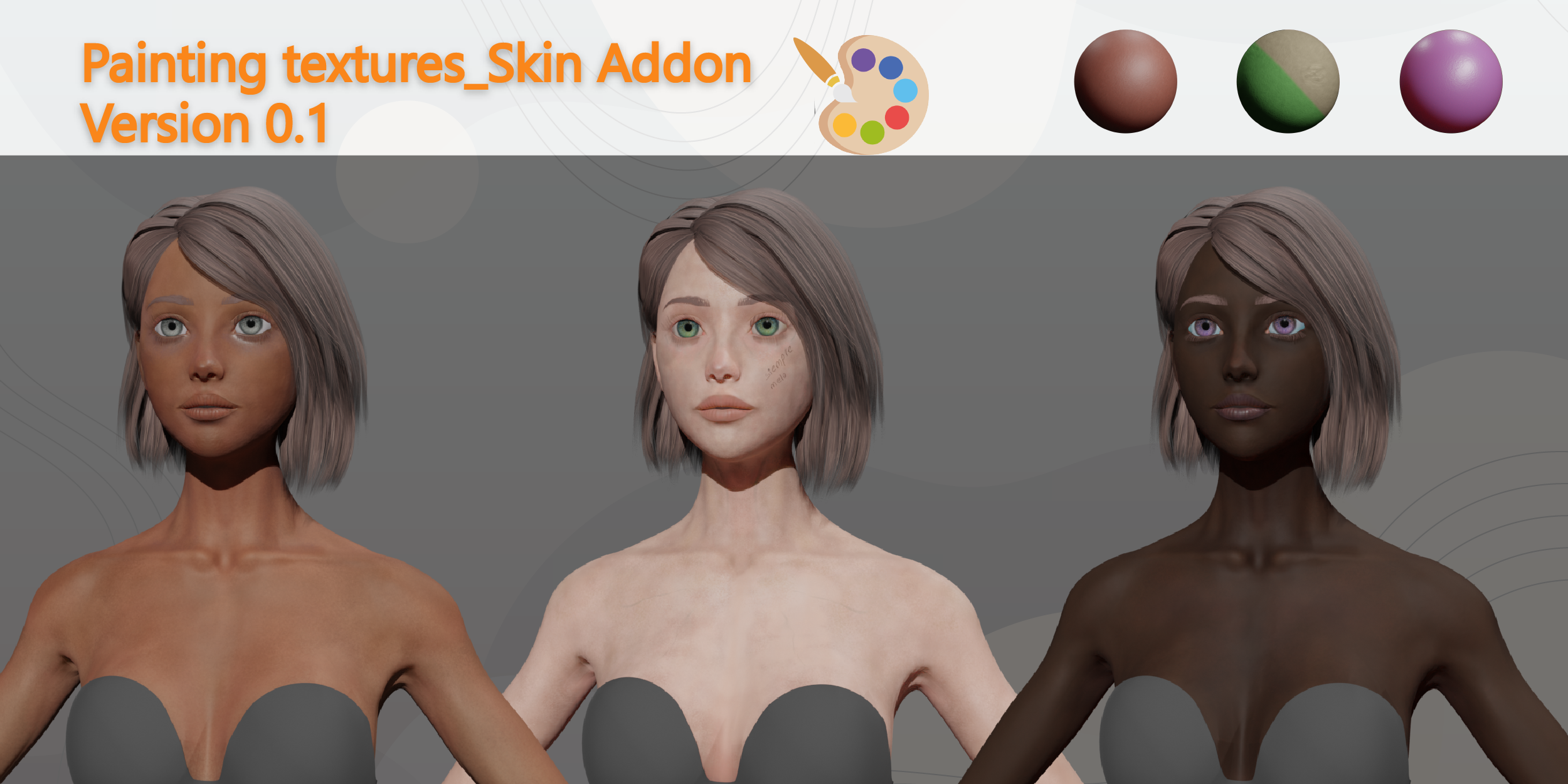
Painting Textures_Skin is a Blender add-on for painting details such as veins, color and grains directly onto a model. The product listing says it works with nodegroups and recommends basic knowledge of nodes.
Installation, use, and painting videos
The linked videos cover installation, how the add-on works, and painting skin.
Listed Blender versions and render engines
The creator lists Blender versions 3.2, 3.1, 3.0, 2.93, 2.92, 2.91, 2.9 and 2.83, and render engines Blender-Internal, Cycles and Eevee. The listing does not map engines to specific Blender versions. Compatibility with releases newer than 3.2 remains unconfirmed, so check the creator's listing before installing on one.
Troubleshooting notes
For a cavity problem, the product FAQ says to make sure the image is completely black and white. If textures for the brush have trouble loading, its listed troubleshooting step is to delete all textures named “textureskin” and “brush.”
Who it may suit
This add-on is aimed at Blender artists who want to paint surface details such as veins, color or grains and are comfortable with basic node concepts.