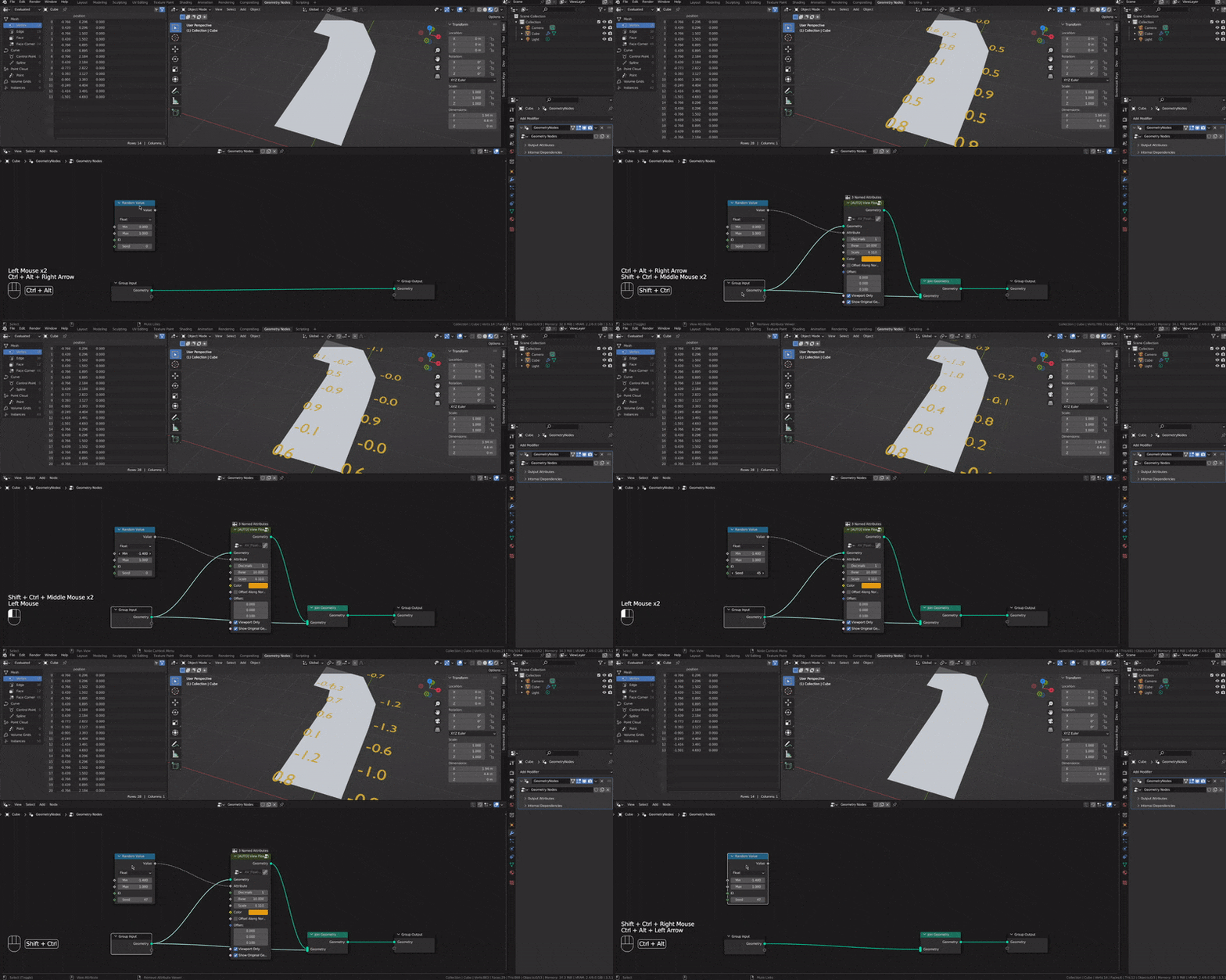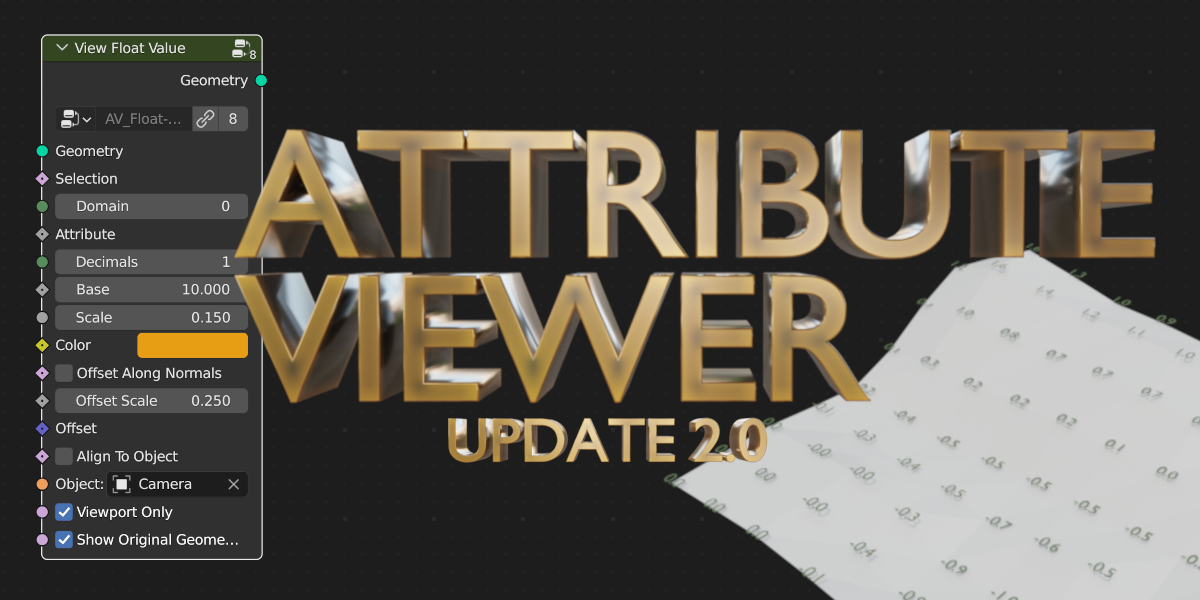
Geometry Nodes Attribute Viewer is a Blender node set and add-on for turning Geometry Nodes field values into text labels in the 3D view. Connect geometry and an attribute to a viewer group; it outputs the original geometry together with text showing values at their domain positions. The readouts help inspect procedural data and can also appear in renders. The Superhive product listing identifies Griperis's version 2.0.1 and links to the GitHub repository.
Inspect values as labels
The four node groups share similar inputs and outputs. Connect geometry and the desired attribute to display its values. You can adjust the generated text's scale, color, and offset. The groups also support additional decimal places and different number systems, and can generate arbitrary numbers in Geometry Nodes.
Check fields across domains
Version 2.0 added support for fields on edges, faces, face corners, and splines. Labels appear at the corresponding domain positions. A selection input controls where labels are generated, and label alignment can follow a selected object.
Add viewers with the add-on
You can use the node groups directly or install the add-on to create and manage viewer nodes with shortcuts:
Ctrl+Shift+Middle Mouseon a node with attributes cycles through the attributes and displays them, or connects geometry to the active viewer.Ctrl+Shift+Right Clickon a node connected to a viewer removes connected viewers from the active node.Ctrl+Shift+Wopens the add-on menu, where you can add viewers or remove all viewers.
Known limits
Automatic viewing of attributes inside node groups is unsupported. The viewer is always spawned in the root node tree. Viewer groups can generate many instances, so the creator recommends using them conservatively. The 2.0.1 changelog also records a fix for installing the add-on outside Blender's default scripts path.