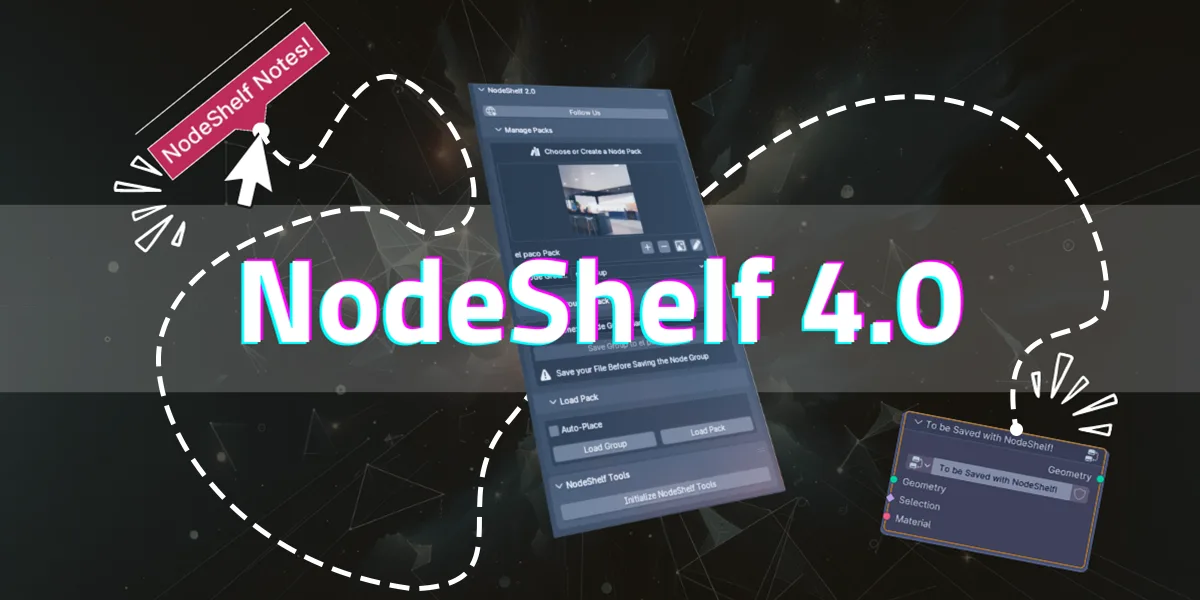
Qol Node 2 Blend is a Blender add-on for people who work with Geometry Nodes or the Shader Editor and reuse nodegroups. Select a nodegroup, choose where to save it, and export it as a preset for later Blender sessions. This gives frequently reused node networks a place in Blender's asset workflow instead of rebuilding them each time.
Save a nodegroup preset
Open the node editor's N-panel and choose the QOL tab. Select the nodegroup you want to export, then choose a library and category. Check the nodegroup name or rename it, and click Export. The documentation says the library selection is remembered between sessions. The product description says the save choices are remembered after the first setup, so repeat saves often need only a name.
Reuse presets and manage libraries
Saved presets can be retrieved like other prebuilt nodes and remain available in future Blender sessions. The add-on also provides direct access to the preset folder on disk and to Blender's Asset file paths, where libraries can be added or removed. These controls help when you need to organize presets or change which libraries Blender can access.
For the exact panel steps, see the QOL Tools documentation. The product listing specifies Blender 4.5 and a GPL license; it does not establish compatibility with other Blender releases.