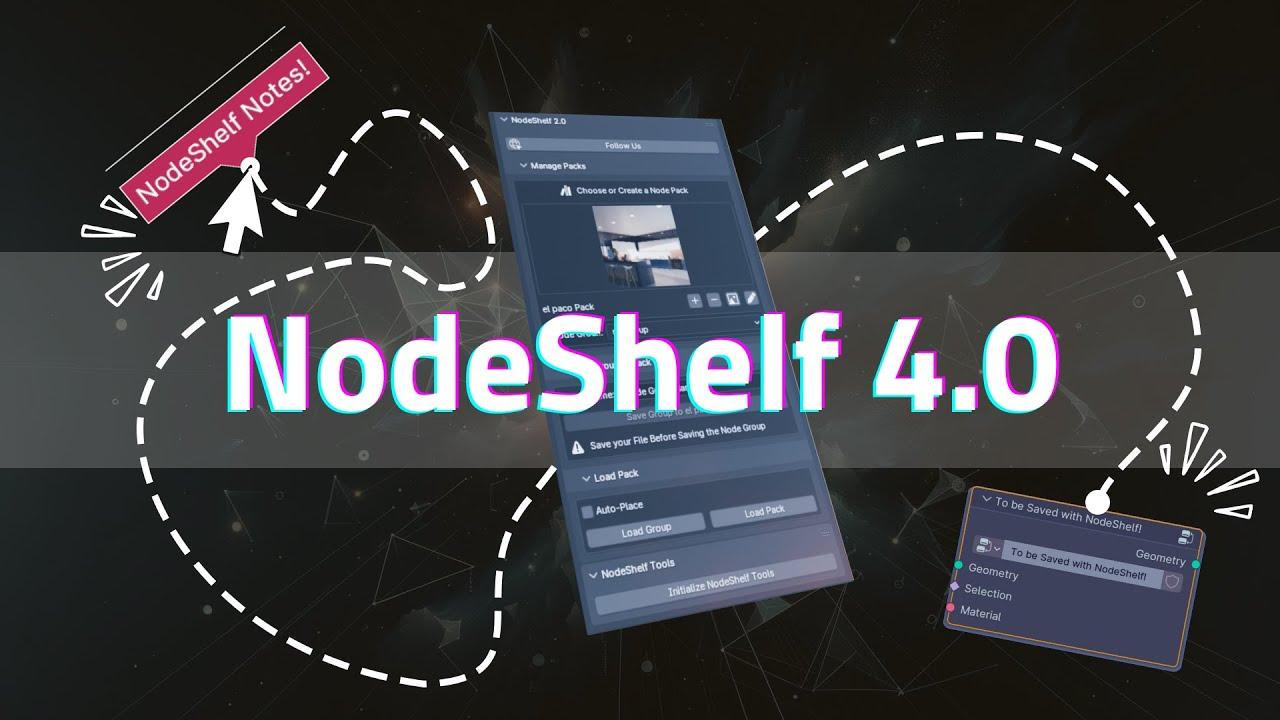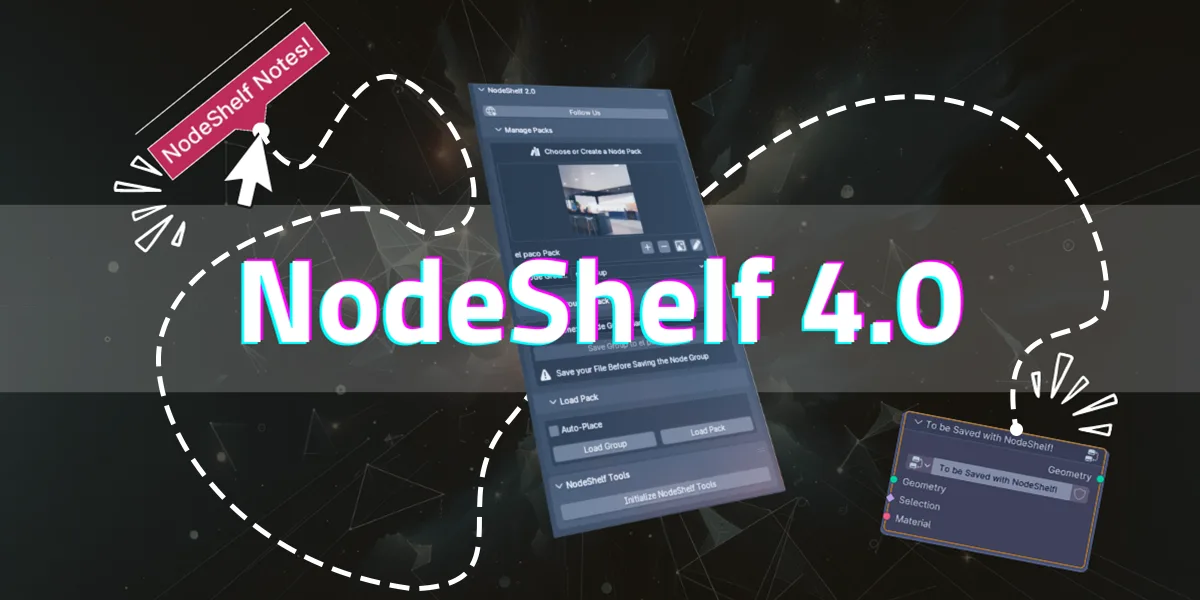
NodeShelf is a Blender add-on for organizing node groups you reuse across Blender files. It stores them in Node Packs that you can arrange by purpose, such as math nodes, custom geometry, or patterns. NodeShelf Tools also adds draggable Notes to the node editor for comments on a node tree.
Organize node groups with Node Packs
Create a pack for a kind of node group, give it a name, and assign a thumbnail image. You can add, remove, and rename packs as your library changes. Keeping related groups together gives you a named collection to select when you move reusable work into another Blender file.
Save and load groups between files
NodeShelf can add a selected node group to the active Node Pack, then load that group in another Blender file. You can also load the entire selected pack. The documented workflow is:
- Create a Node Pack, rename it, and optionally assign a thumbnail.
- Select the node group you want to keep. Save the Blender file after creating or last modifying that group.
- Choose the active pack and click
Save Group to Pack. The group should then appear in the selection menu. - In another Blender file, choose the pack and group, then use
Load GrouporLoad Pack.
When Auto-Place is enabled, a loaded group appears on the active node tree.
Add comments with NodeShelf Tools
Notes are draggable text widgets for adding comments directly in the node editor. They can snap to nodes and use different colors. You can rename, recolor, delete, or duplicate a Note, which lets you annotate a node tree alongside the groups it uses.
Who may find NodeShelf useful
NodeShelf is suited to Blender artists who reuse node groups across files and want a small library organized around their own work. The pack and thumbnail controls help identify saved groups, while Notes provide a way to label parts of a node tree. You build a personal library from node groups you select and save to Node Packs.
The Superhive documentation describes the save, load, Auto-Place, and Notes steps. The product listing names Blender 4.0 and 4.1 as supported versions and identifies the license as GPL. Check the listing for current compatibility details before using another Blender version.