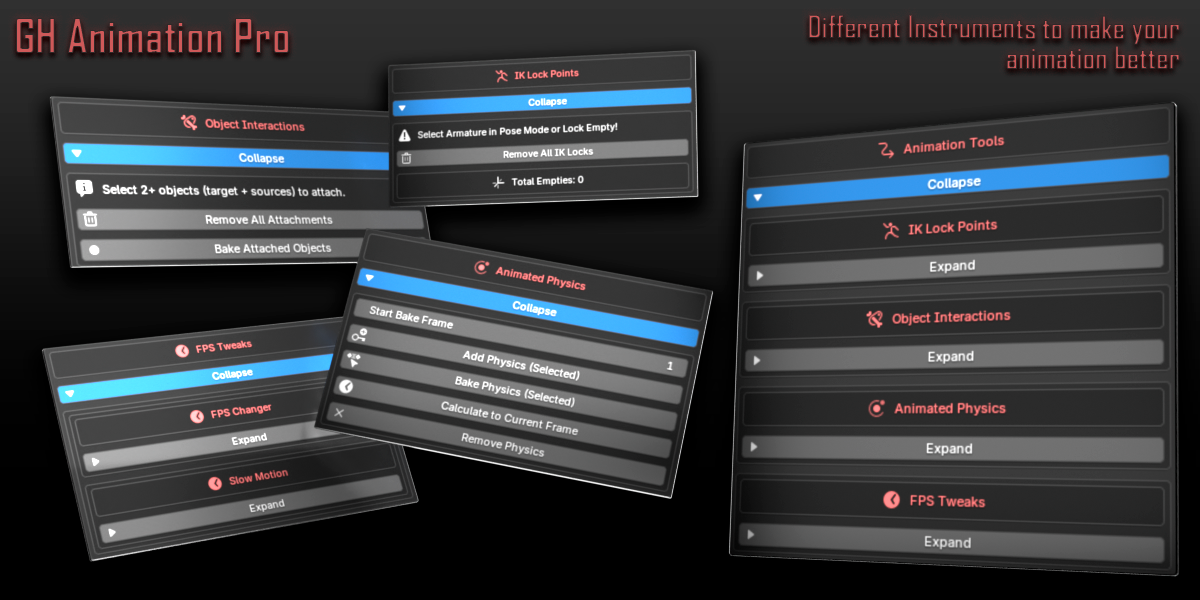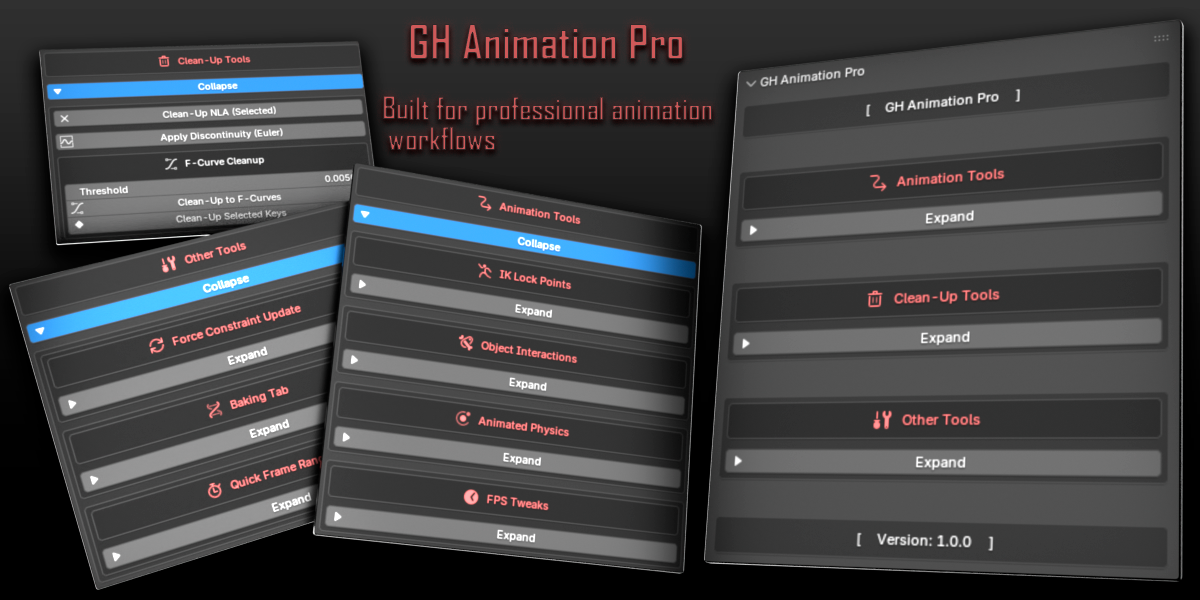
GH Animation Pro is a Blender add-on by ghostWDFR that puts character-animation and motion-editing operations in the GH Tools tab of Blender's N-panel. It brings together IK locking, baking, retiming and cleanup for animators working with poses, simulations, props and dense keyframes.
Animation workflows in one panel
- IK Lock Points: Lock limbs while refining poses, then bake back to FK. The workflow suits mocap feet, hands and interaction shots.
- Physics to Keys: Convert rigid-body simulations into editable keyframes, then remove temporary helpers.
- Object Attach: Drive props or interaction points with Child Of and NLA, then bake the visible motion and clean up constraints and strips.
- FPS Converter: Retime animation between frame rates, such as 24 to 60 fps, while preserving perceived motion timing. Options include Bezier re-apply and key rounding.
- F-Curve Cleanup: Simplify dense curves with an error threshold to remove unnecessary keys while keeping the motion.
Use it with existing Blender scenes
GH Animation Pro works with standard Blender armatures, objects and constraints, so you can use it on existing projects without rebuilding rigs. You can keep the workflows non-destructive until you choose to bake selected frames or a full range. Each pipeline includes step-by-step documentation, notes and examples showing what it does to rigs and keyframes.
Check Blender compatibility before installing
The Superhive product page gives conflicting Blender version ranges. Its overview names Blender 3.6 LTS, 4.0 through 4.4, and 5.0; the details panel says 3.6 through 5.2, while its FAQ says up to 5.0.1. Check the developer documentation for your exact release before installing.
Documentation
See the GH Animation Pro documentation for workflow details, screenshots and demo videos.