What Glitch 7in1 does
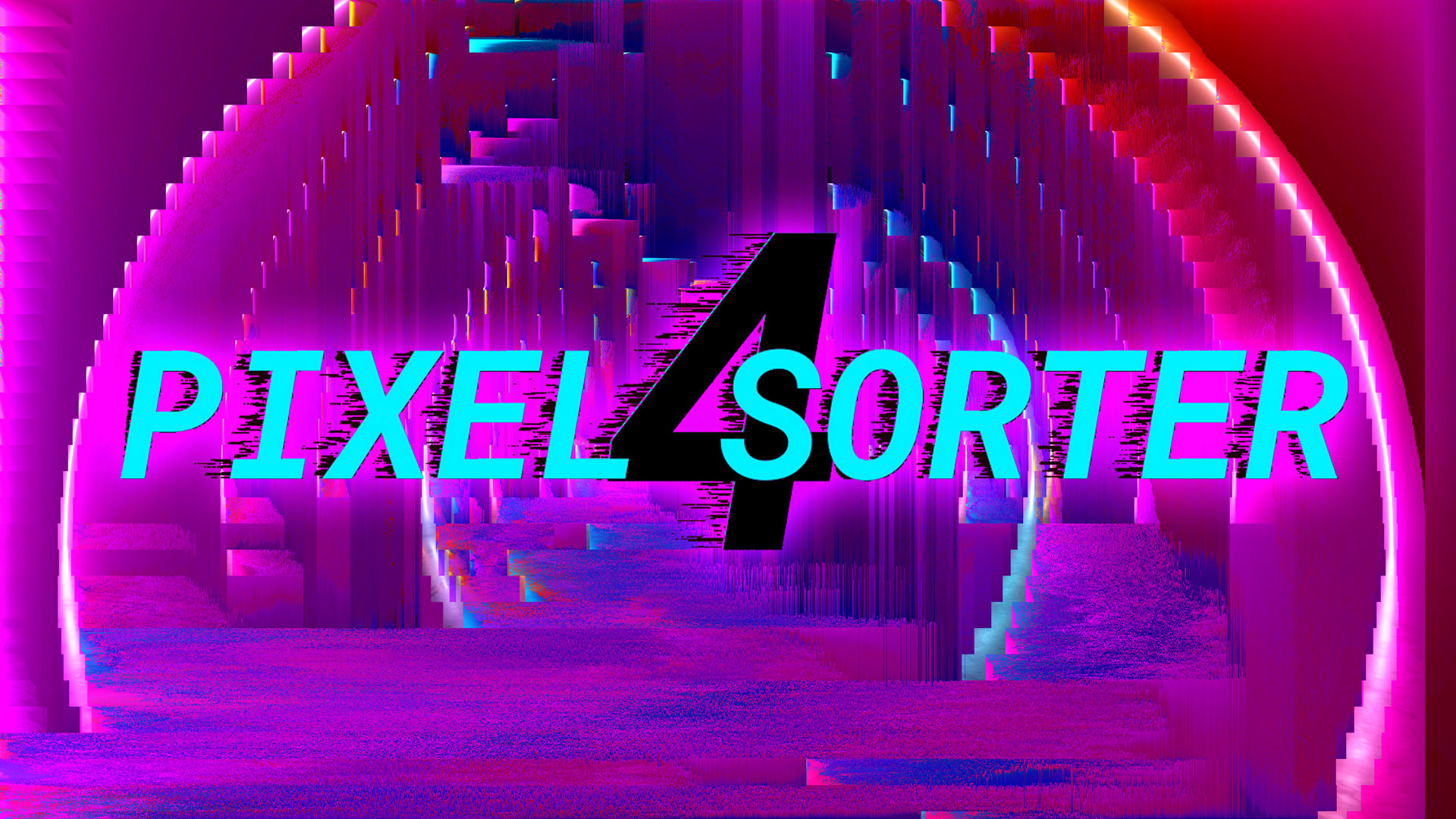
Glitch 7in1 is an effect plug-in for After Effects that builds digital distortion from seven effect groups. You can combine and animate the groups individually, which suits editors who want to shape a glitch treatment from separate effects instead of relying on a single fixed look.
Seven effects to combine
- Basic Blocks breaks a layer into random pixel blocks. Adjust their number, position offsets, size variation and blend mode.
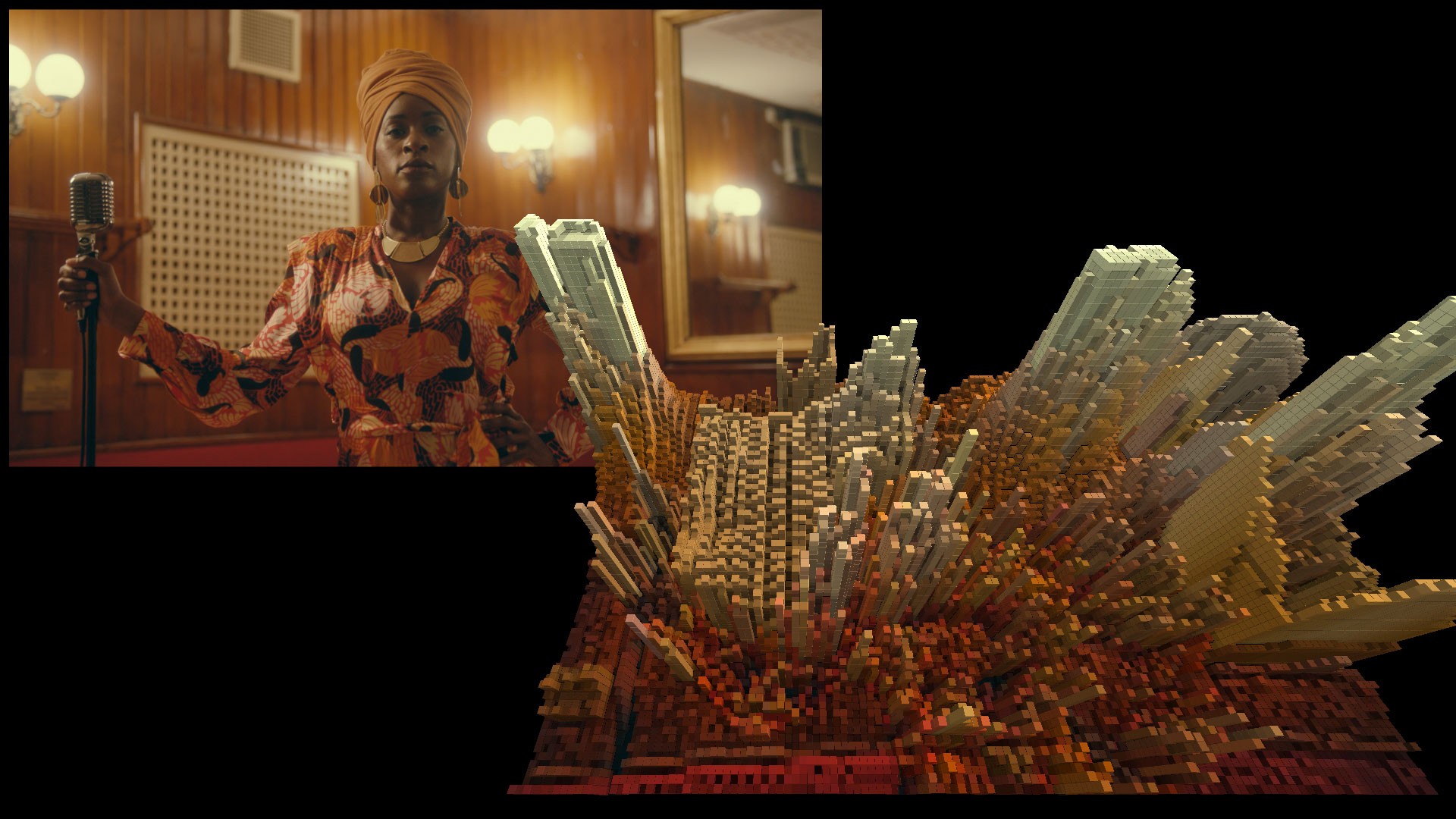
- Pixel Sorter selects and rearranges pixels using criteria such as luminance, color channel or alpha. It supports linear, radial and circular sorting, with controls for direction, origin and selection ranges.
- Elements Scatter generates circles, plus signs, X shapes, X-in-square shapes and dotted lines. You can adjust their size, color, opacity and blending, with random variation controls.
- Blur Blocks blurs randomly positioned blocks with adjustable radius, count and size.
- Noise adds noise controlled by frequency, amplitude and octaves, with tint options.
- Warp distorts pixels in a wave-like motion, with frequency, amplitude and offset controls.
- Split RGB gives the red, green and blue channels separate horizontal and vertical offsets. Each channel can also be hidden, inverted or flipped.
Applying and shaping an effect
Select a layer in After Effects, find Glitch 7in1 in the AESweets group of the Effects and Presets panel, then apply it by dragging it onto the layer or double-clicking it. Adjust the controls in Effect Controls or in the layer's Effects group in the timeline. AE Sweets lists 26 editable presets, and its examples combine block animation, Noise and RGB splitting in one treatment.
The developer offers a demo with full functionality. Its manual identifies After Effects as the host application but does not list a supported version range, so exact compatibility with your installed release remains unconfirmed.
Installation and licensing
After unpacking the plug-in, copy the files for your operating system into After Effects' Plug-ins folder. On Windows, the folder is inside the After Effects installation's Support Files directory; on macOS, it is the Plug-ins folder inside the installation. The account running After Effects needs read and write access to that folder.
Activation uses the purchase email and an activation key. After Effects and the computer must be able to reach aesweets.com during activation. A license covers one machine. To move it, uninstall the product on the current machine and contact AE Sweets for the transfer process.